
From invitation to
approved vendor, without the chase.
Describe the onboarding questionnaire you need and VendorHub AI drafts it. Suppliers respond in their own language, by voice if typing is the barrier. Certificates and tax forms are read on arrival, public records are screened continuously, and qualification arrives on your desk as a decision rather than a to-do list.
Onboarding stops being a chase
The work in vendor onboarding is not the decision. It is everything before it: sending, chasing, reading, filing and checking. That is the part that runs on its own here.
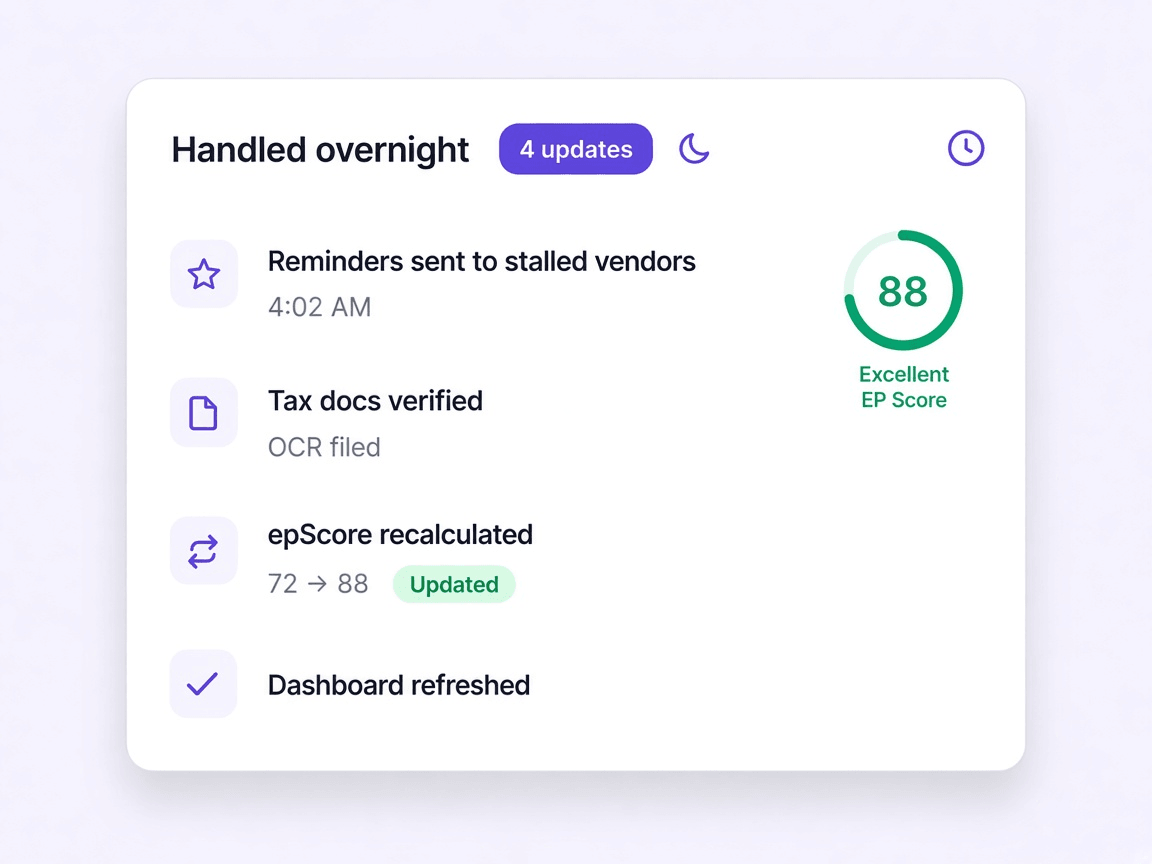
The chasing stops being yours
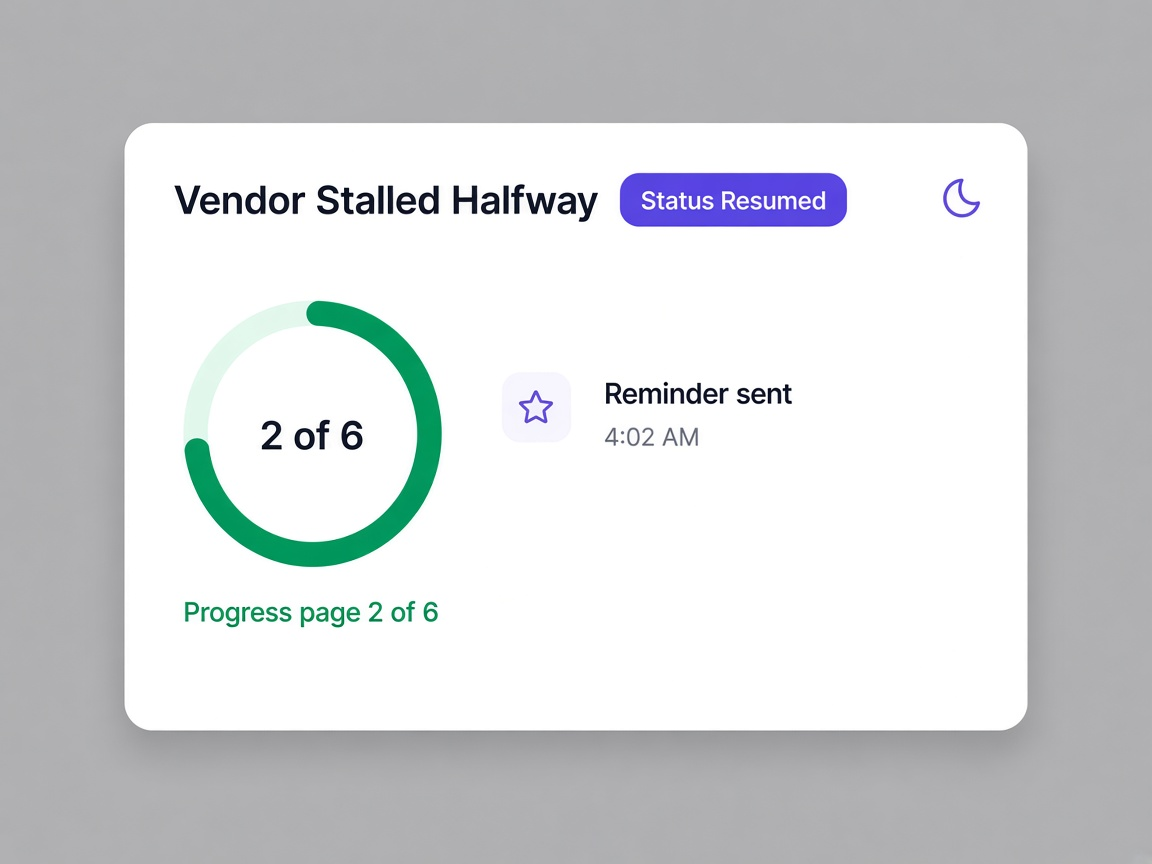
A vendor who stalls at page two gets a reminder without anybody noticing they stalled. Overnight, reminders go out, documents are read and filed, and scores refresh from the nightly mirror.
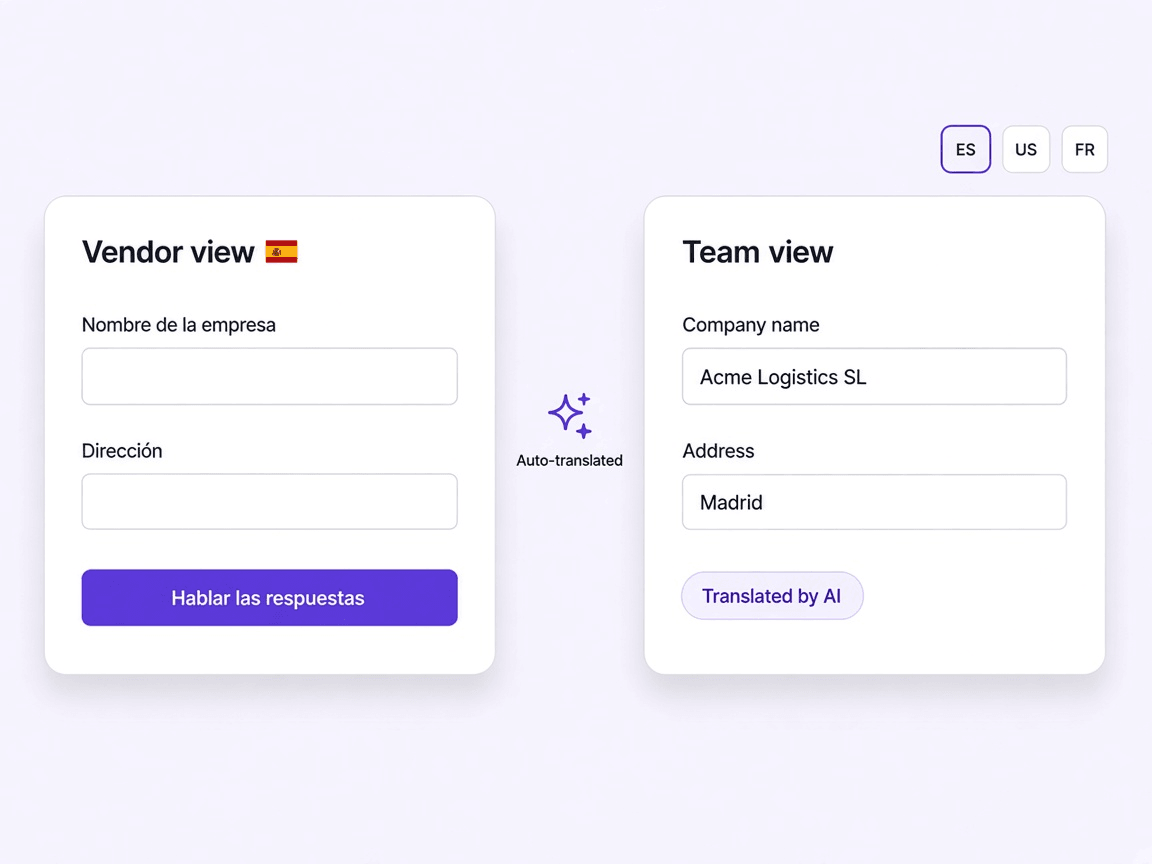
Language stops being a barrier
A supplier who would abandon an English form completes the same onboarding by speaking in their own language, while your team reads the record in English.
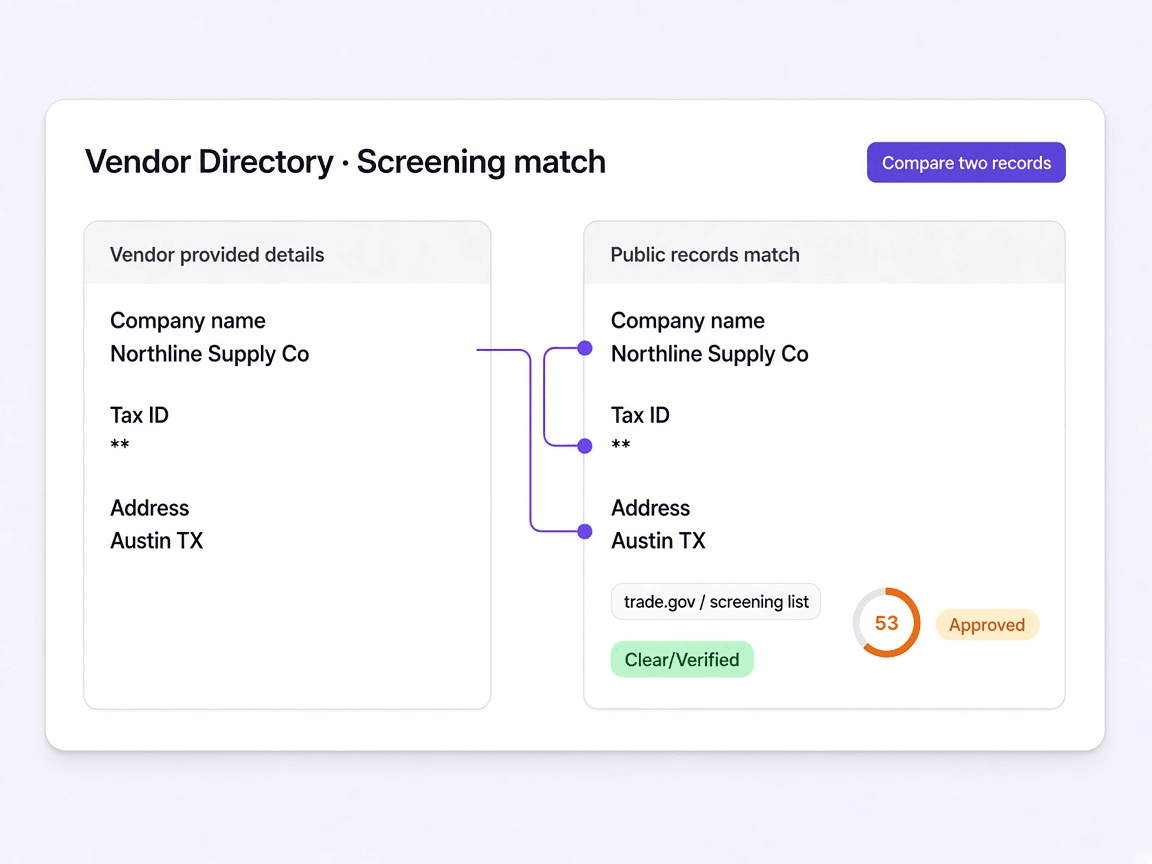
Screening findings come with evidence
A possible match is shown alongside your vendor's own details, so you compare two records rather than being handed a verdict you cannot interrogate.
The supplier lifecycle, end to end
Most of it runs without you. The parts that need judgement are yours.
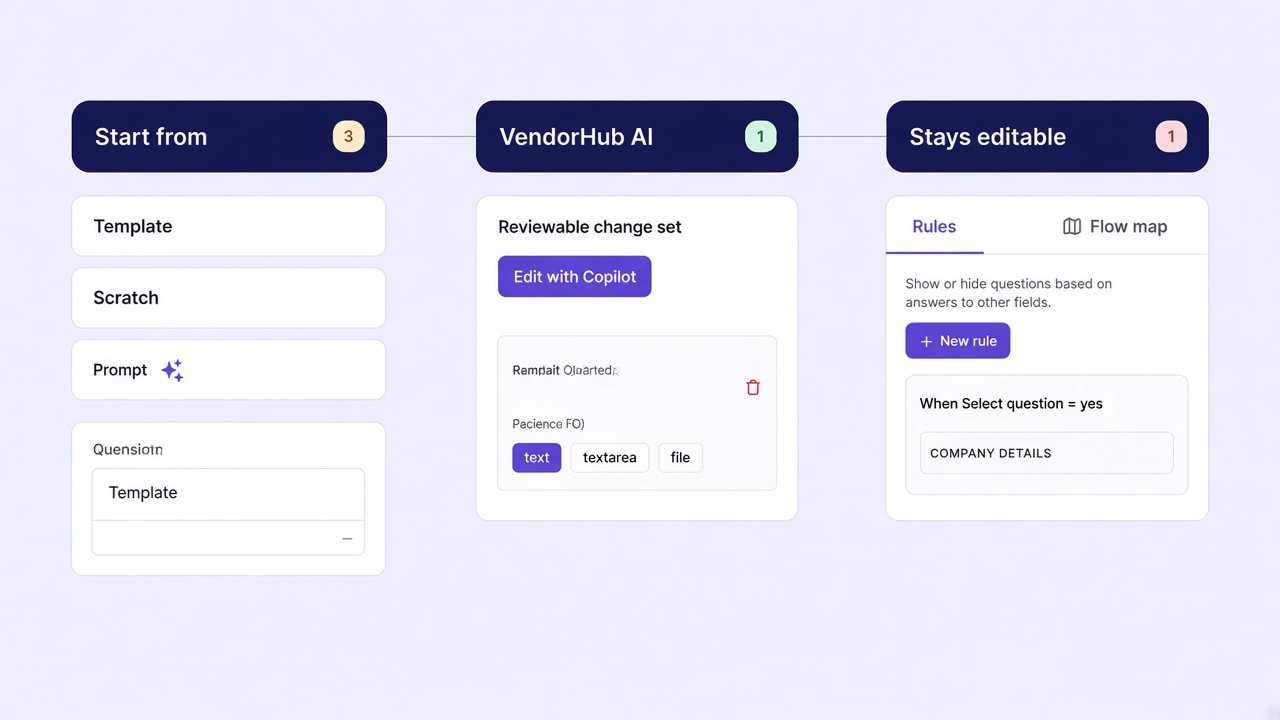
Describe the change, review what it did
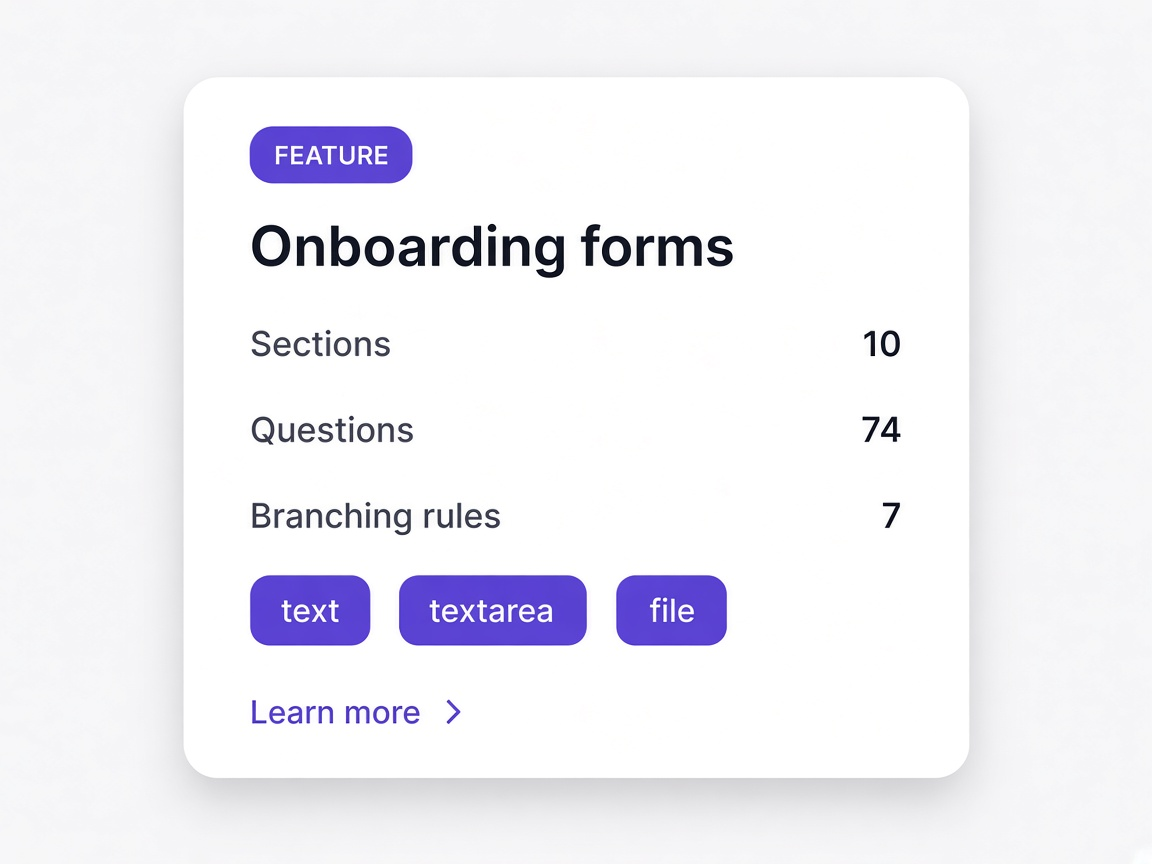
Onboarding forms are questionnaires with sections, branching rules and document uploads. You can start from a template, build one from scratch, or tell VendorHub AI what you need and review the changes before they apply.
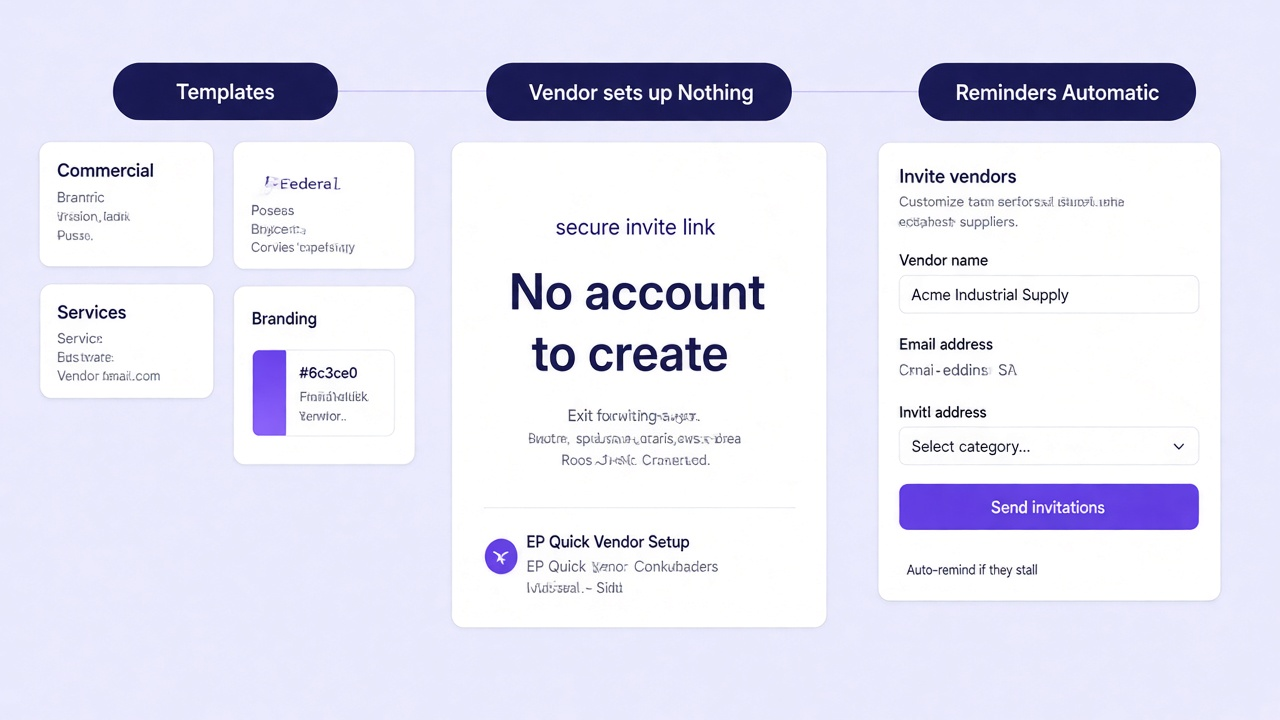
A single secure link, no account to create
You pick the form that matches the vendor type and send a single secure link. There is nothing for the supplier to install and no password to create, which is where most onboarding portals lose people on day one.
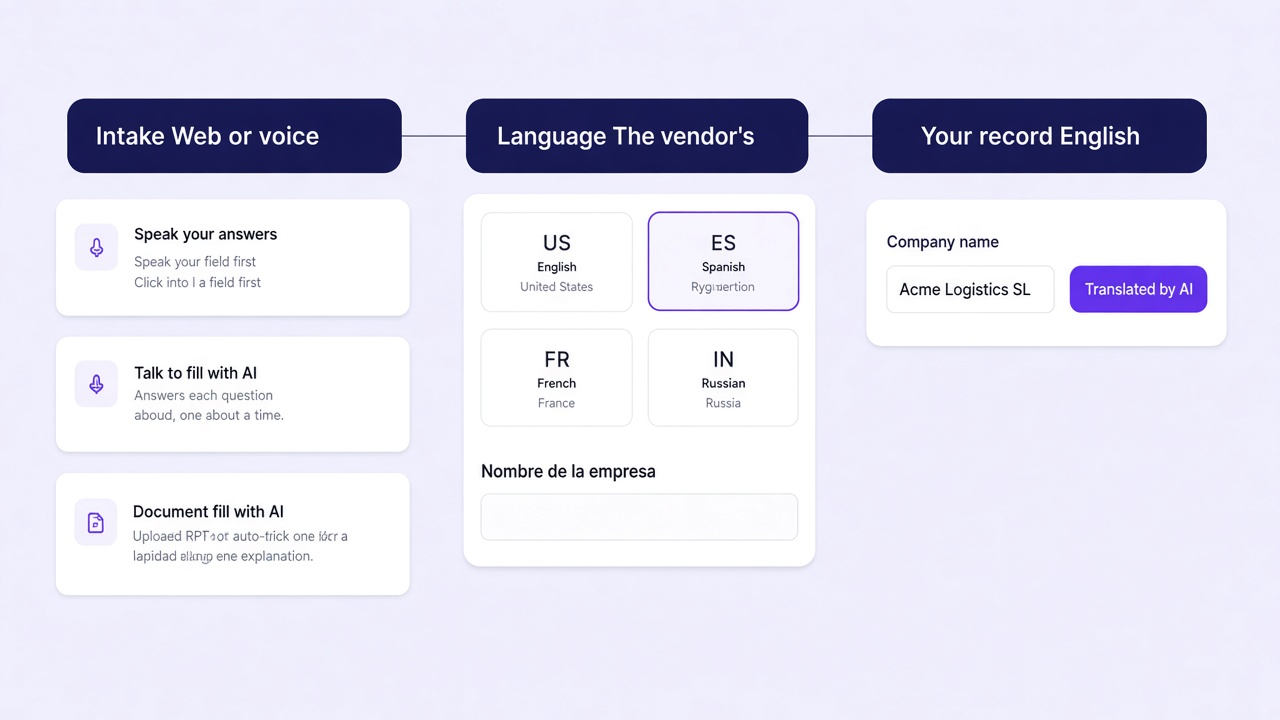
They answer in their own language
The vendor works through the form in the language they actually use, by typing or by speaking. A supplier who would abandon an English form finishes this one, and your team reads every answer in English.
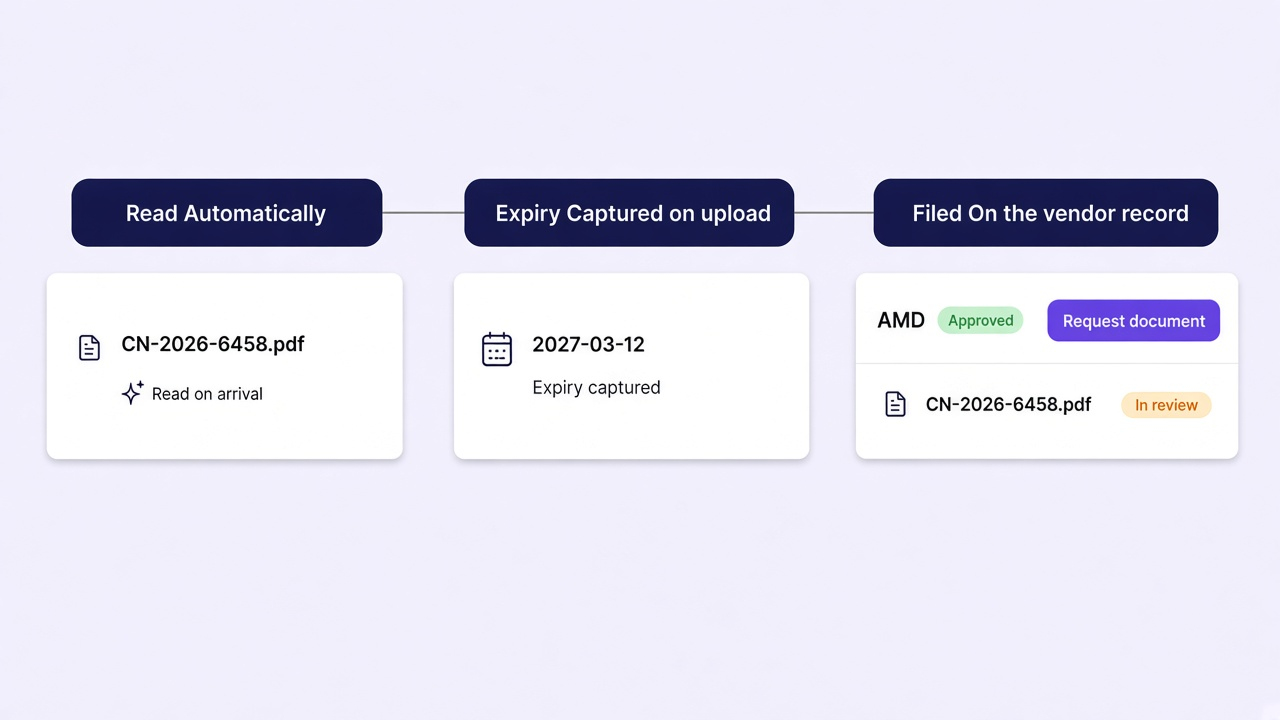
Documents filed the moment they land
Insurance certificates, tax forms and licences are read as they arrive rather than opened by a person later. The expiry date is captured at the same time, which is what makes renewals possible at all.
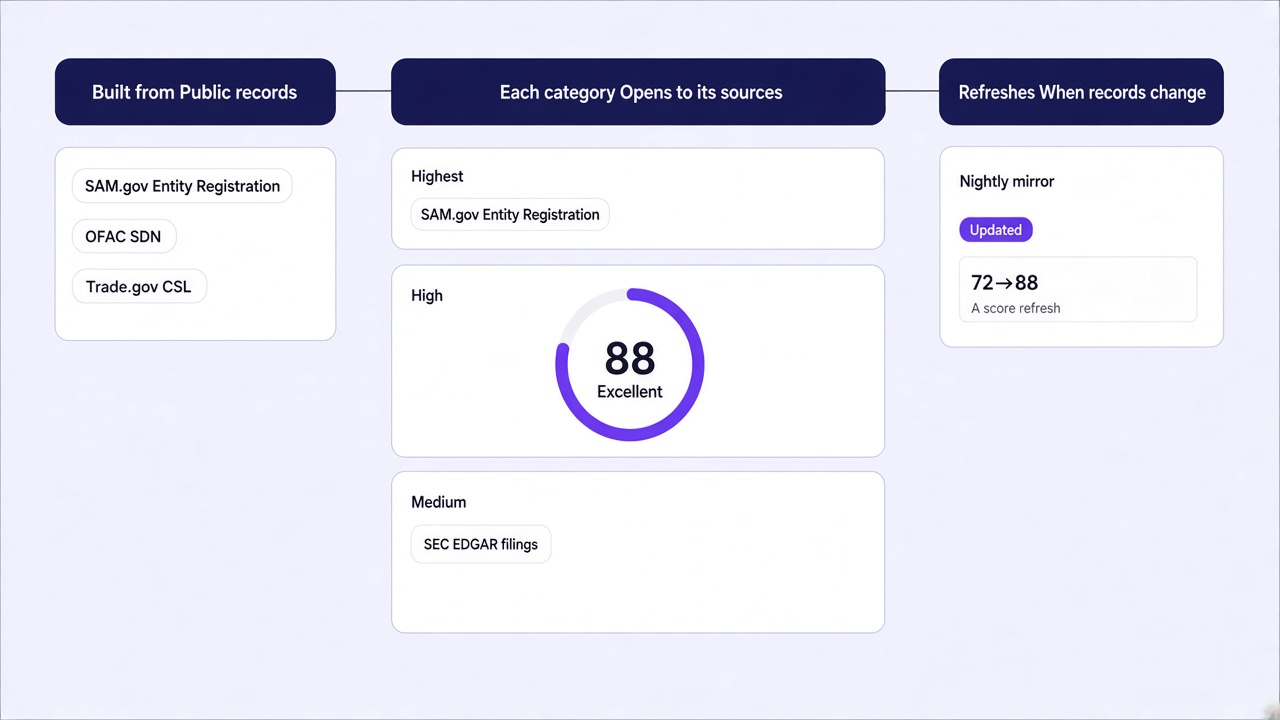
A qualification score that shows its sources
The EP Score is calculated from verified public records and the quality of the submission. Every category opens to show the exact sources behind it and the weight it carries, so a number is never handed over without its working.
A supplier directory that stays current
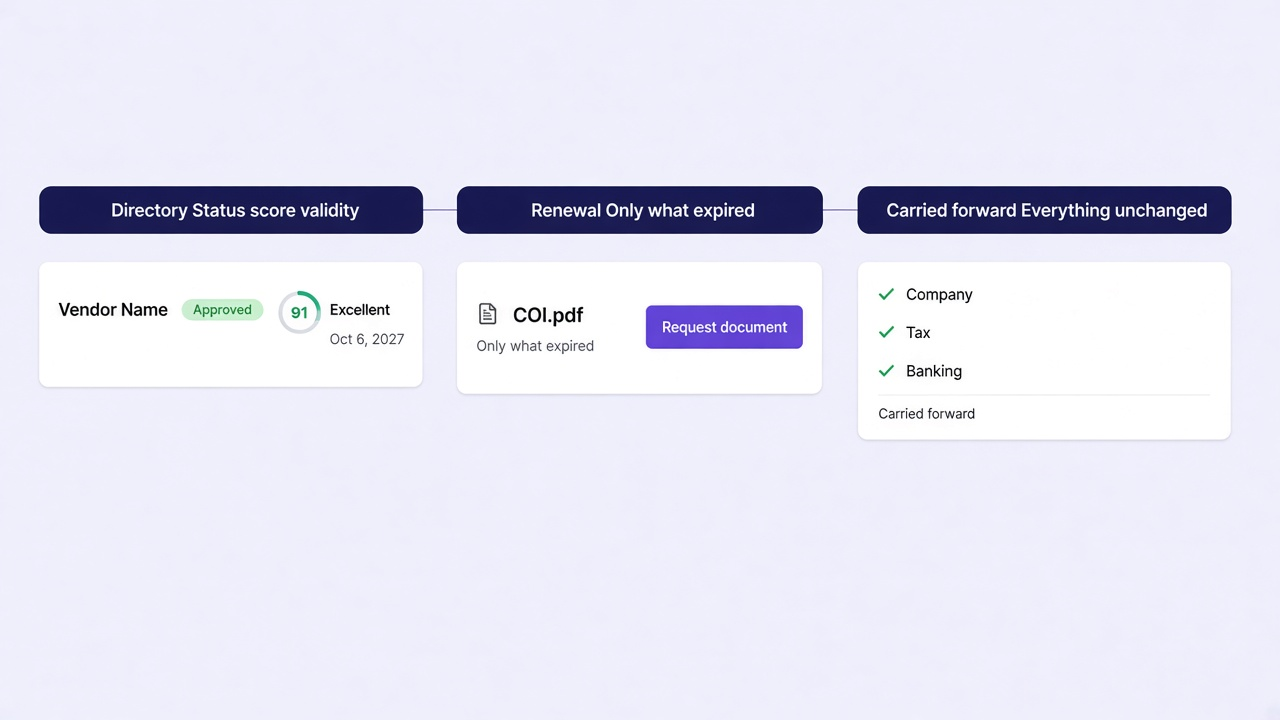
Approved vendors sit in a directory with their score, category and validity date. Expiry is tracked per document, so when a renewal comes round the vendor is asked for that one item rather than the whole form again.
Where your attention is actually needed
Each step deep links to the page that explains it properly.
Invitation sent, the follow-up is automatic
You pick a template and send a secure link. The vendor installs nothing. If they stall, reminders go out automatically rather than waiting for somebody to notice.
- Templates for commercial, federal, services, manufacturing and IT vendors
- A secure link, with nothing for the vendor to install
- Automatic reminders when a vendor goes quiet
By web or by voice, in their language
The vendor works through the form in the language they actually use. Voice intake means a supplier can answer by speaking rather than typing into a form they half understand.
- Onboarding in the vendor's own language
- Voice intake for suppliers who would abandon a form
- Progress visible live, page by page
Filed with their expiry dates
A certificate of insurance arriving at 5:41 in the morning is read, its expiry captured and the document filed against the vendor before anybody opens the workspace.
- Documents read rather than retyped
- Expiry dates captured at the point of upload
- Filed against the vendor, not a shared drive
Then you decide
Screening runs against exclusion, debarment, sanctions and watchlists on an ongoing basis, and the EP Score summarises what the record shows. Approval stays a human decision.
- Continuous re-screening rather than a one time check
- EP Score summarising documents, screening and movement
- Findings presented with the evidence behind them
Built from public records, and it shows its sources
The score is calculated from verified public government and business data plus the quality of the submission. Every category opens to the exact sources behind it.
Exclusions and sanctions counts for the most, because a listing matters more than a slow reply. Registration and identity, past performance and business stability follow, and every category shows how many sources fed it.
- Exclusions and sanctions, weighted heaviest, drawn from federal exclusion and screening lists
- Registration and identity, from federal entity registration and tax identification checks
- Past performance, from federal award history rather than a paid rating
- Business stability, from longevity and consistency signals in public data
A score that cannot be interrogated is a guess with a number on it. Clicking a category shows which sources were used, the weight applied and how many sources contributed.
- Every category expands to the exact sources behind it
- Weight shown per category rather than hidden in a formula
- Only sources confident enough for production affect the score
- Anything not yet reliable is listed separately rather than quietly included
The score moves when a public record changes or the vendor updates their submission, so it reflects the position now rather than the day they were onboarded.
- Refreshes when public records change
- Refreshes when the vendor updates their answers
- A low score usually points at an unresolved question rather than a bad vendor
- Approval stays a person's decision either way
The overnight shift
The clearest way to describe the product is to show what happened while nobody was logged in.
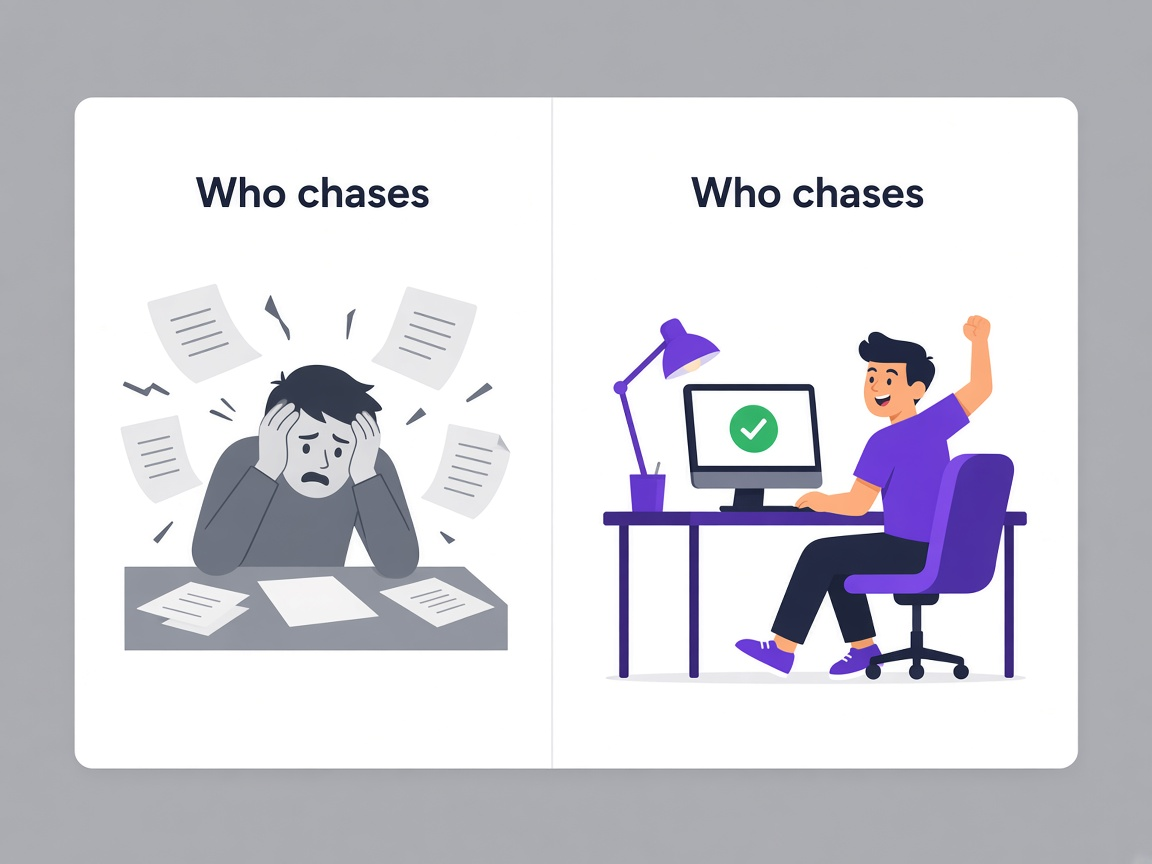
Somebody's follow-up list
A vendor stalls at page two and stays there until a person notices, remembers, and writes an email asking them to continue.
Automatic reminders
Reminders went to two stalled vendors at 4:02 in the morning, and both opened the link afterwards. Nobody added it to a list.
Read and retyped
A certificate arrives by email, somebody opens it, types the expiry into a spreadsheet and saves the file somewhere they will hopefully remember.
Read and filed automatically
The insurance certificate was read at 5:41, the expiry captured and the document filed against Delta Suppliers before anybody arrived.
Once, at onboarding
Vendors are checked when they are added and never again, so a listing that appears eighteen months later goes unnoticed.
Continuously
Eight vendors were re-screened overnight, seven fully clear and one flagged for review. That happens on a cycle rather than on a memory.
A queue of chasing
You open the workspace to a list of people who have not replied, documents to open and checks nobody has run.
A short list of decisions
Four items need you: two reviews, a renewal thirteen days out and one stalled vendor. The rest already ran.
Request what changed, not the whole questionnaire
See it before it matters
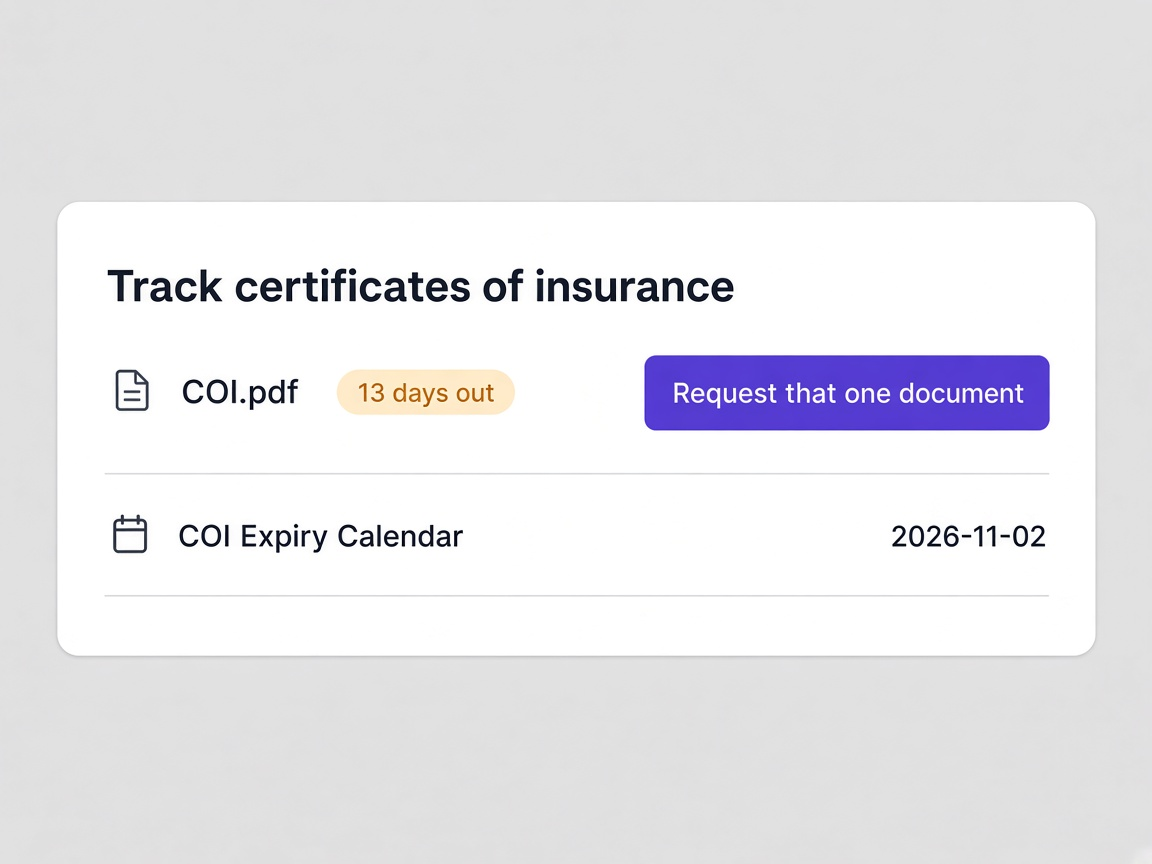
Delta Suppliers's general liability insurance expires in thirteen days and Delta's workers compensation in fifteen. Acme and NovaTech sit further out at fifty and seventy four days.
- Every document tracked to its own expiry date
- A ninety day runway rather than an expiry surprise
- Sorted by what lapses first
Ask only for what changed
Everything else on the record is unchanged and carries forward. The vendor is asked for exactly one document rather than being sent through a full resubmission.
- Unchanged fields carried forward automatically
- One document requested rather than the whole form
- Vendors far more likely to actually complete it
The cycle plans itself
The renewal cycle is drafted rather than assembled, so planning it is a review rather than a spreadsheet exercise.
- Renewal cycle drafted in advance
- Emails drafted and waiting rather than written from scratch
- You approve rather than compose
The full picture of supplier qualification
The parts that make onboarding run without supervision.
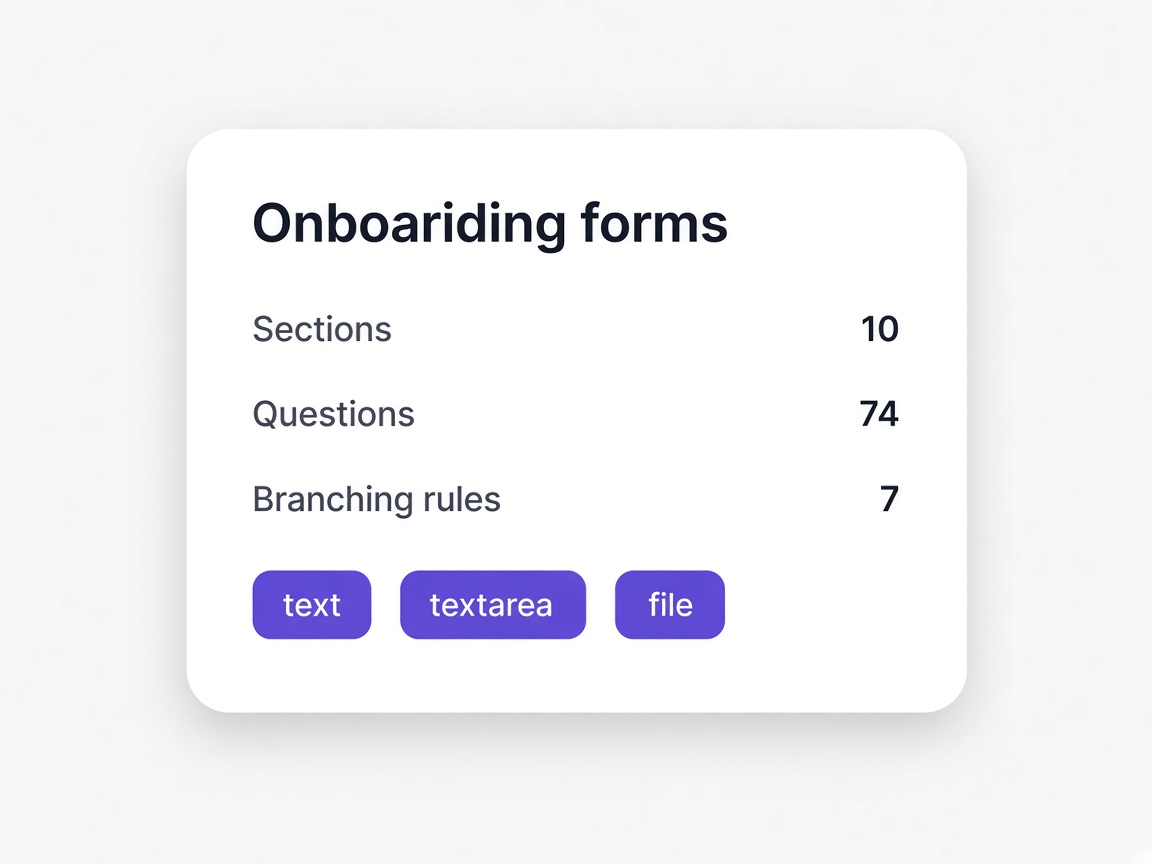
Custom onboarding forms
Questionnaires with sections, branching rules and document uploads, built per vendor type.
Start from a template, build from scratch, or describe what you need. Federal, commercial, services, document-heavy and quick setup forms all ship ready to customise.
Learn more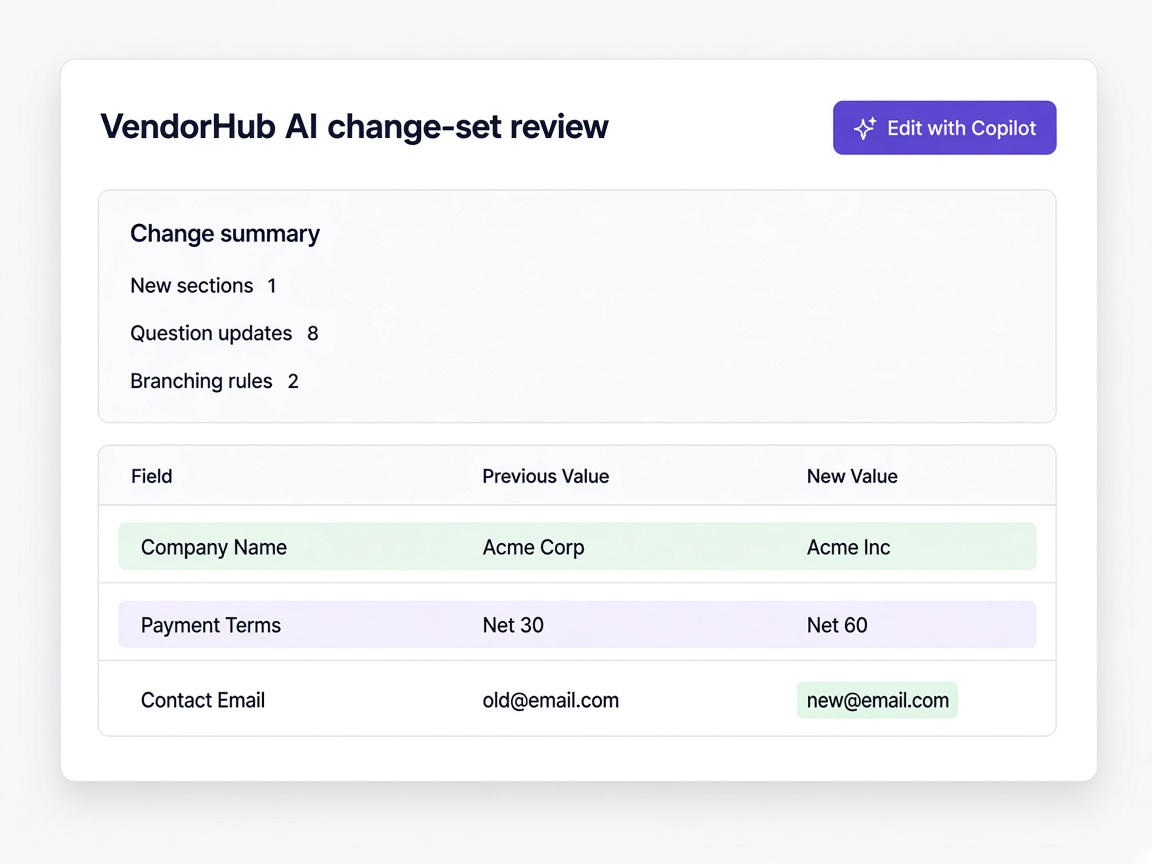
Edit a questionnaire by describing it
Say what needs to change and review exactly what VendorHub AI did before it applies.
Ask for an insurance section at the top, or branching rules when a vendor answers yes. You get a change summary with every addition and removal listed, and nothing is locked afterwards.
Learn more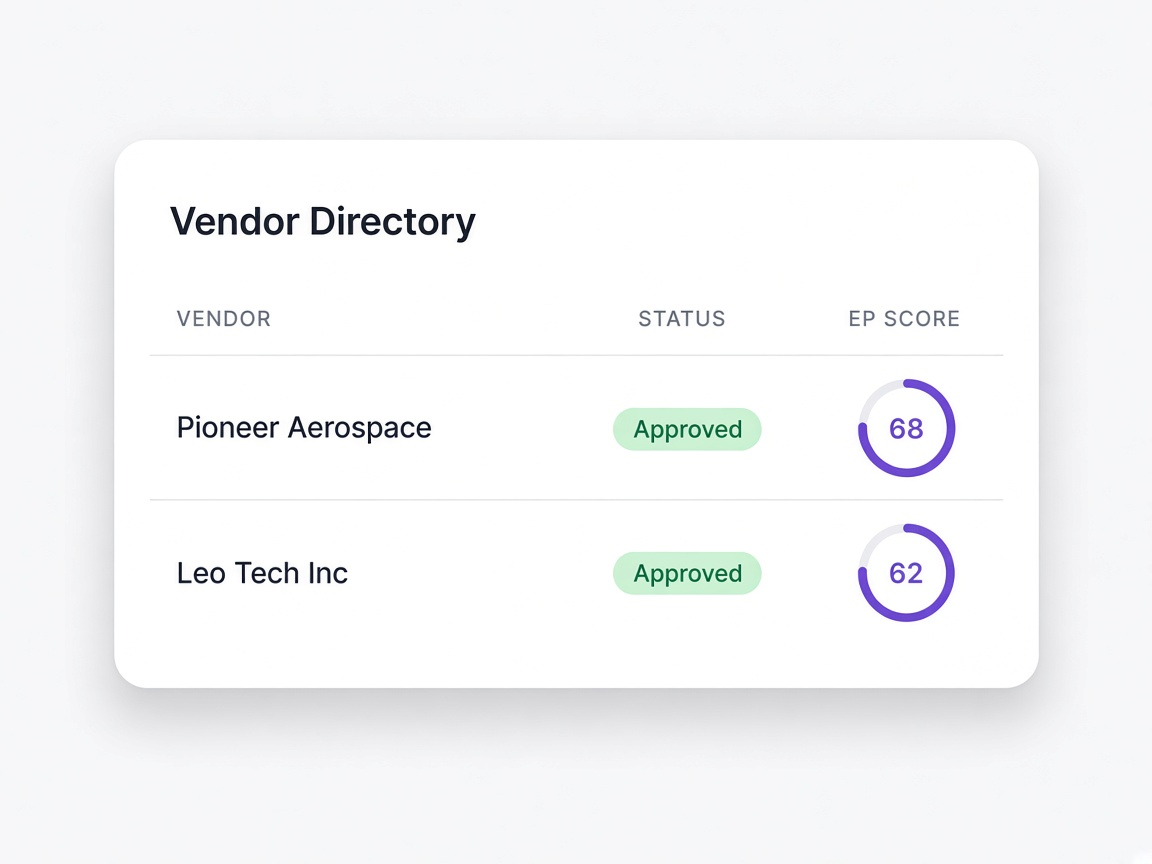
Vendor directory
Every onboarded vendor with their category, status, EP Score and validity date.
Filter by status, preference or score band. Each vendor opens to their form responses, documents, score breakdown and full timeline.
Learn more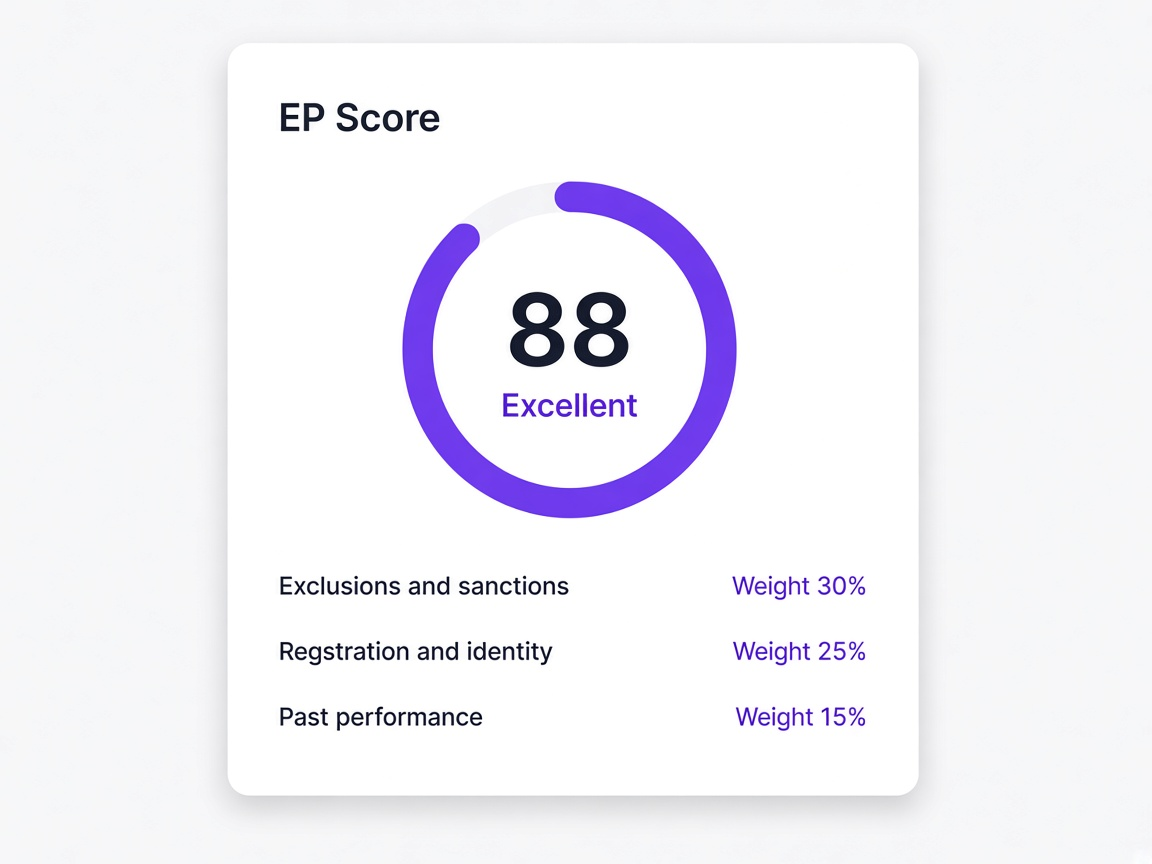
EP Score
A rating out of 100 built from verified public records, with every source shown.
Each category opens to the exact sources behind it and the weight it carries. The score refreshes when public records change or the vendor updates their submission.
Learn more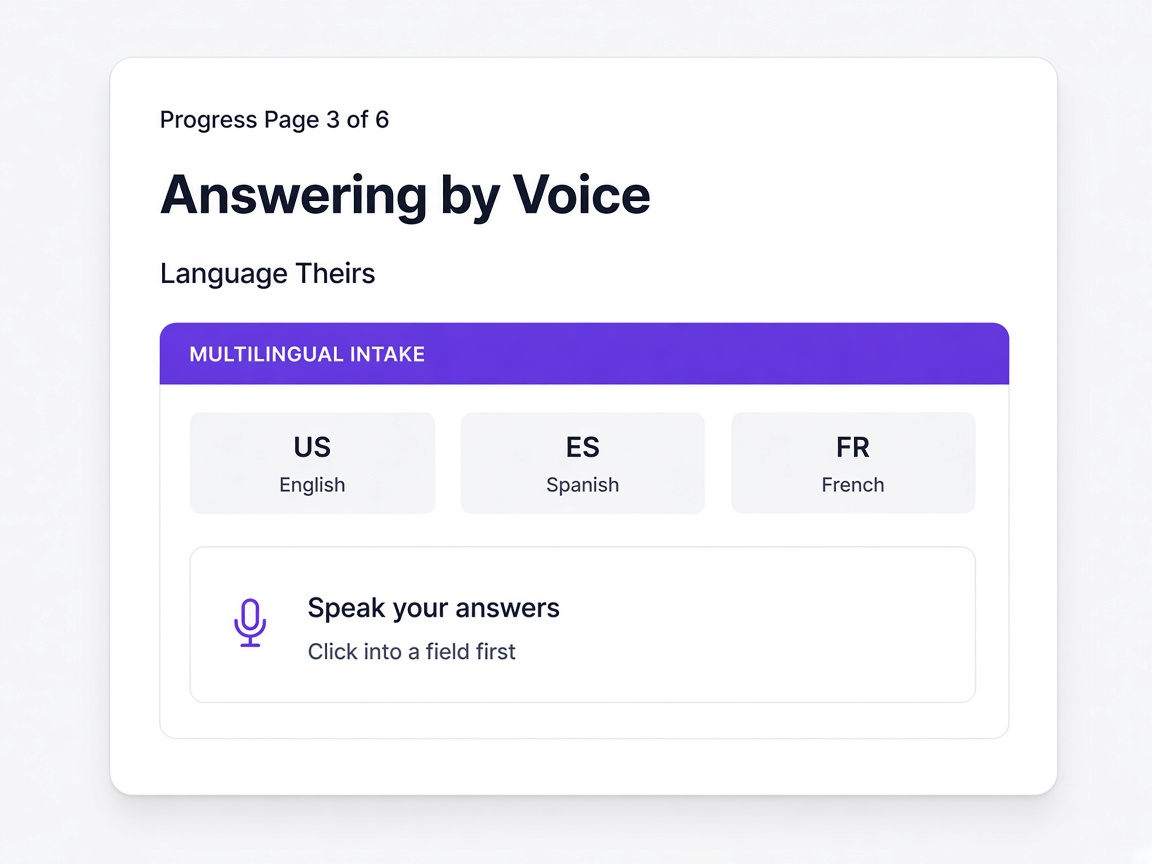
Voice and multilingual intake
Vendors answer in their own language, by speaking rather than typing.
The suppliers most likely to abandon an English form are the ones this reaches, and your team still reads every answer in English.
Learn more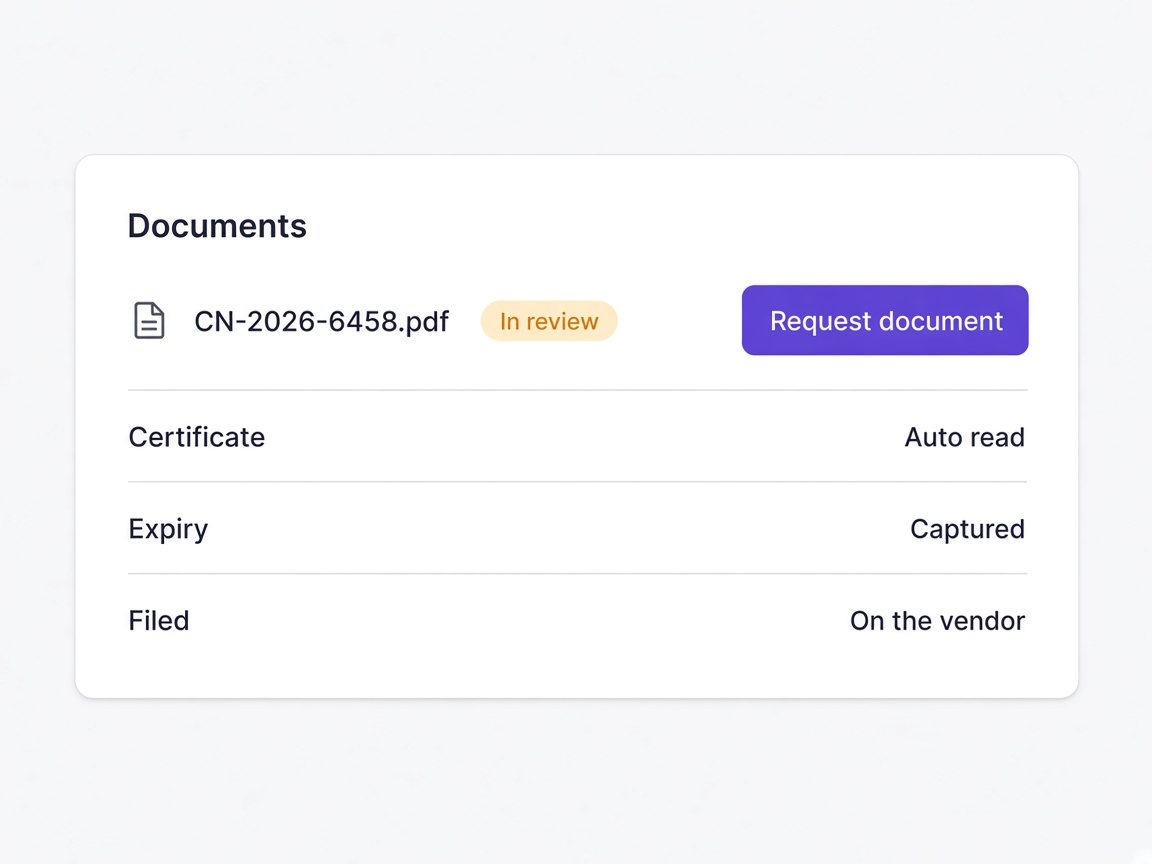
Document collection
Documents read as they arrive, with expiry dates captured automatically.
Insurance certificates, tax forms and licences read rather than retyped, filed against the vendor rather than into a shared drive.
Learn more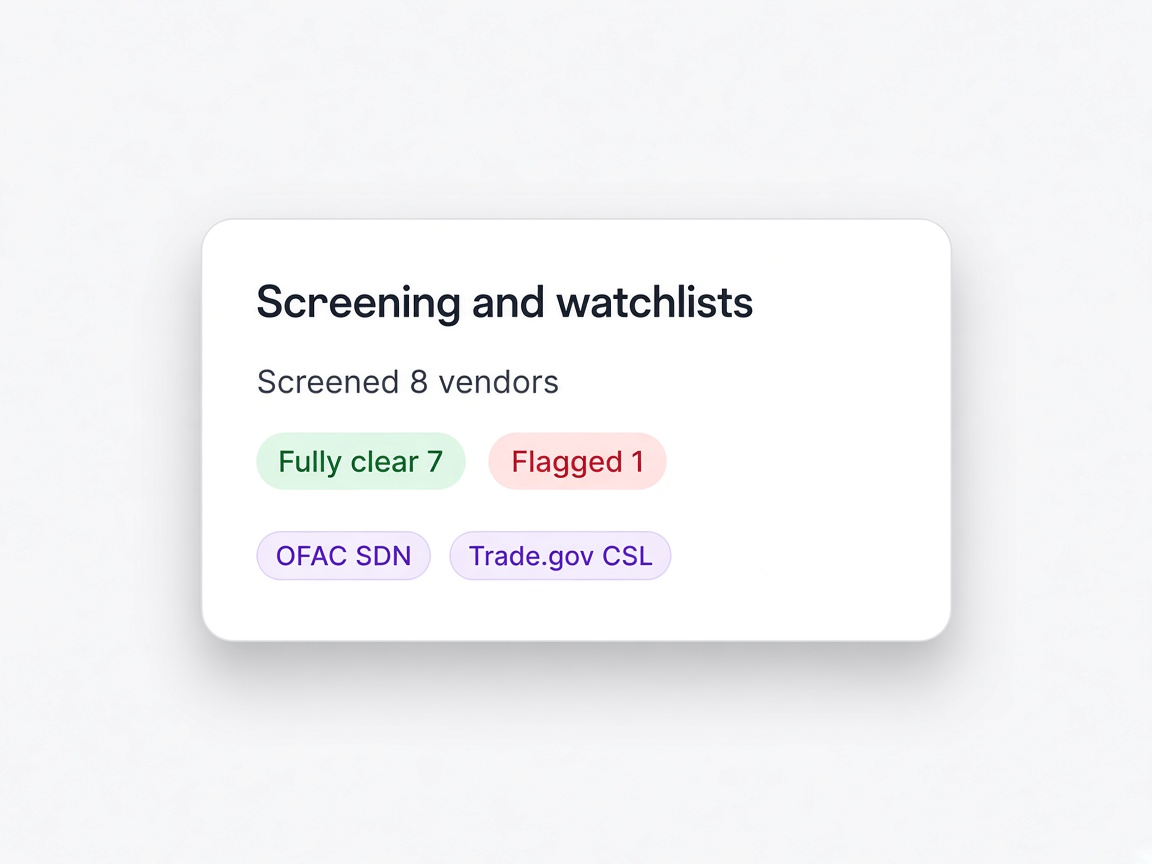
Screening and watchlists
Exclusion, debarment, sanctions and watchlist screening, run continuously.
Re-screened on a cycle rather than once at onboarding, with possible matches shown against your own record so a false positive takes one click.
Learn more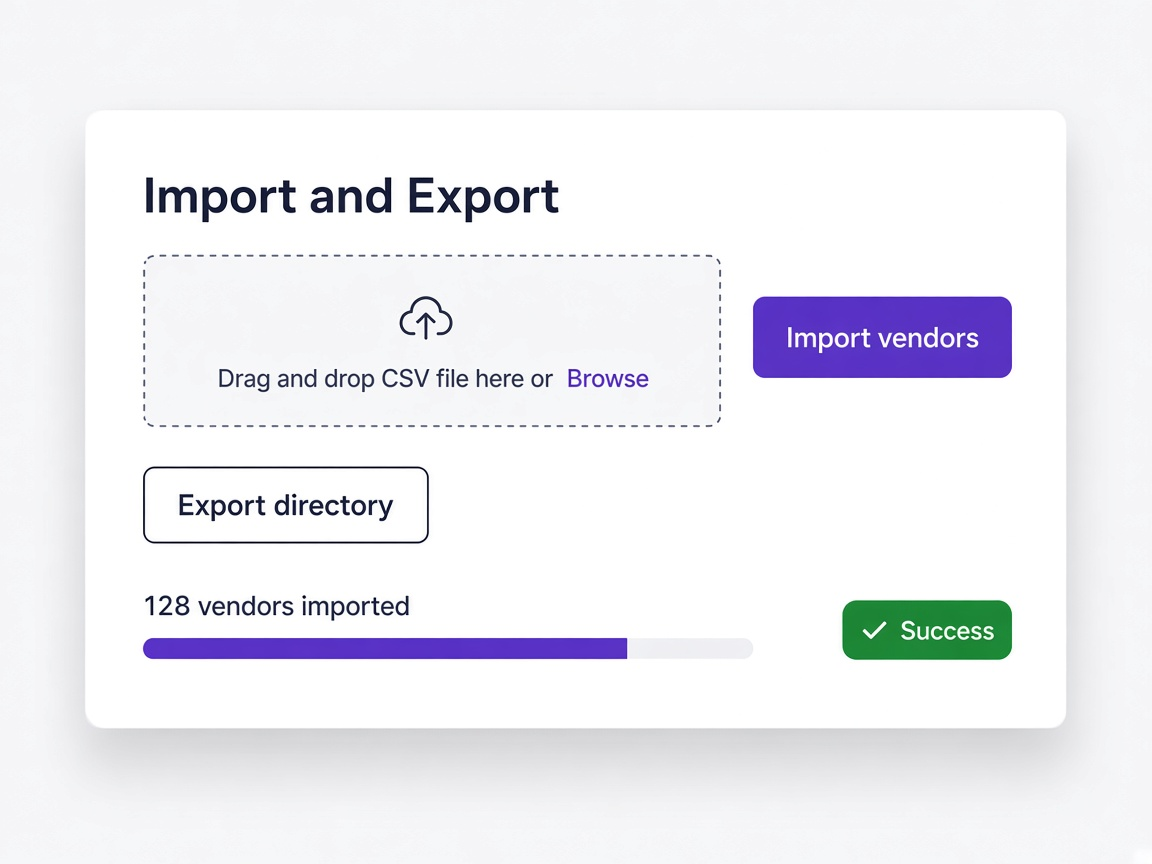
Import and export
Bring your vendor list in from almost any file, and take the directory out again.
Field mapping handles column names that do not line up, duplicates of vendors you already hold are skipped, and exports carry scores, categories and document links.
Learn more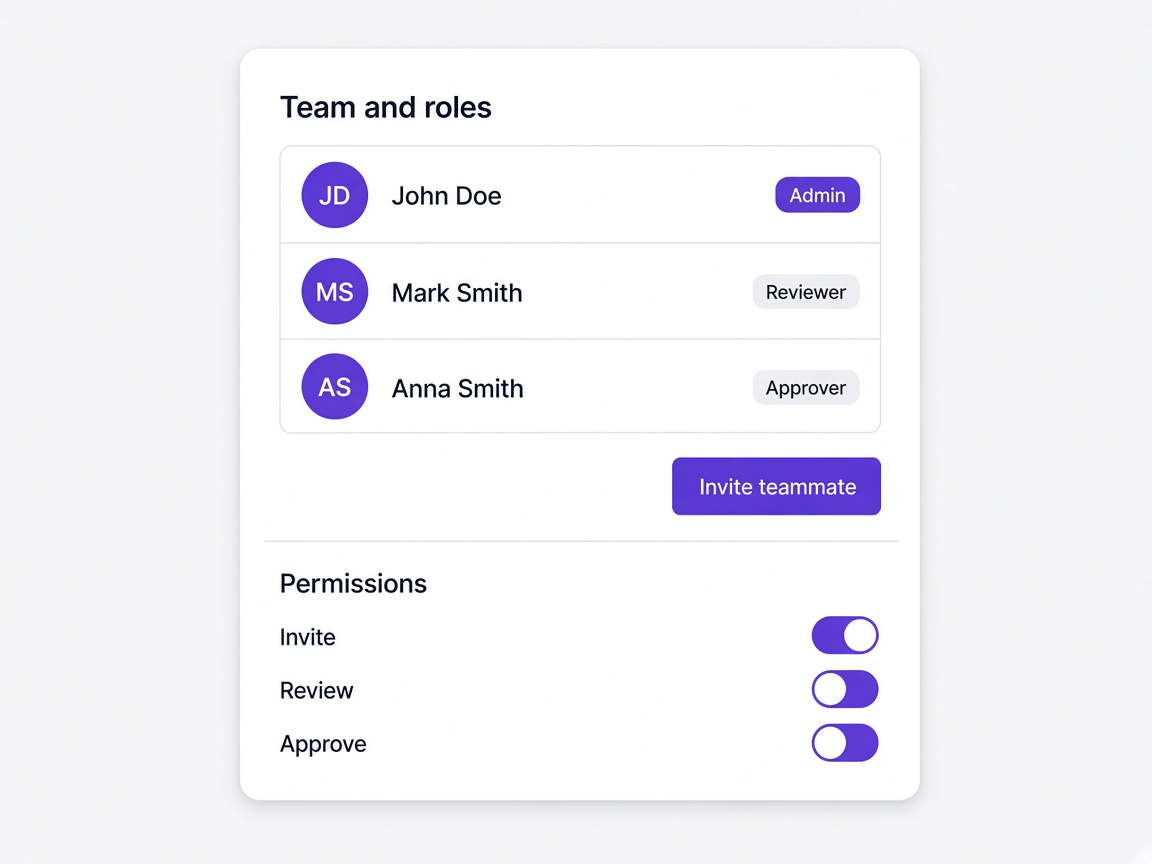
Team and roles
Invite colleagues, assign roles, and keep approval a human decision.
Permissions follow the role rather than the person, so access moves correctly when somebody changes job and every action stays attributed.
Learn moreSituations procurement teams describe
A vendor stalls halfway
Reminders go out automatically, and you see they resumed rather than wondering whether they will.
Learn moreA supplier does not read English
They complete the same onboarding by voice in their own language while your record stays in English.
Learn moreA screening hit turns up
Shown against your vendor's own details so a false positive takes one click rather than a week.
Learn moreAn insurance certificate expires
Visible thirteen days out, with a request for that one document rather than a full resubmission.
Learn more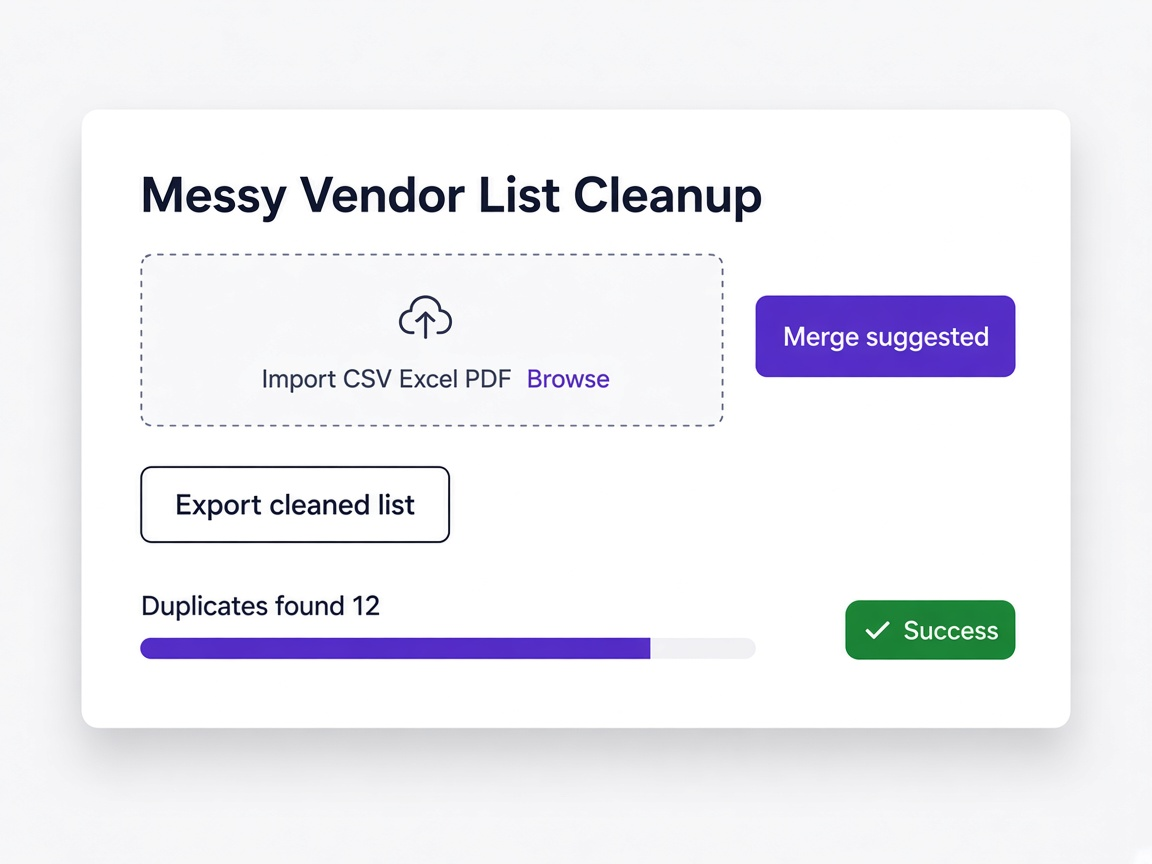
You inherit a messy vendor list
Imported from CSV, Excel, PDF or Word with duplicate detection, so the directory starts clean rather than doubled.
Learn more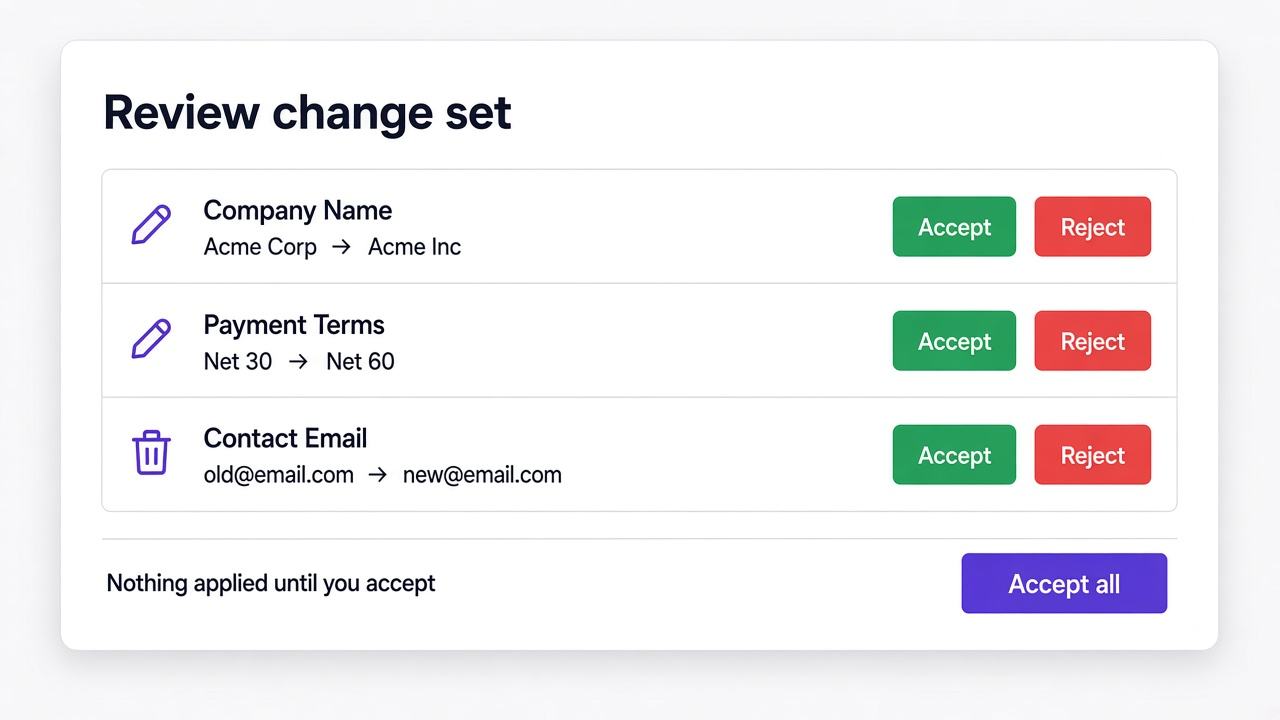
A form needs a new section today
Describe it to VendorHub AI, review the change set, apply it. The next invitation goes out with it.
Learn more
VendorHub is where vendors get in. eProcureAI is what they get into.
Onboarding, screening and the EP Score live here. Requisitions, purchase orders, approvals and day to day supplier management run on the main platform. If you are looking at the whole picture rather than onboarding alone, start there.
Explore eProcureAIAnswered plainly
What is VendorHub?
What is an EP Score?
Can vendors onboard in their own language?
Do vendors need an account or software?
How does screening work?
What happens when a match is a false positive?
Can we import our existing vendors?
How are renewals handled?
See it with a supplier of your own
Bring a supplier you would rather not onboard by email, ideally one who does not read English or has a certificate about to expire.