Home / FAQ
Questions
Vendor Onboarding Questions
Answered without a sales layer
Everything below is what we would tell you on a call. Where the honest answer is that we might not suit you, that is what it says, because finding out three weeks in helps nobody.
Grouped by what you are decidingNo pricing games
Questions
Grouped by what you are trying to decide
From what the product is through to how it is priced.
01
What it is
The basics, answered plainly
What is VendorHub?
VendorHub is eProcureAI's vendor onboarding workspace. You build an onboarding questionnaire, send one secure link, the supplier answers in their own language by typing or speaking, documents are read and filed on arrival, public records are screened continuously, and an EP Score summarises the record before you approve.
How is it different from a vendor portal?
A portal is where suppliers submit things. VendorHub also builds the questionnaire, reads the documents, screens the supplier against public lists on a continuing cycle and scores what it found, so what reaches you is a decision rather than a submission.
Does VendorHub approve suppliers?
No. It collects, reads, screens and scores. Approving a supplier is a decision a named person makes, and the record shows who made it and when.
How does it relate to eProcureAI and ProcureAudit?
The main eProcureAI platform runs requisitions, buying and supplier management. ProcureAudit covers the purchasing file behind contract awards. VendorHub qualifies the supplier before any of that starts. Each can be used on its own.
02
Onboarding questionnaires
Building and changing what you ask
How do we build an onboarding questionnaire?
Start from a template that matches your supplier type, build from scratch, or describe what you need and review the draft. Templates ship for commercial, federal, services, document-heavy and quick setup onboarding.
What is VendorHub AI?
The assistant that builds and edits questionnaires. You describe the change and it returns a change set listing every section, question and rule it would add, update or remove. Nothing applies until you accept it.
Can we use different questionnaires for different suppliers?
Yes, and most teams do. A software supplier, an on-site labour provider and a federal subcontractor need different questions, so each gets its own form.
What are branching rules?
Conditional logic that shows or hides sections based on earlier answers, so a supplier only sees questions that apply to them. On long federal questionnaires this is the difference between completion and abandonment.
03
The supplier experience
What they see, and why they finish
Do suppliers need an account?
No. They receive a secure link with nothing to install and no password to create, which removes the most common point at which onboarding is abandoned.
Can suppliers onboard in another language?
Yes. The questionnaire, help text and document requests run in the supplier's language while your record arrives in English.
Can suppliers answer by voice?
Yes. Voice intake maps spoken answers to the same questions a typed submission would fill in, which reaches suppliers who would otherwise abandon a written form.
What if a supplier stalls partway?
Progress is saved, reminders go out automatically and escalate, and you can see which page they reached and when they were last active.
Do suppliers pay anything?
No. Suppliers never pay to complete onboarding.
04
Screening and scoring
How suppliers are checked
What is an EP Score?
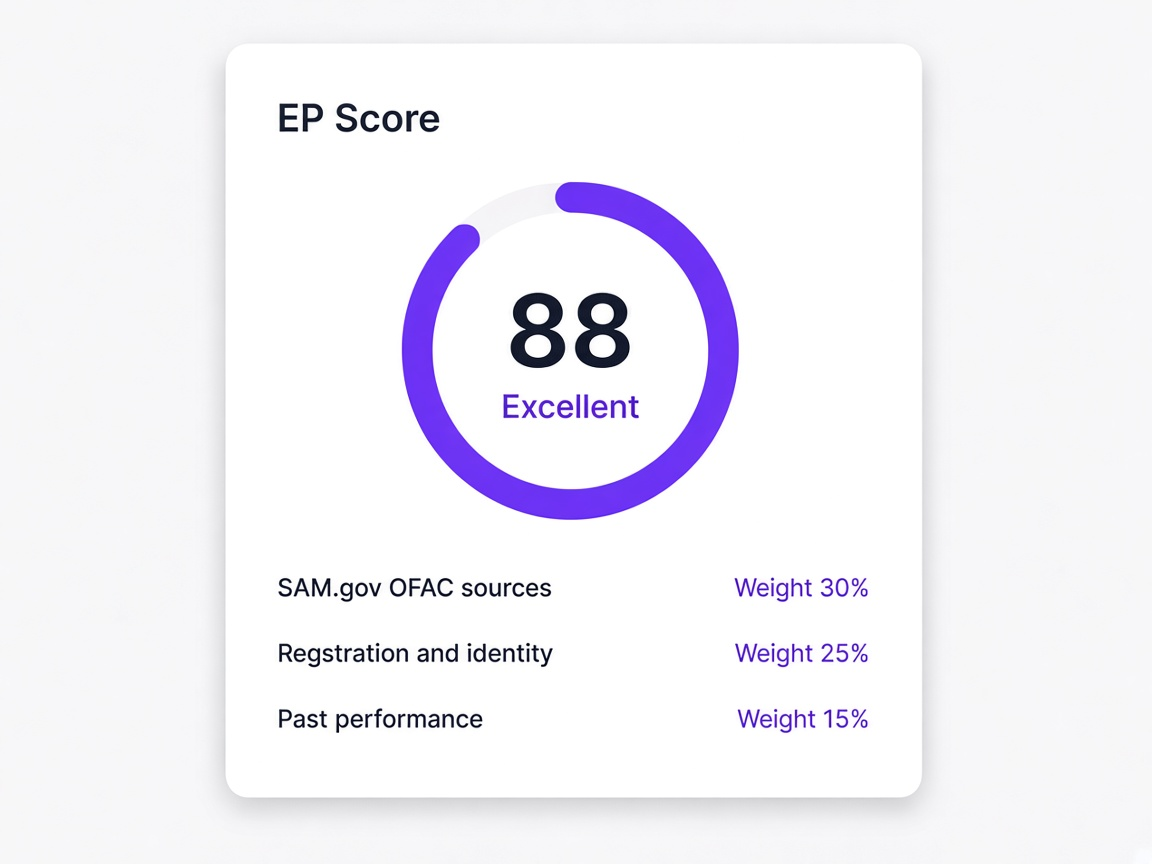
A supplier qualification score out of 100 built from verified public government and business records plus the quality of the submission. Each category carries a weight and opens to the exact sources behind it.
What lists do you screen against?
Federal exclusion and debarment lists, sanctions lists, consolidated screening lists, and any internal watchlists you maintain.
How often are suppliers re-screened?
Continuously, as the underlying lists update, rather than once at onboarding. That is where most screening exposure sits.
Are suppliers blocked automatically?
No. Name similarity is common and genuine matches are rare, so a possible match is shown to a person alongside your own supplier record and the decision is recorded either way.
Does a low score mean a bad supplier?
Usually not. It most often points at an unresolved finding awaiting confirmation, and resolving it recomputes the score.
05
Documents and data
Collecting, storing and moving it
How are documents collected?
As upload questions inside the questionnaire, so a W-9 or certificate of insurance arrives with the submission rather than through a separate email exchange afterwards.
Are expiry dates captured automatically?
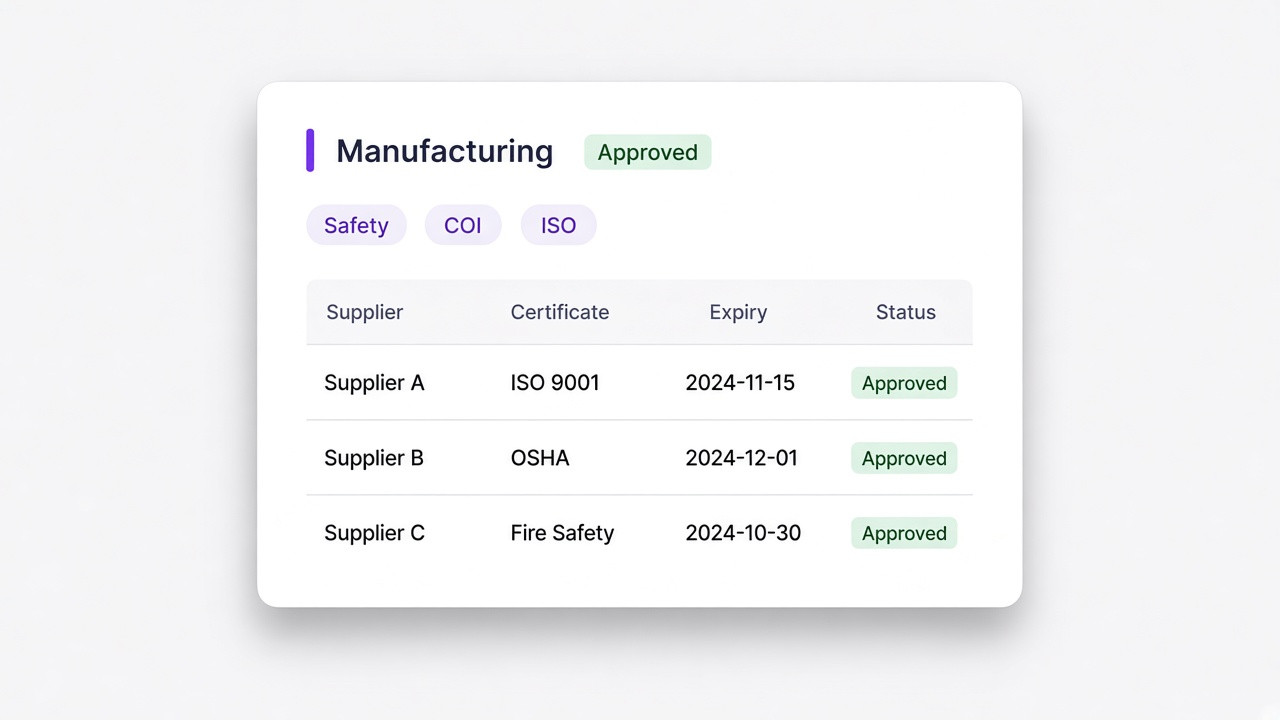
Yes, when the document is read on arrival. That removes the manual step most certificate tracking depends on and makes a renewal runway possible.
What happens at renewal?
Only the expiring document is requested. Everything unchanged carries forward, which is why renewal requests actually get completed.
Can we import our existing supplier list?
Yes, from CSV, Excel, PDF, Word or an image, with field mapping for columns that do not match and duplicate detection so the list does not double.
Can we export our data?
Yes, in full, including EP Scores, categories and document links. We would encourage you to test the export during an evaluation rather than afterwards.
06
Security and access
Who can see what
Is our supplier data safe?
Access is scoped by role so only the people you intend can reach it, every action is attributed and recorded, corrections are added rather than overwriting history, and you can export everything at any time.
Who can see supplier banking details?
Whoever the roles you configure allow. Access comes from the role rather than being granted per person, which keeps the population deliberate and reviewable.
Is supplier data used for anything else?
No. Information collected during onboarding is used to qualify suppliers for you. It is not sold on or used for any other purpose.
What certifications do you hold?
Ask us directly and we will tell you exactly where we stand rather than implying more than is true. We would rather have that conversation properly than list badges on a webpage.
07
Getting started
Setup, fit and cost
How long does setup take?
Usually one questionnaire and one real supplier. Building the first form takes an afternoon at most, and often minutes from a template.
Are we too small for VendorHub?
Possibly, and we will say so on the call. The tipping point is usually when somebody spends a meaningful part of the week chasing supplier documents, or when a lapsed certificate has already caused a problem.
How is it priced?
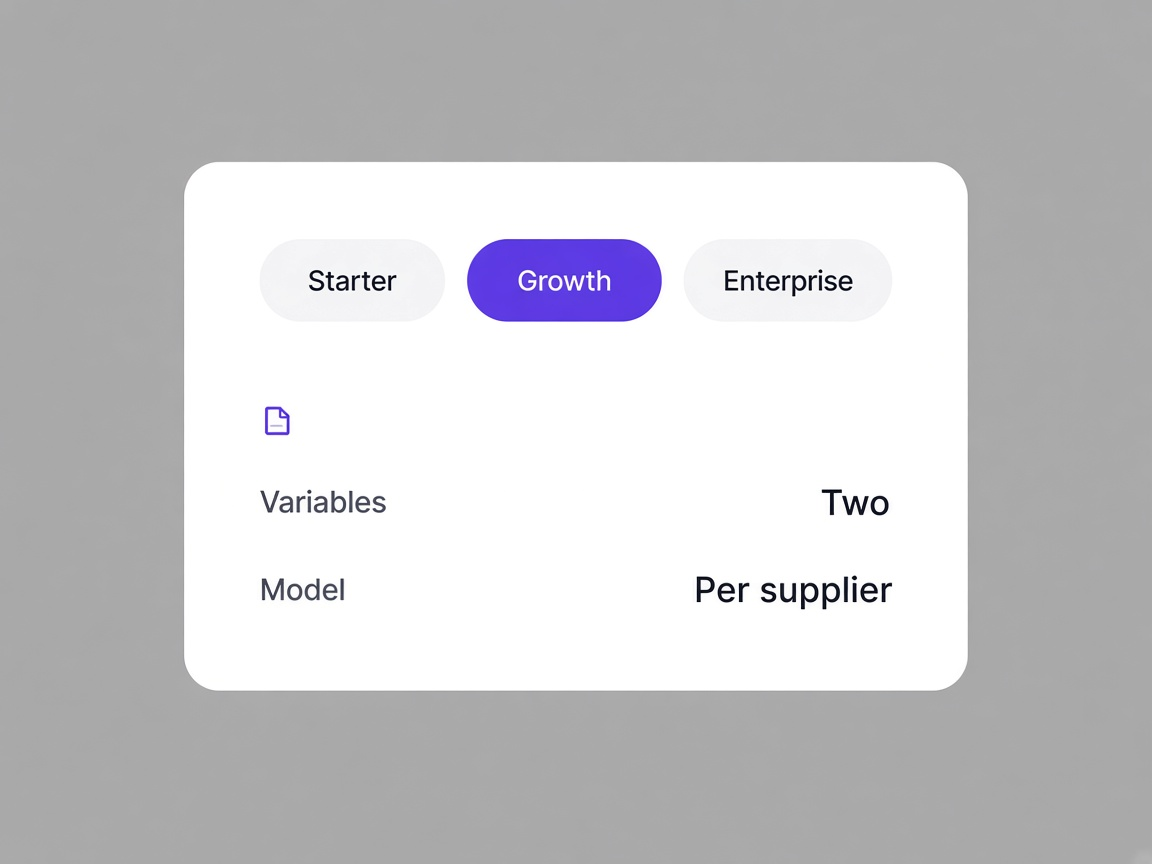
Three tiers, with the number driven by how many people need access and which tier fits. Supplier volume and document storage do not change it. Ask at the start of the first call and you will get a figure.
What is the best way to evaluate it?
Bring one supplier you would rather not onboard by email, ideally one who does not read English or has a certificate about to expire. We send a real invitation on the call.
Still deciding