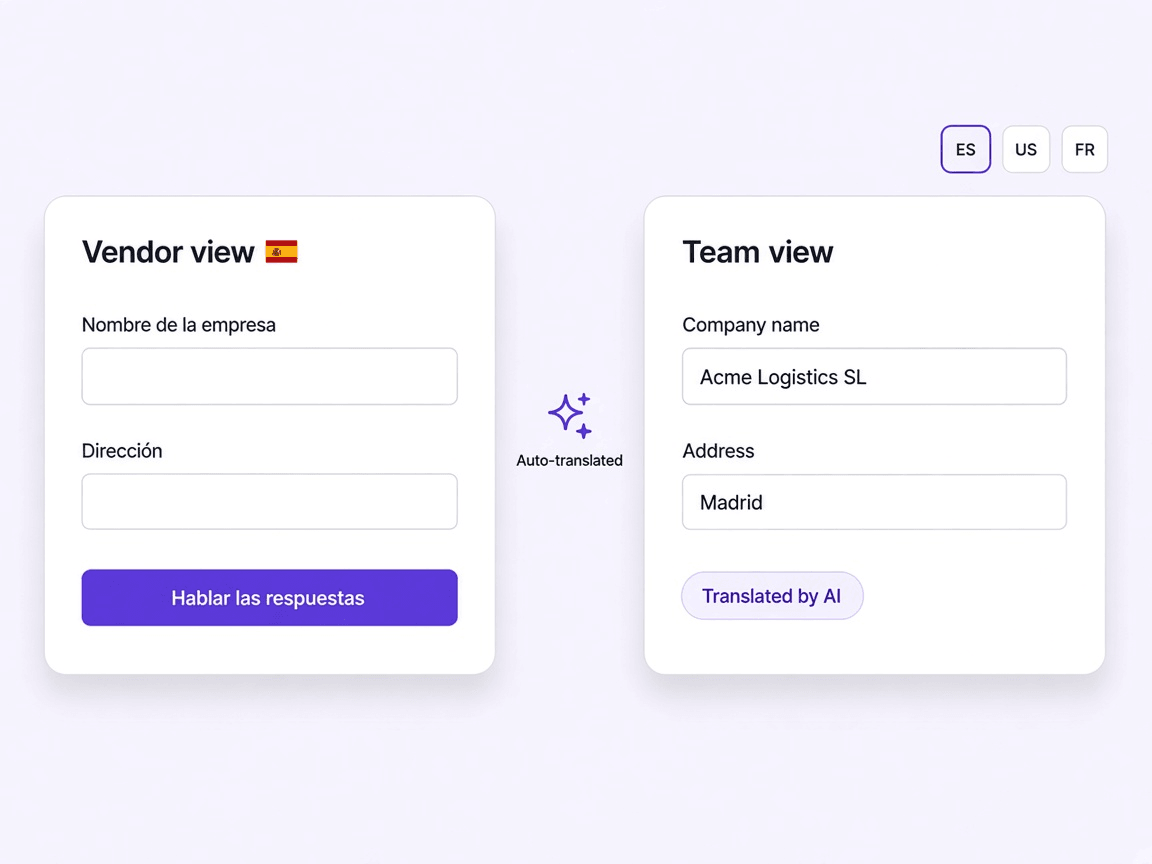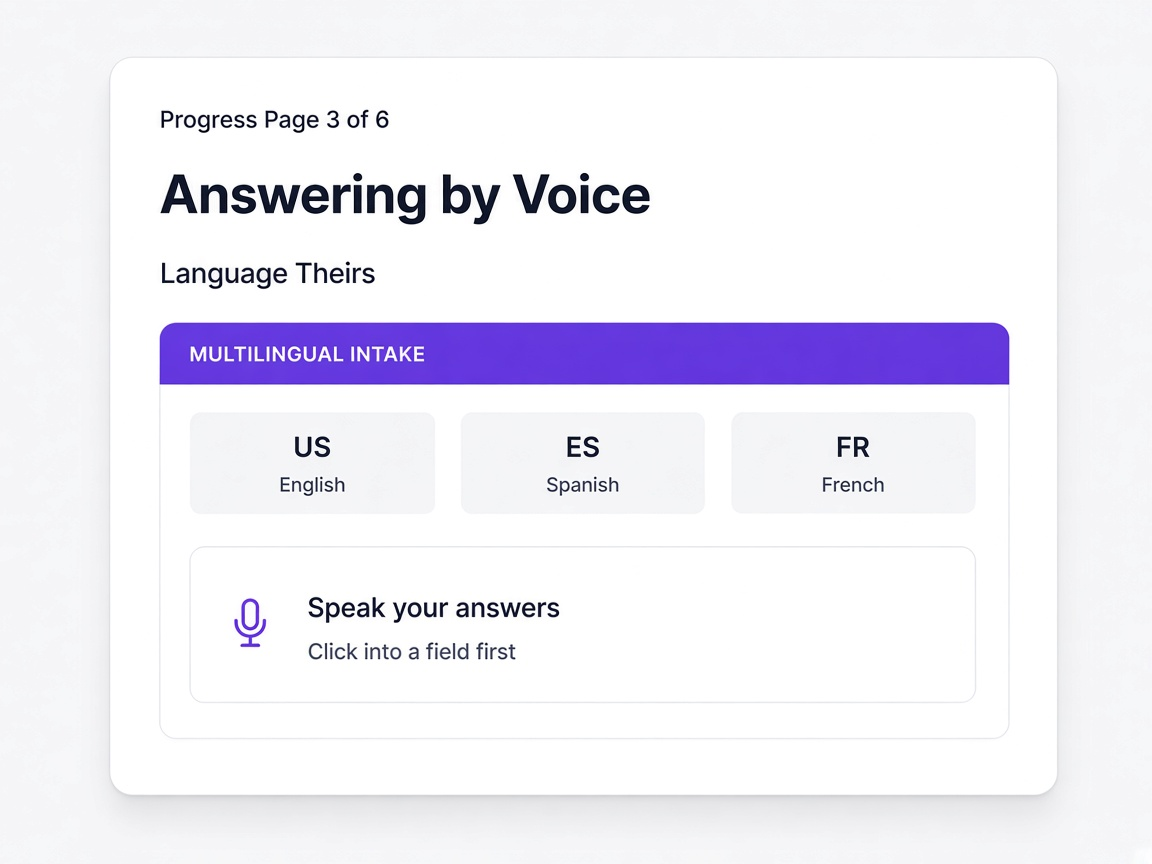
Vendor Self-Service Portal
The supplier experience decides whether you get the data
Every onboarding failure looks like a supplier problem and is usually a portal problem. If the first thing you ask somebody to do is create an account, a proportion of them stop there and you never find out why.
Data you never collected is the real cost
Everything downstream depends on the supplier finishing. A score cannot be calculated and a document cannot be tracked if the questionnaire was abandoned on page two.
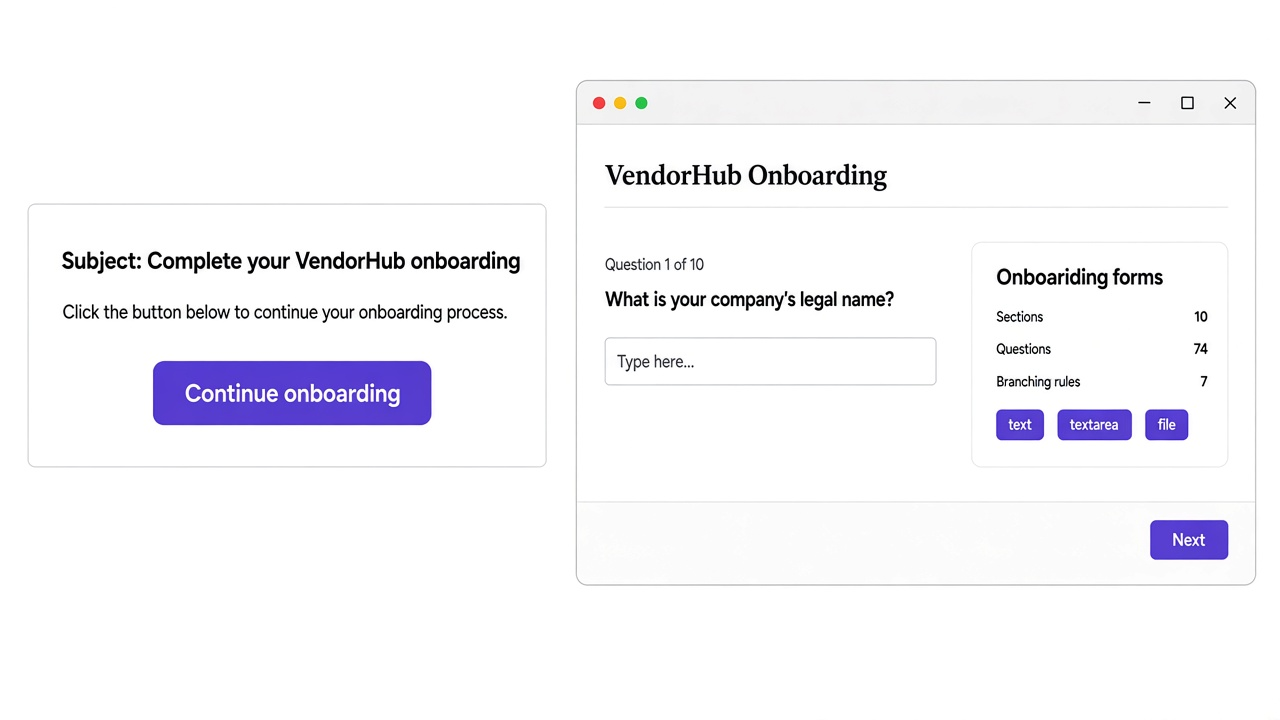
Nothing stands between the link and question one
No account, no password, no verification email. The supplier clicks and starts answering, which removes the point at which most portals lose people.
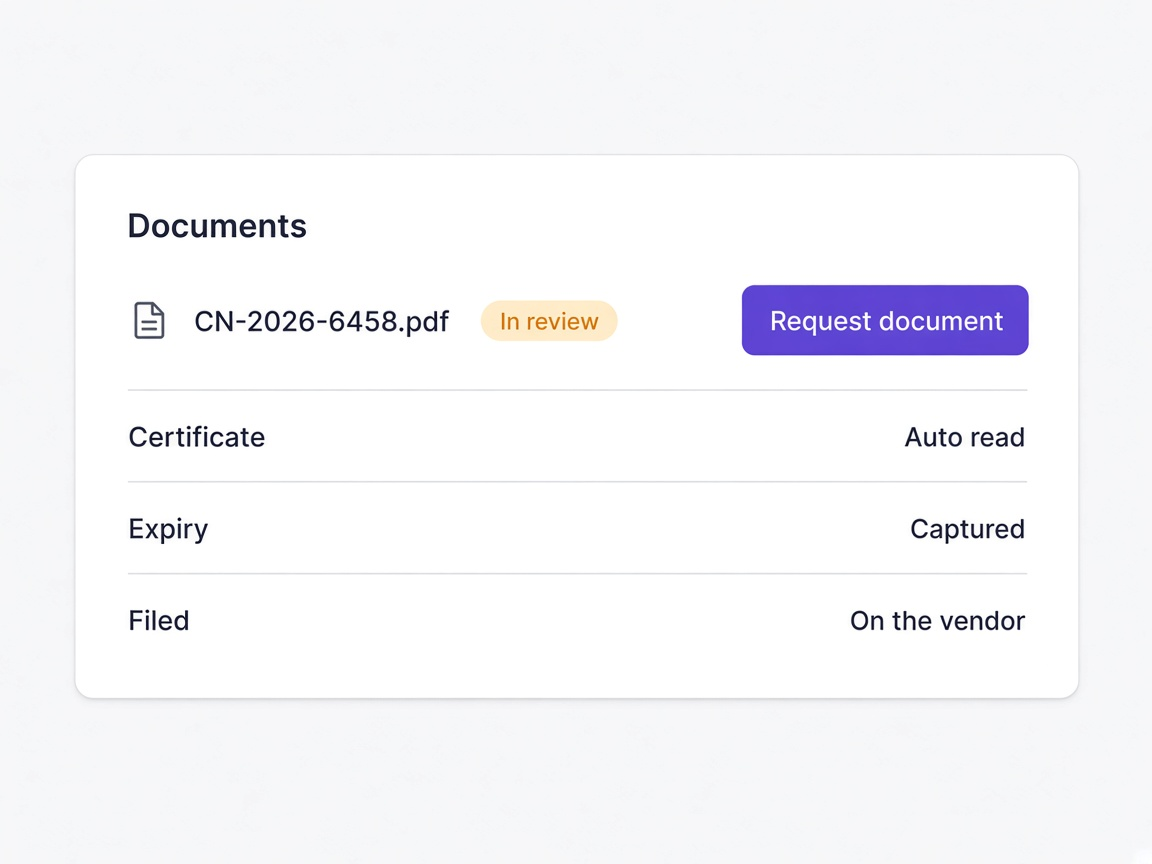
Suppliers can stop and come back
Progress is saved as they go, so an onboarding that needs input from two people in their business does not have to happen in one sitting.
Renewals are not a fresh ordeal
Coming back to update one certificate is a different experience from being sent the whole questionnaire again, and suppliers respond accordingly.
Moments a procurement team will recognise
A small supplier has nobody to do paperwork
No account and a short relevant form is the difference between completing and abandoning.
Learn more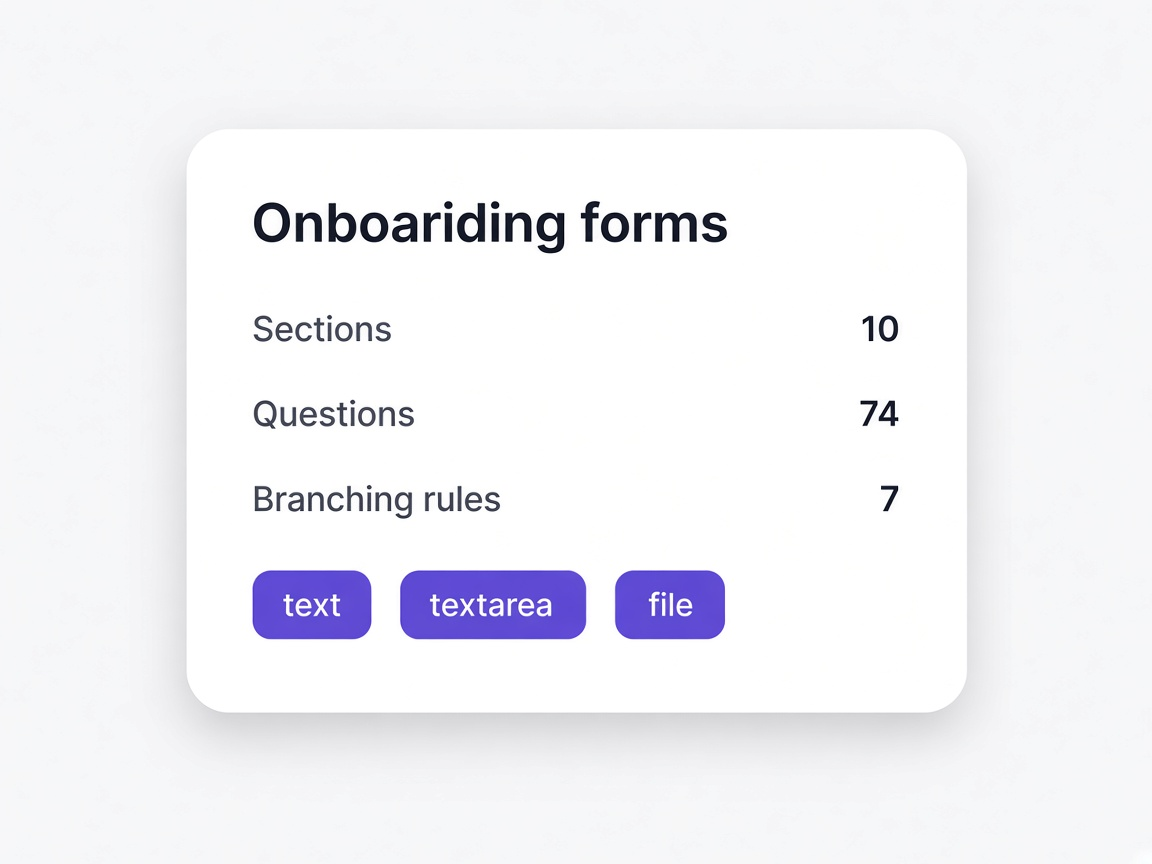
A supplier stops on page two
Visible, and reminded automatically rather than sitting on somebody's list.
Learn moreThe invitation never arrived
A bounce is flagged rather than assumed delivered while you wait for a reply.
Learn moreRenewal comes round
The same link, asking for one document rather than the whole questionnaire.
Learn moreAnd what it costs you
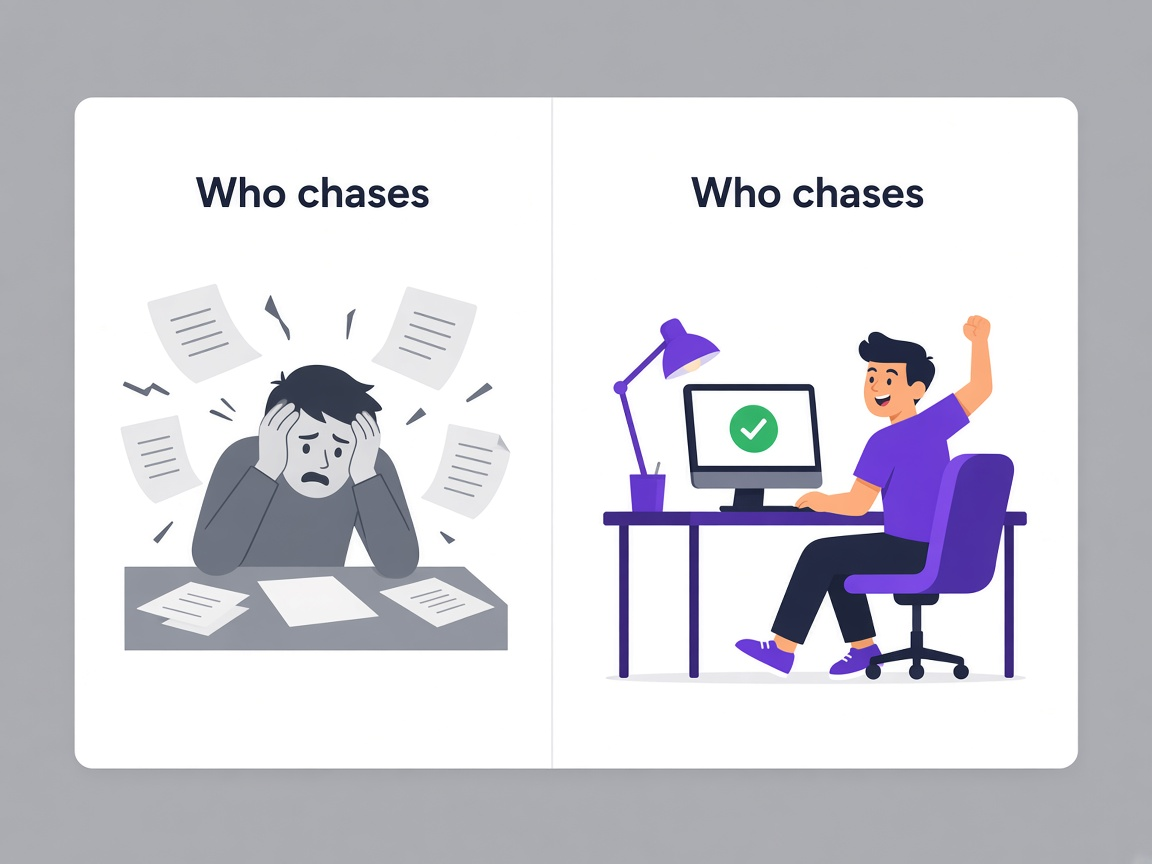
The portal is the only part of your process a supplier ever sees, and it is usually designed around your convenience rather than theirs.
Create an account
Registration, email verification and a password, before a single question. Every step loses a proportion of suppliers, and the smallest ones first.
Open the link
The invitation opens directly into the questionnaire, so the first thing a supplier does is answer something.
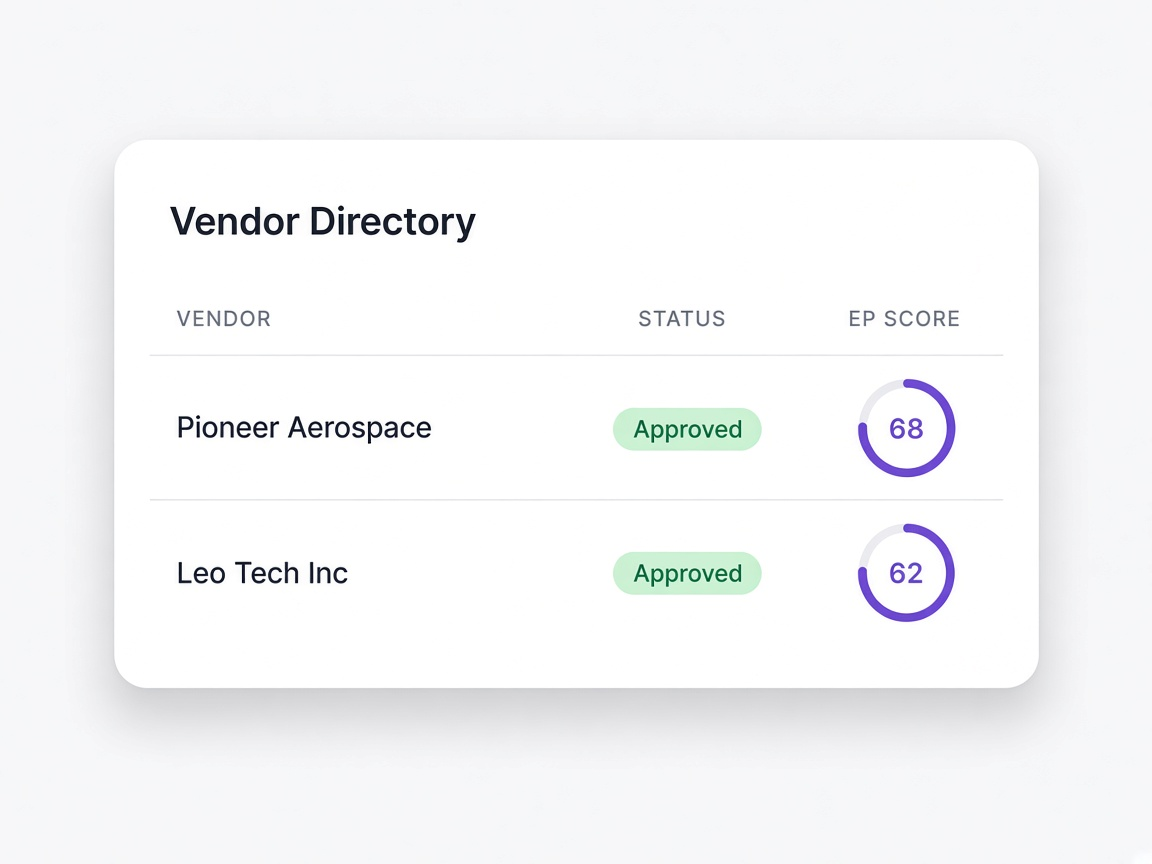
Everything, for everyone
One questionnaire covering all supplier types means most suppliers answer questions that do not apply to them and lose patience.
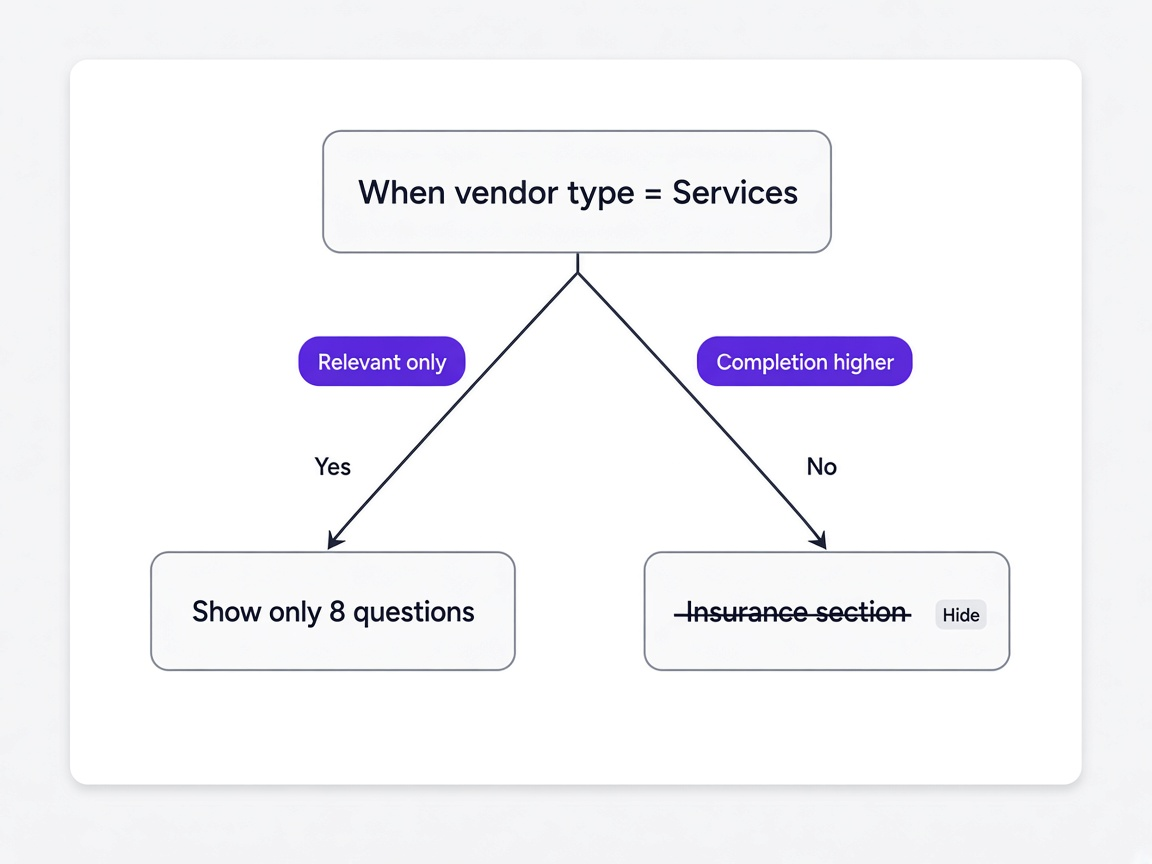
Only what applies
Branching narrows the form to their situation, so it is shorter and reads as though it was meant for them.
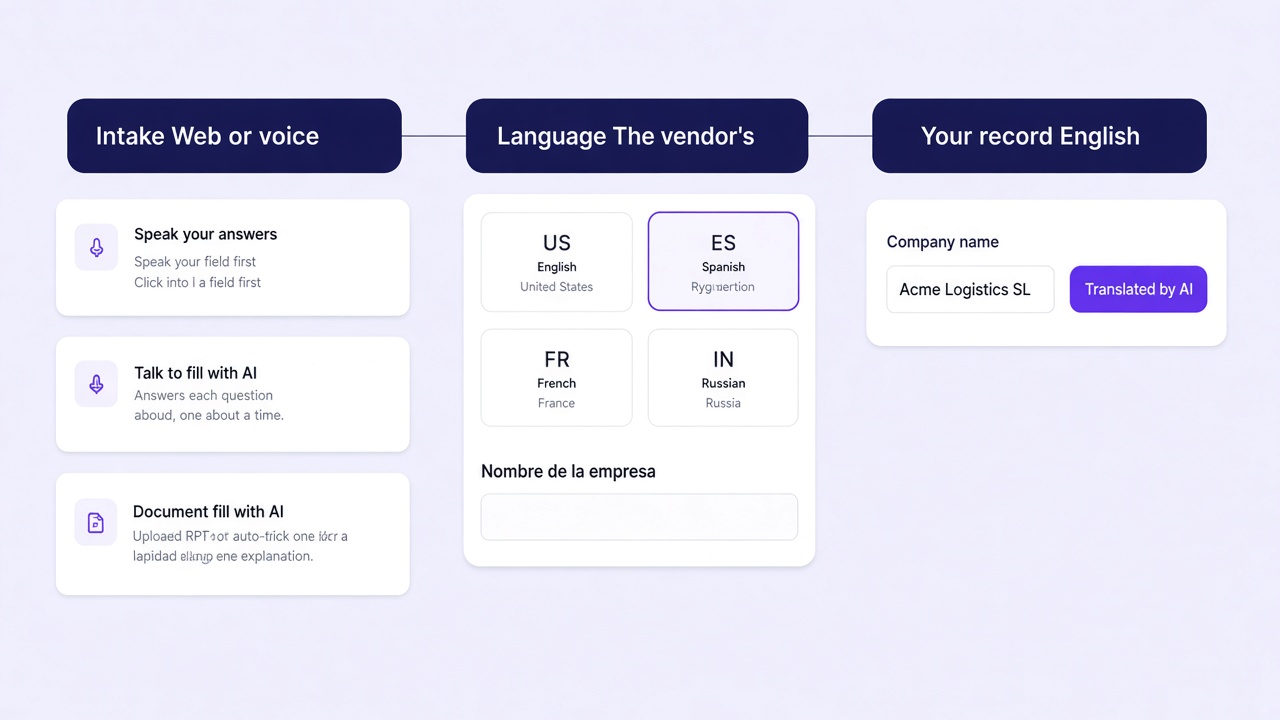
Start again
A supplier who needs a colleague's input loses progress and often does not come back to redo it.
Resume where they stopped
Progress is saved, so an interruption is an interruption rather than an ending.
Silence
You cannot tell whether a supplier is working through it, stuck, or never received the invitation at all.
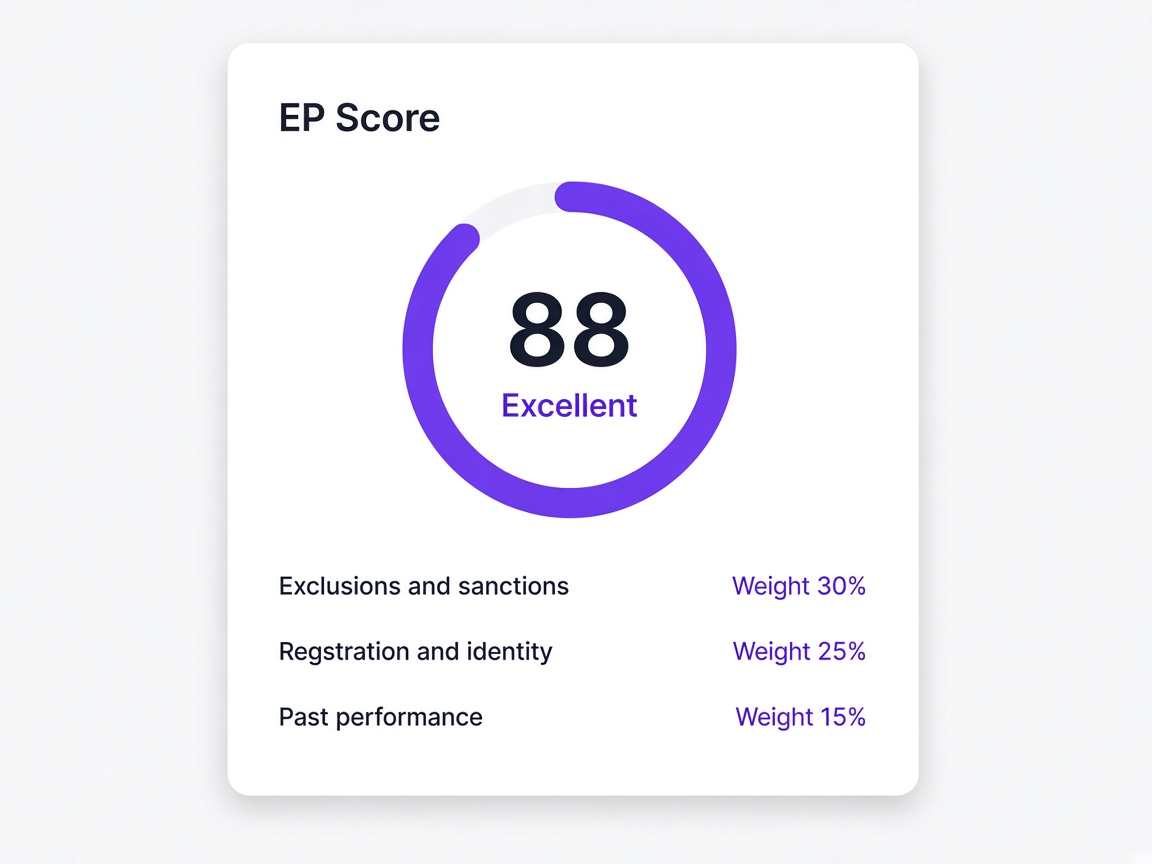
Progress and delivery
You see the page they are on, when they were last active, and whether the invitation bounced.