VendorHub AI for Onboarding Forms
Describe the change, review it before it lands
Editing an onboarding questionnaire is usually the reason it never gets edited. Say what needs to change in a sentence, see precisely what would be added, updated and removed, and apply it only when you are satisfied.
Ask, watch, review, apply
Four steps, and the last two are entirely yours.
There is no syntax to learn. Ask for an insurance section at the top with a certificate upload, or branching rules when a supplier answers yes to a compliance question, and it works out what that means structurally.
- Plain language rather than a rule builder
- Dictate the request if typing is not convenient
- Suggestions offered when you are not sure where to start
- It names the form it is editing before it begins
It reads the request, updates the sections and questions, then remaps the branching logic so rules still point at the right targets after things have moved.
- Reading the request
- Updating sections and questions
- Remapping branching logic so rules still resolve
- Nothing applied while any of this is happening
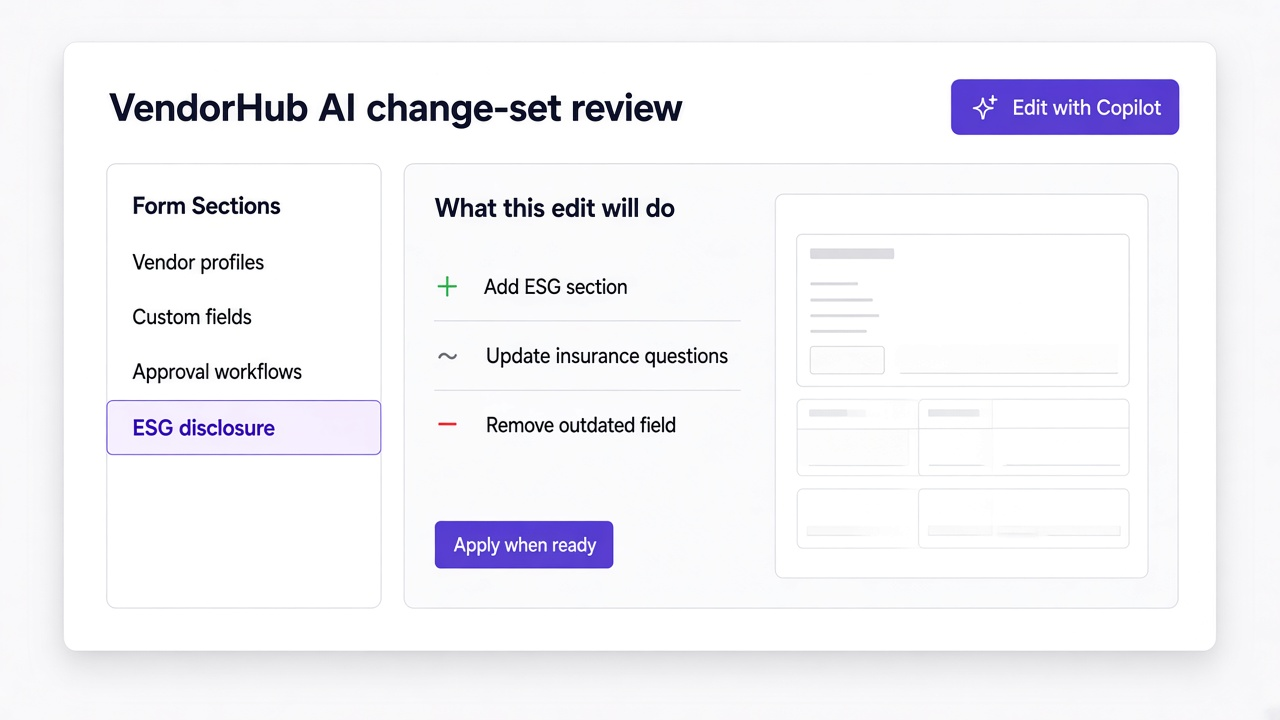
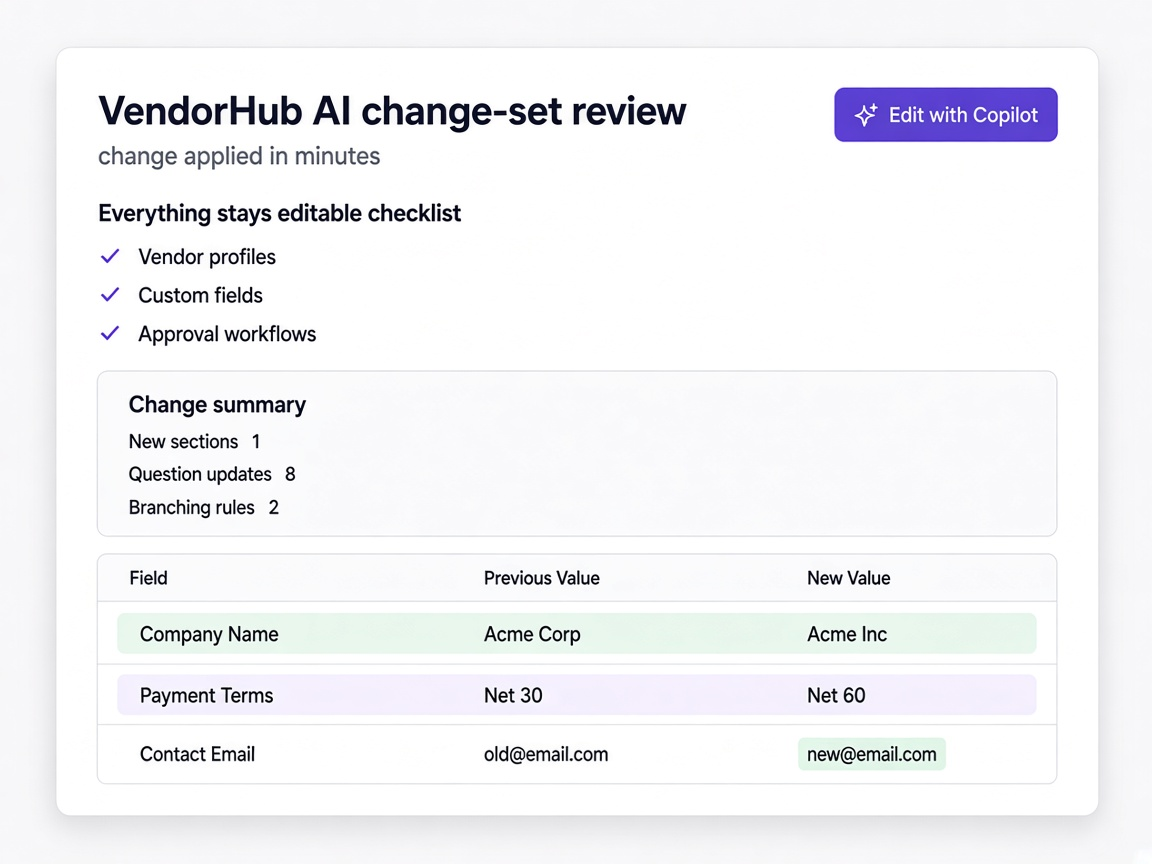
The change set summarises what happened and lists every applied change with its section, including removals. You apply, go back, or cancel.
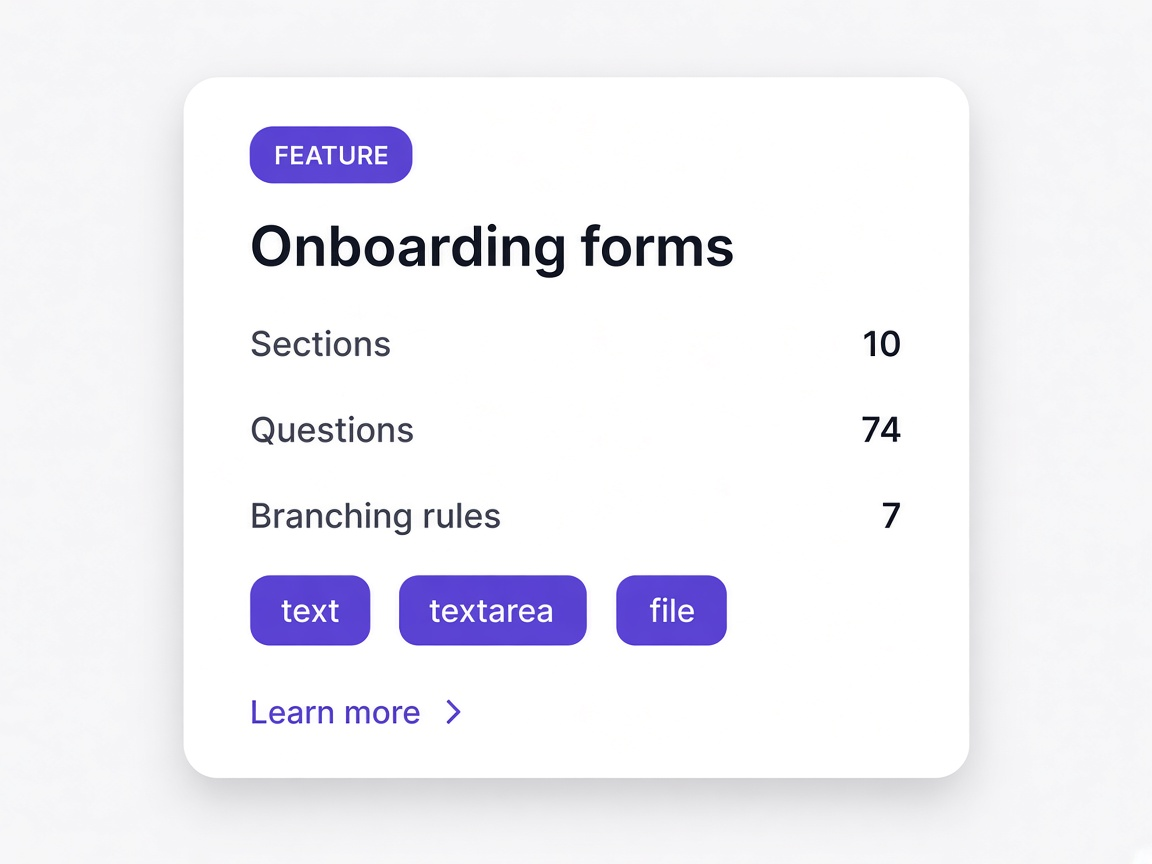
- Counts for new sections, question updates and branching rules
- A written summary of what changed and why
- Each field marked as added or removed
- Every section, question and rule stays fully editable afterwards
How this differs from a form that rewrites itself
The difference between useful and alarming is whether you can see what happened before it happens.
A regenerated form
Some tools rebuild the whole questionnaire and leave you to spot what moved. You either accept it wholesale or start again.
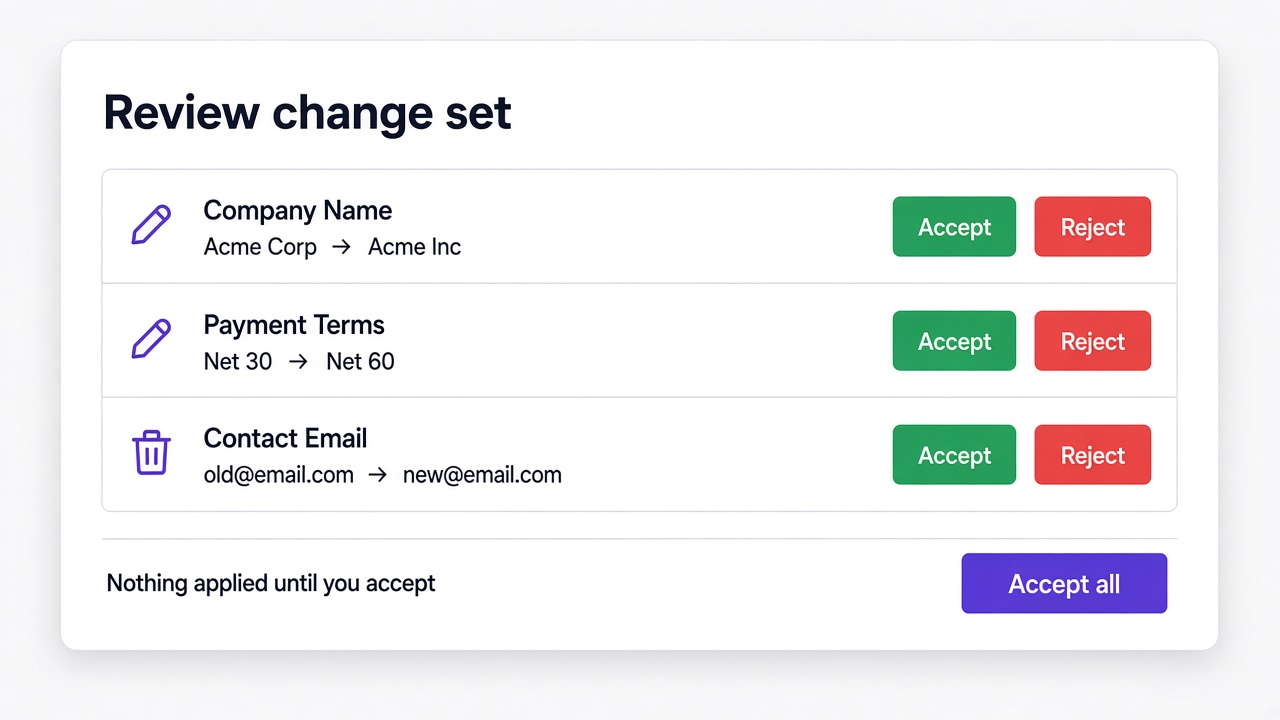
An itemised change set
Every new section, updated question and remapped rule listed individually, including what would be removed.
Applied immediately
The change lands and you find out afterwards, which is why most teams will not point an assistant at a live form.
Applied when you say so
Nothing is committed until you accept it, and you can cancel and go back at any point in the flow.
Locked or fragile
Generated structures are often awkward to edit by hand, so the next change goes through the same route whether that suits you or not.
Ordinary editable fields
What it produces is the same sections, questions and rules you would have built yourself, and every one stays editable.
Anything, unpredictably
Broad assistants touch things you did not ask about, which is how a small edit becomes an afternoon of checking.
The form in front of you
It edits the questionnaire you are working on, and tells you which one it is editing before you start.
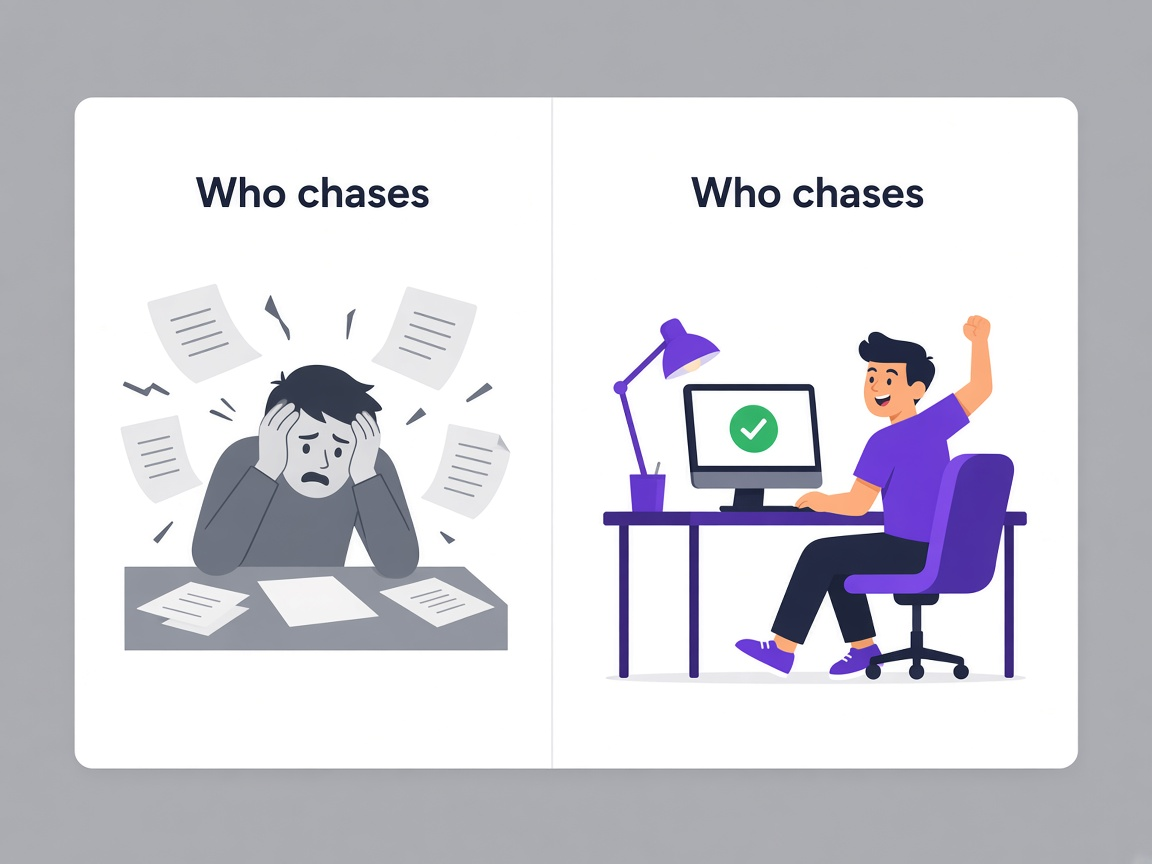
The form that never gets updated
Almost every team is running an onboarding questionnaire that no longer matches what they need, because changing it costs more than living with it.
The form matches current requirements
When an edit takes minutes and shows you exactly what it will do, the questionnaire gets updated when requirements change rather than annually at best.
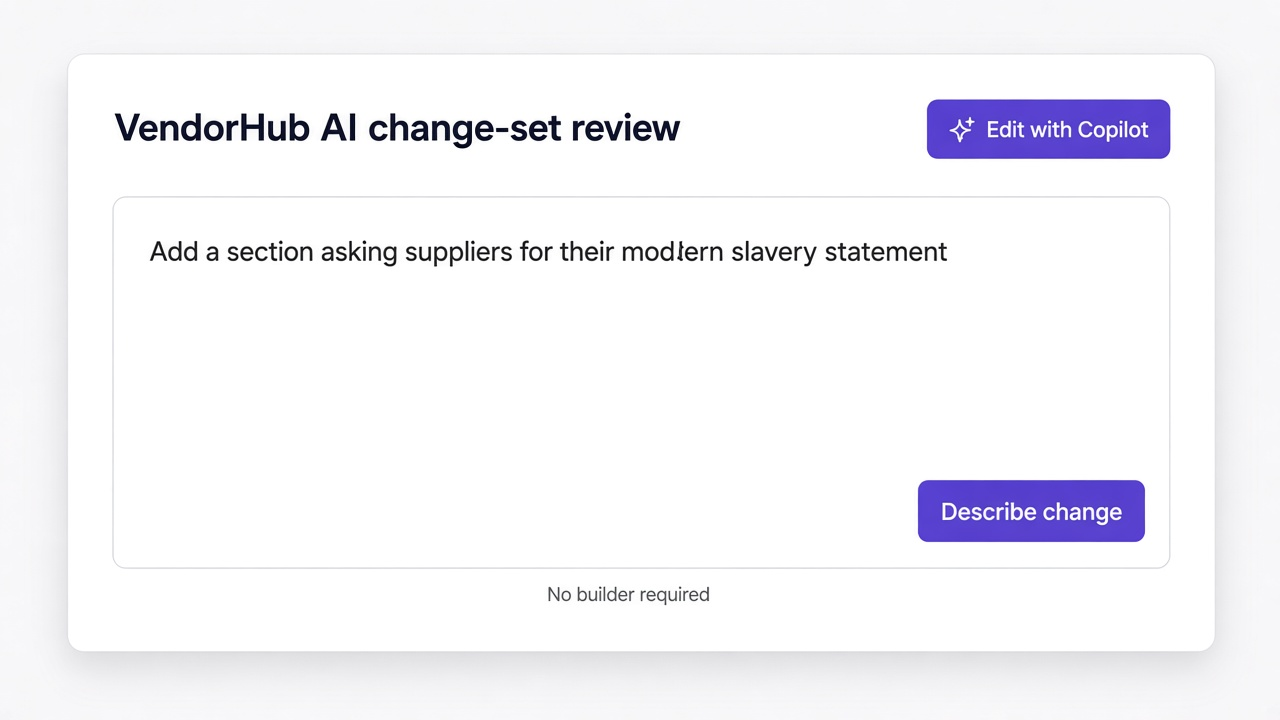
Nobody needs to learn a builder
The person who knows what should be asked is rarely the person who knows the tool. Describing the change removes that gap entirely.
Nothing changes without review
Every edit returns as a change set listing each addition, update and removal. It applies when you accept it and not before.
Moments a procurement team will recognise
Legal needs a new attestation
Described, reviewed and applied the same morning rather than added to a backlog.
Learn more
Banking details are collected twice
Ask it to consolidate them and see exactly which duplicate fields it would remove.
Learn more
A sector template needs adapting
Start from the closest template and describe the differences rather than rebuilding from scratch.
Learn more
Somebody non technical owns the form
They can change it themselves, which is usually the difference between current and stale.
Learn more