Vendor Onboarding Software
The questionnaire decides everything that follows
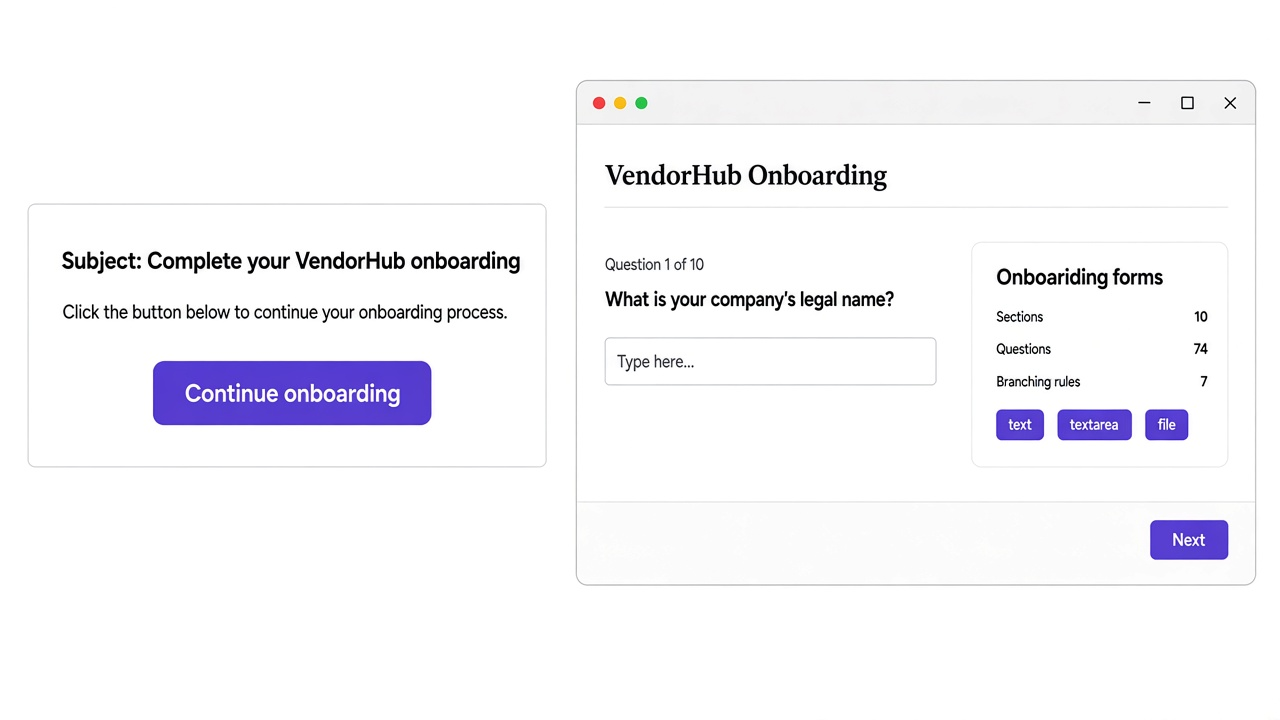
What you ask determines what you collect, which documents arrive, and what the qualification score has to work with. That is why the form is the first thing here rather than an afterthought bolted onto a portal.
Everything downstream inherits it
Onboarding tools tend to treat the form as a settings screen. In practice it is the product, because nothing arrives that you did not ask for.
Suppliers finish what they start
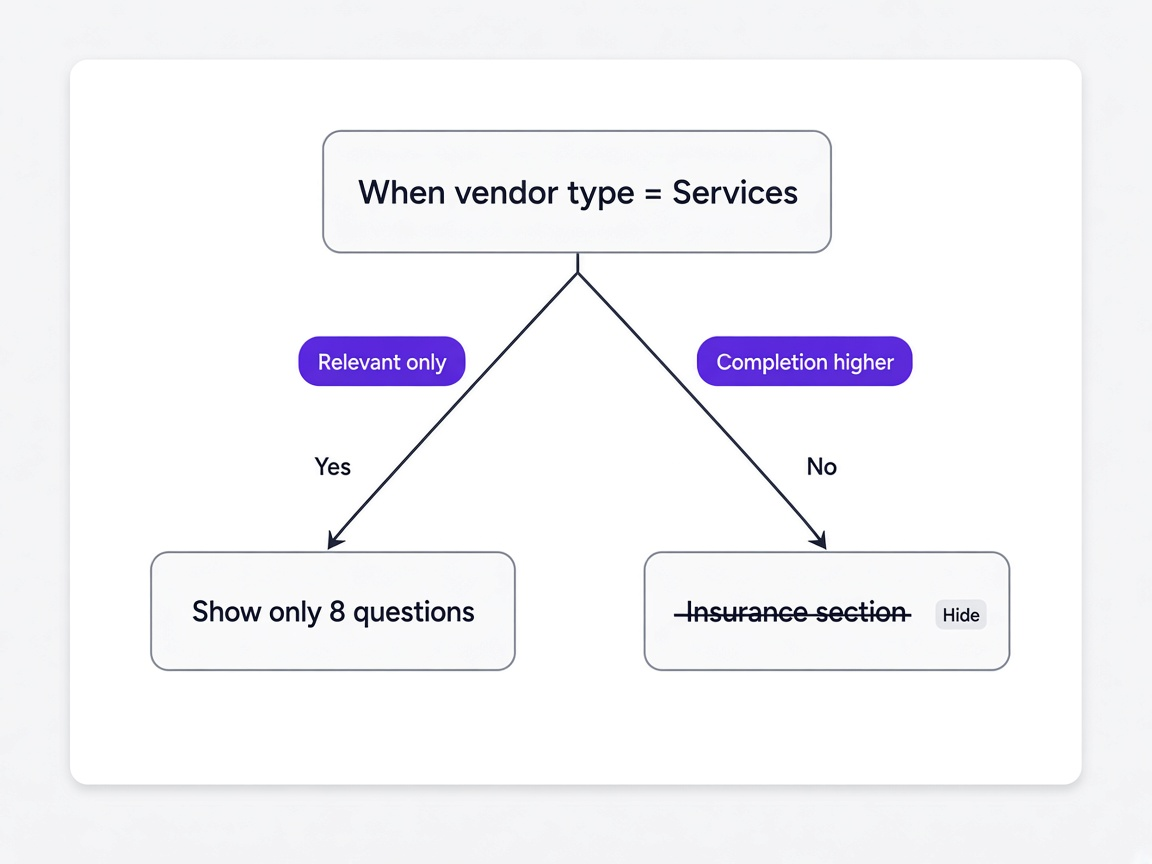
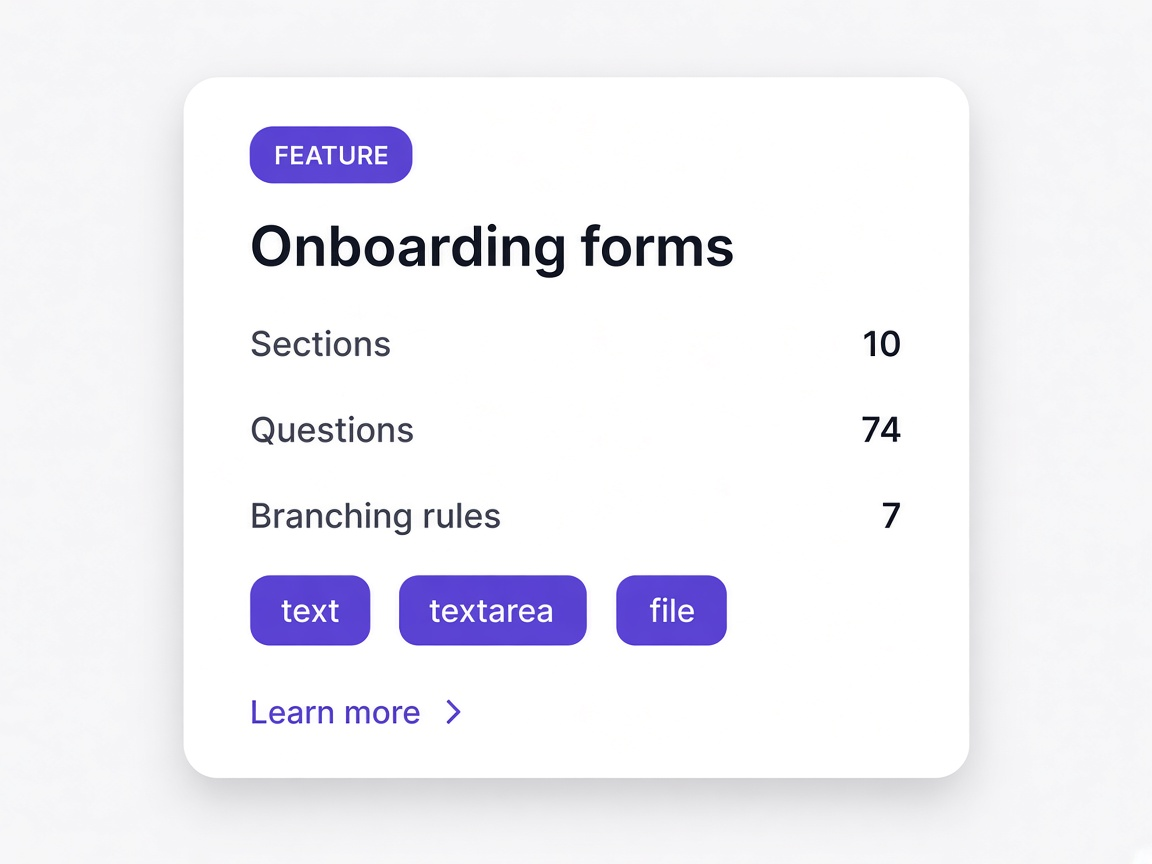
Branching rules mean a supplier only sees questions that apply to them. A short, relevant questionnaire gets completed far more often than a long one covering every possible vendor type.
You collect what you actually need
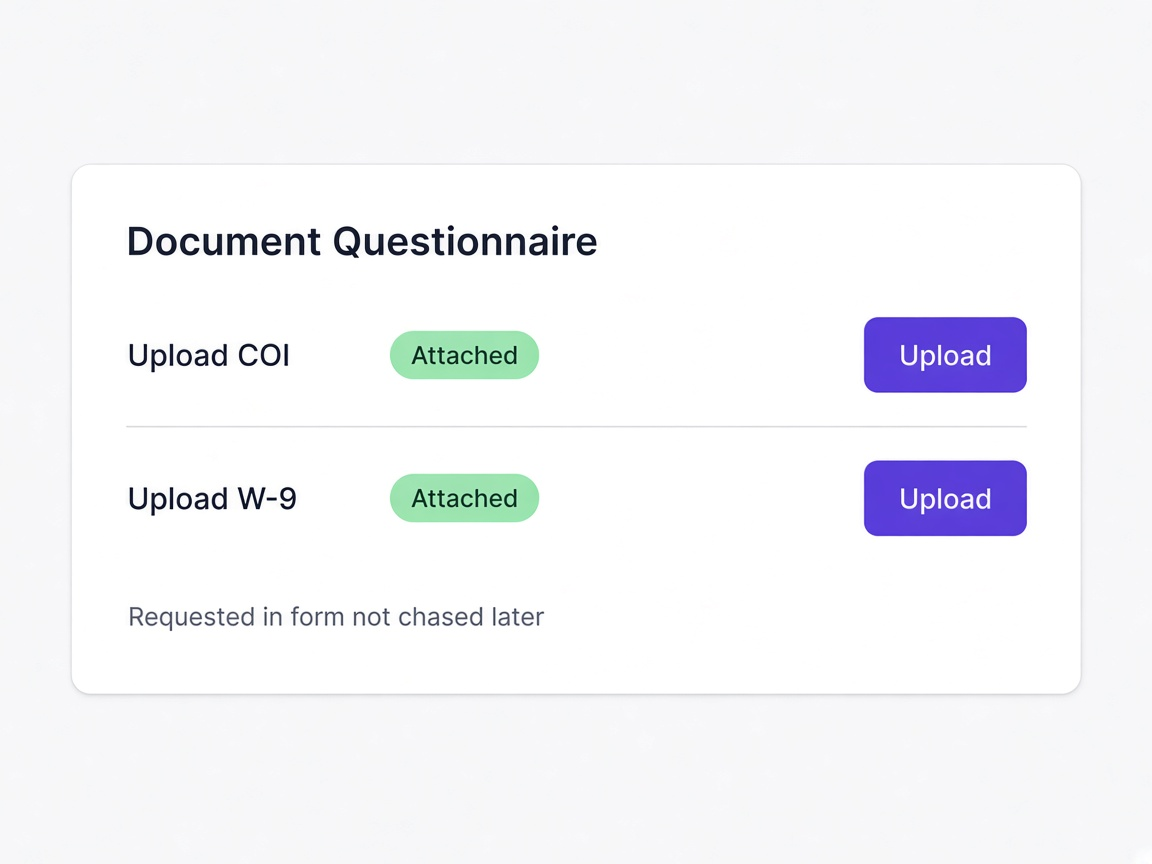
Documents are requested inside the questionnaire rather than chased afterwards, so a certificate arrives with the submission instead of three emails later.
The form keeps up with you
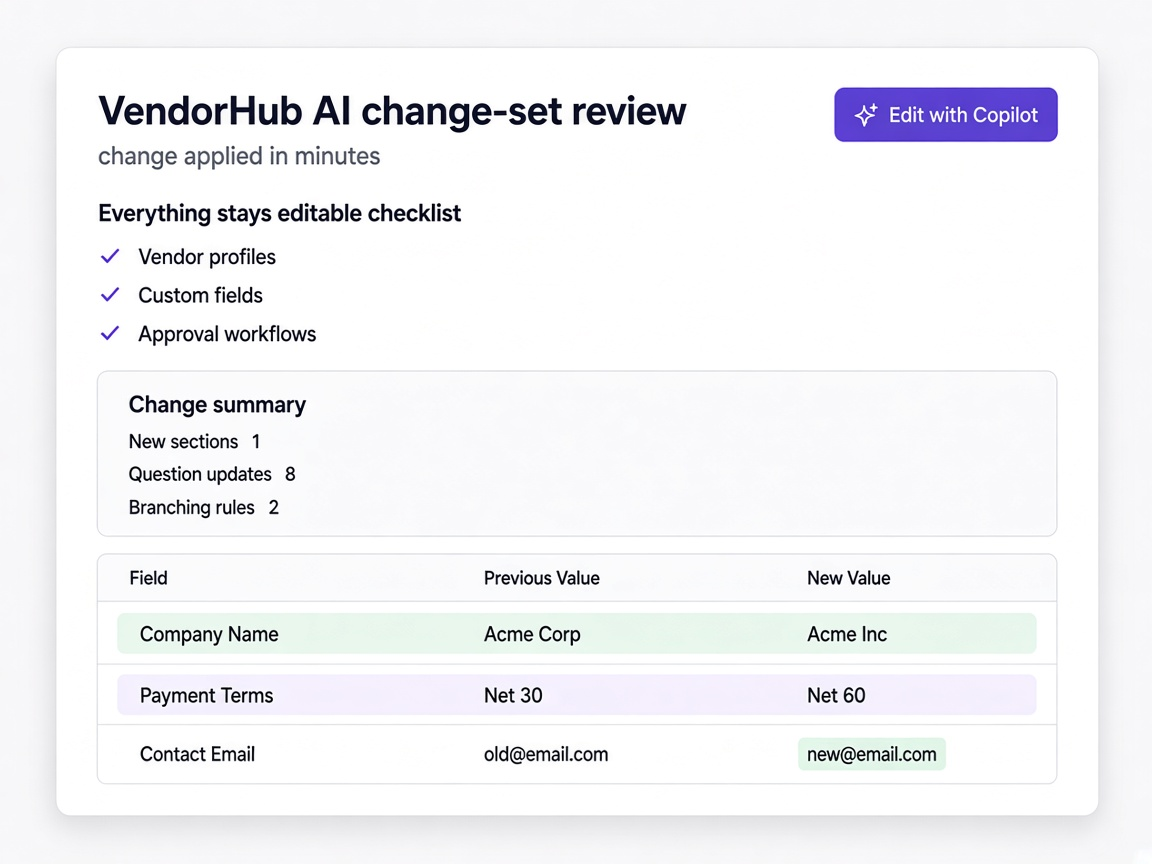
Requirements change. When changing the questionnaire takes minutes rather than a project, it stays current instead of asking what was convenient two years ago.
And why they stop being maintained
Every team we speak to has an onboarding form. Very few of them have one they are happy with.
A blank builder and a data model
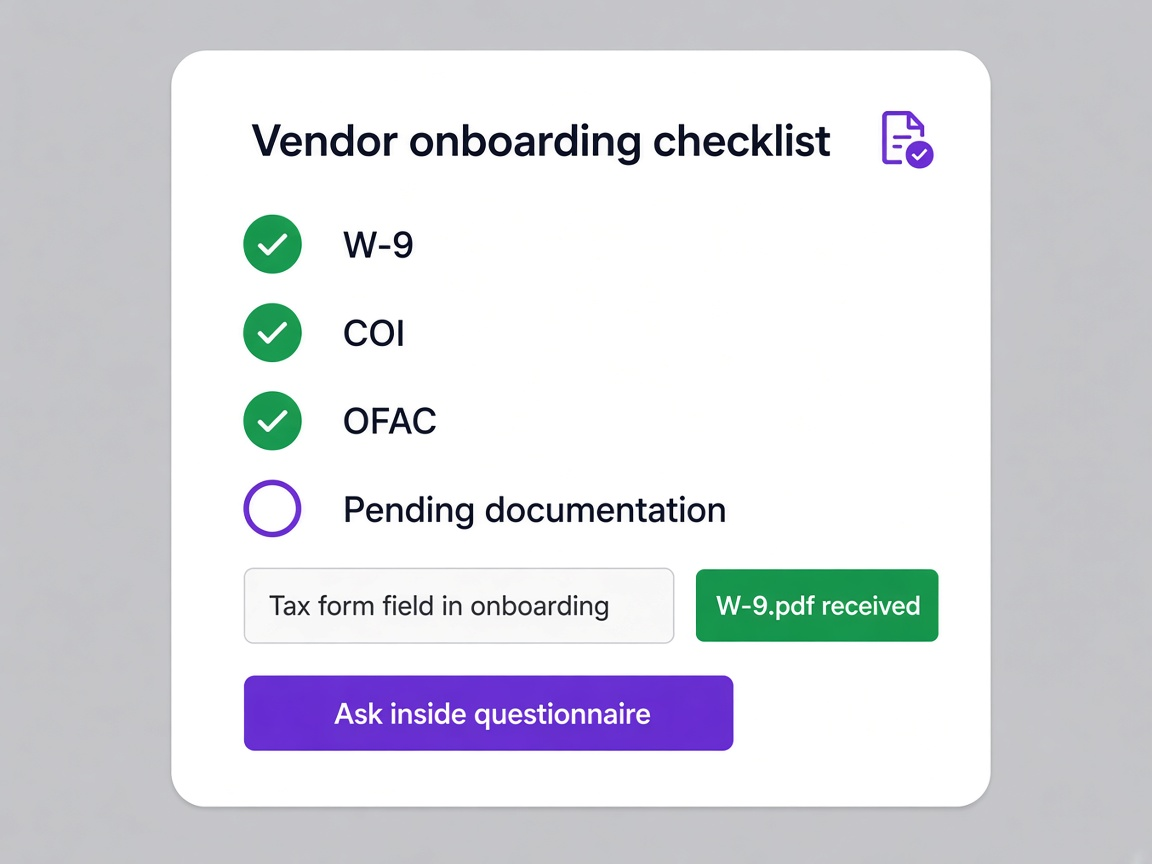
Most tools ask you to understand their field types and logic model before you can ask a supplier for a tax form. So somebody builds it once, badly, and nobody touches it again.
A template or a sentence
Start from a template that already matches your supplier type, or describe what you need and review what comes back.
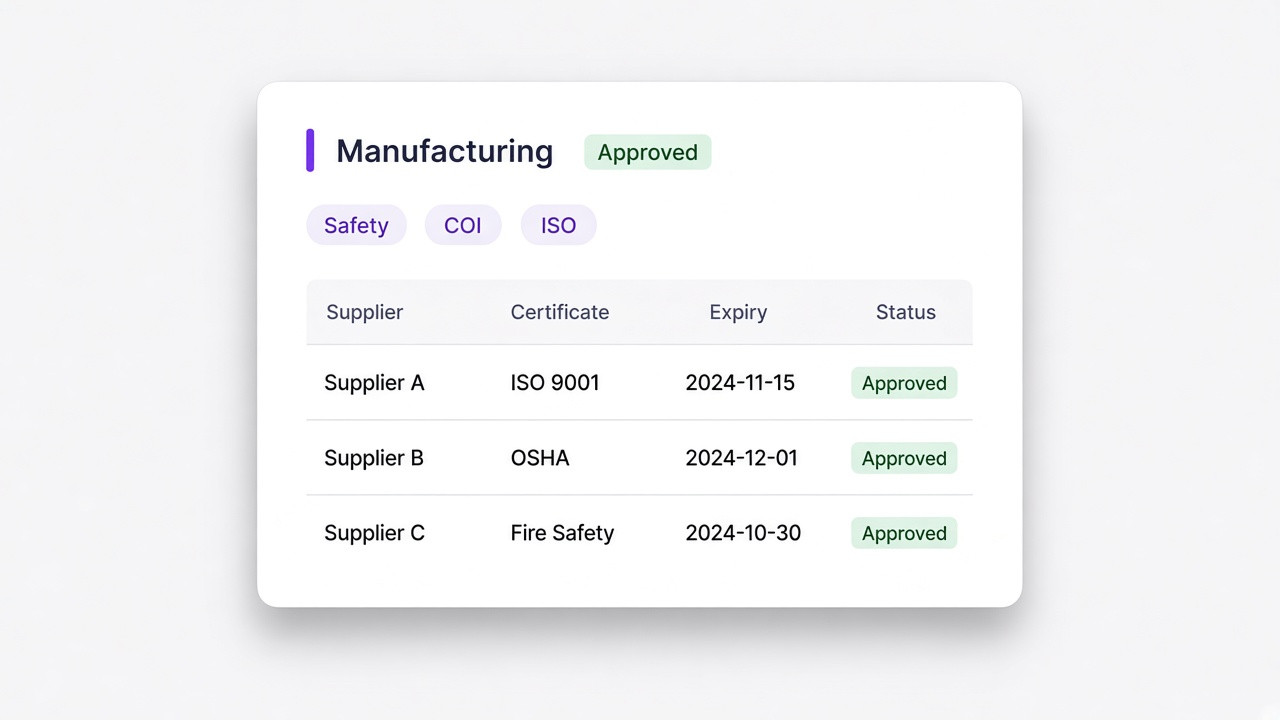
One form for everyone
A single questionnaire has to cover every supplier type, so a small services vendor answers manufacturing questions and gives up halfway.
A form per supplier type
Templates exist per type, and branching rules narrow further inside each one, so suppliers answer what applies to them.
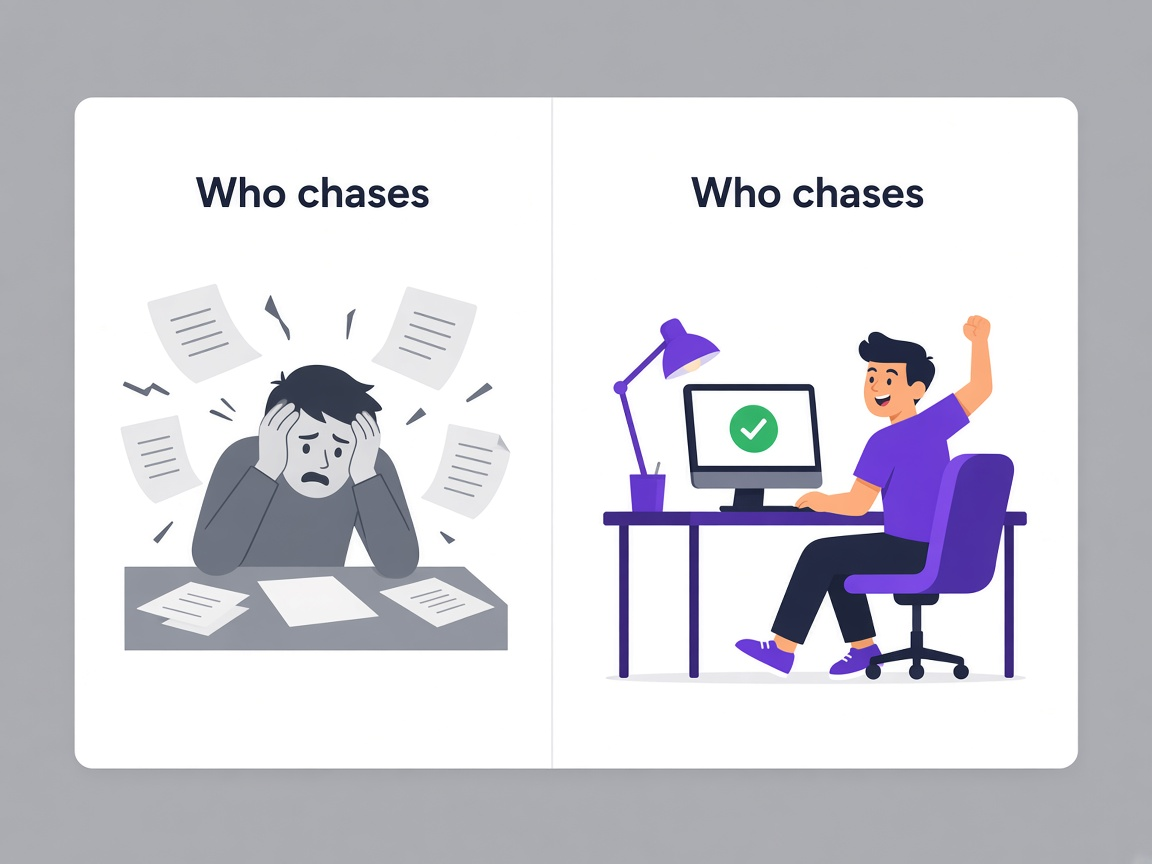
Requested afterwards
The form captures answers and somebody emails separately for the certificate, which is where most of the chasing comes from.
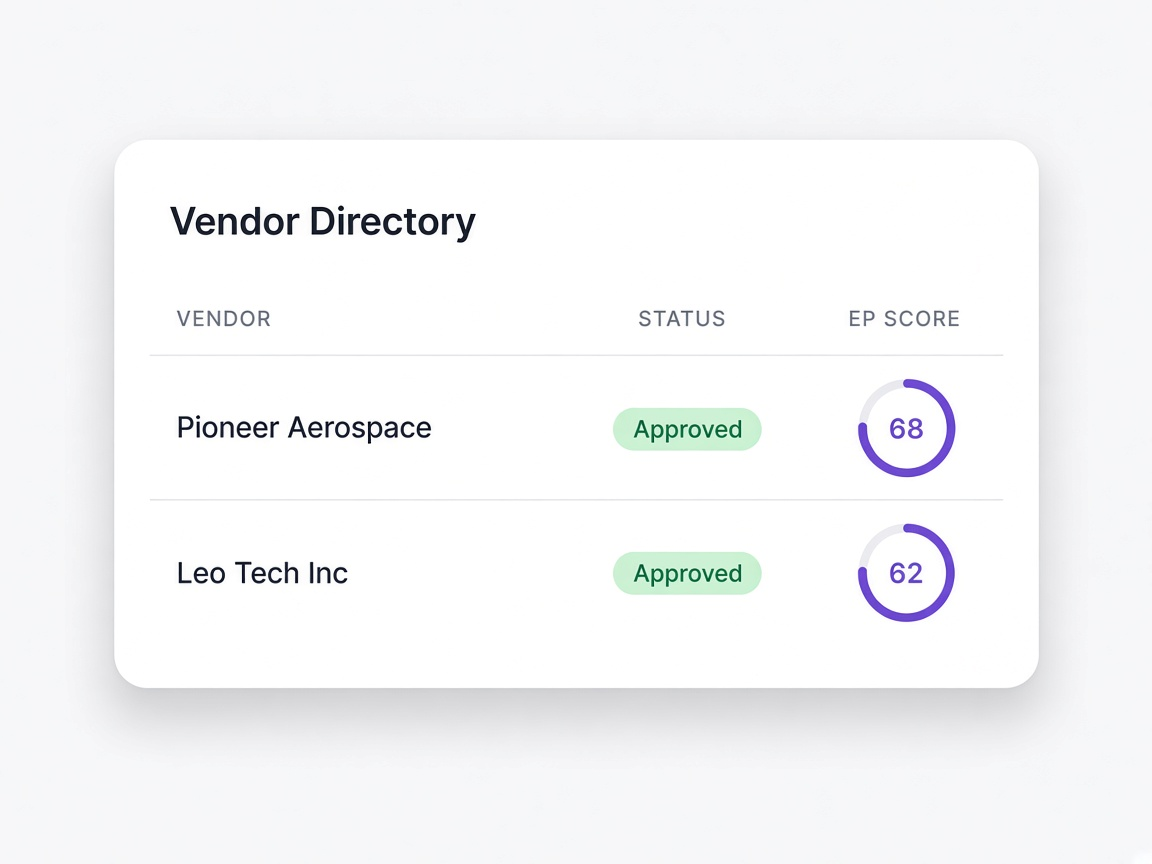
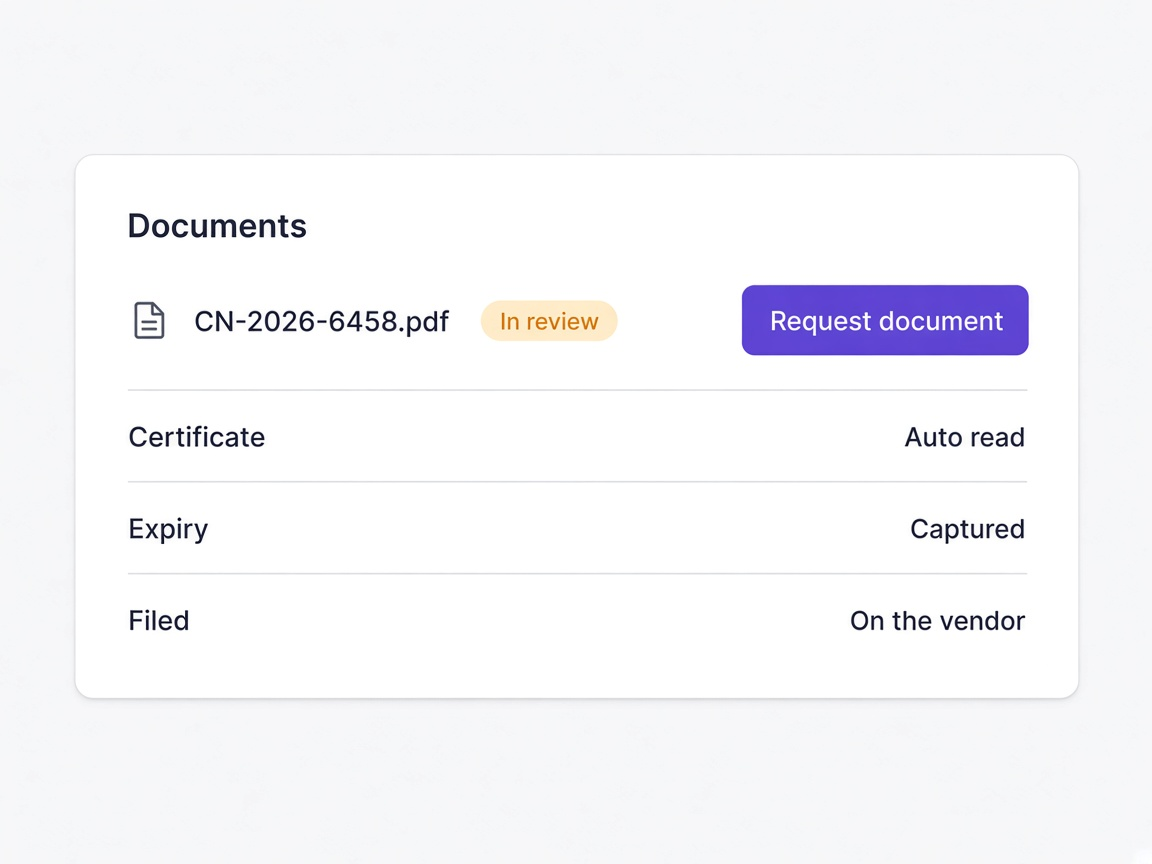
Requested inside the form
Uploads are questions. The document arrives with the submission, is read on arrival and filed against the supplier.
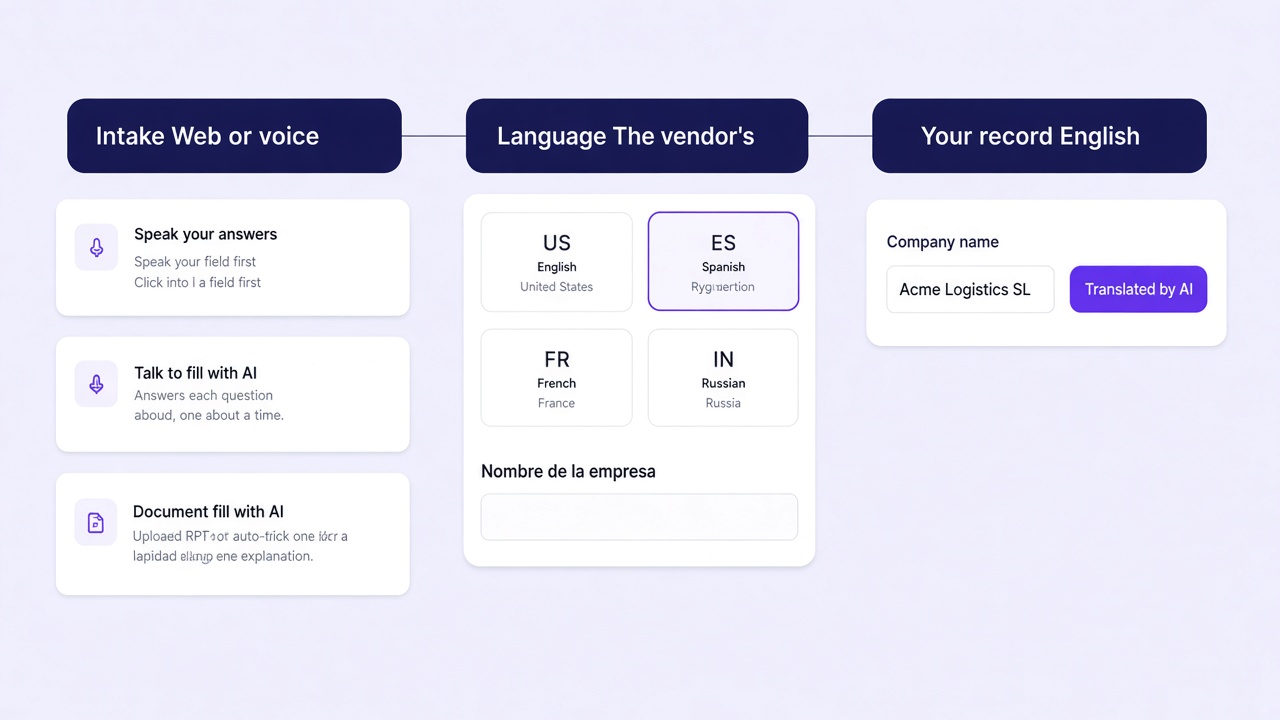
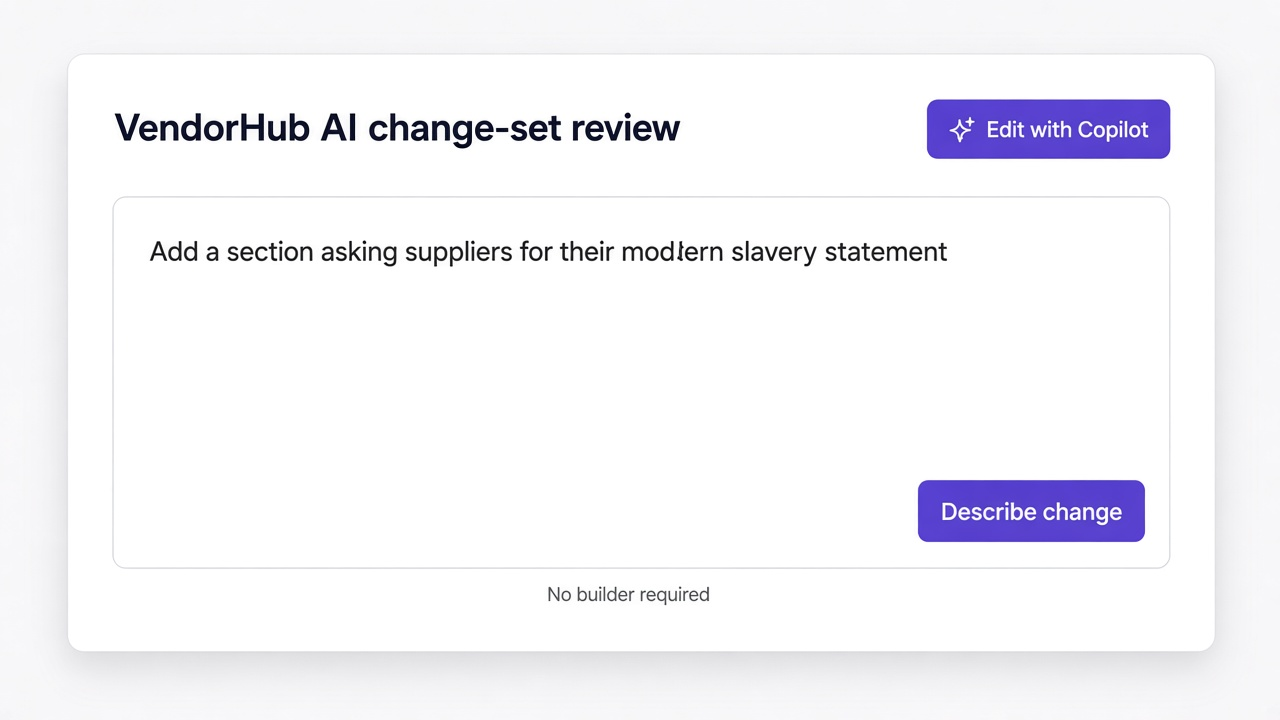
A change request
Adding a section means re-checking logic and hoping nothing broke, so the form drifts further from what you actually need.
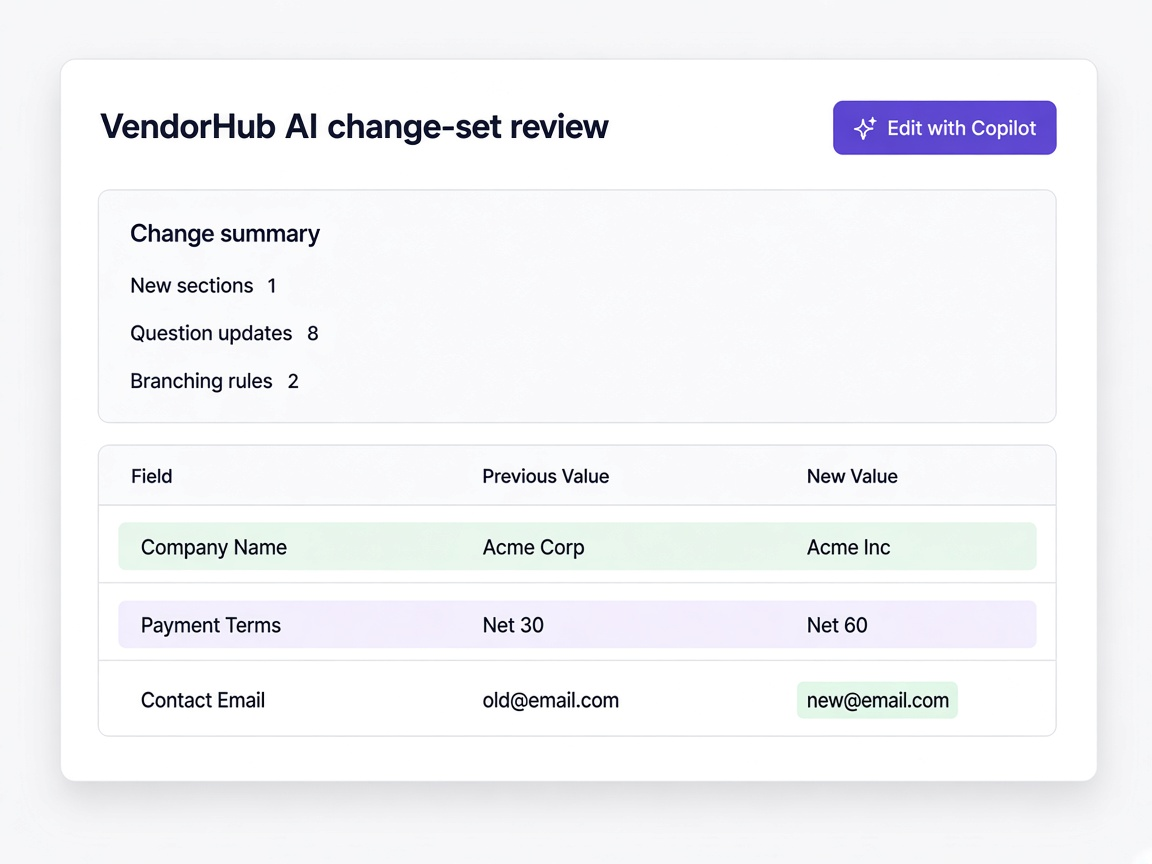
An edit and a review
Describe the change or edit it directly, see exactly what would change, and apply it when you are satisfied.
Moments a procurement team will recognise
A new supplier category appears
Duplicate the closest template, adjust the sections, and send it the same day.
Learn more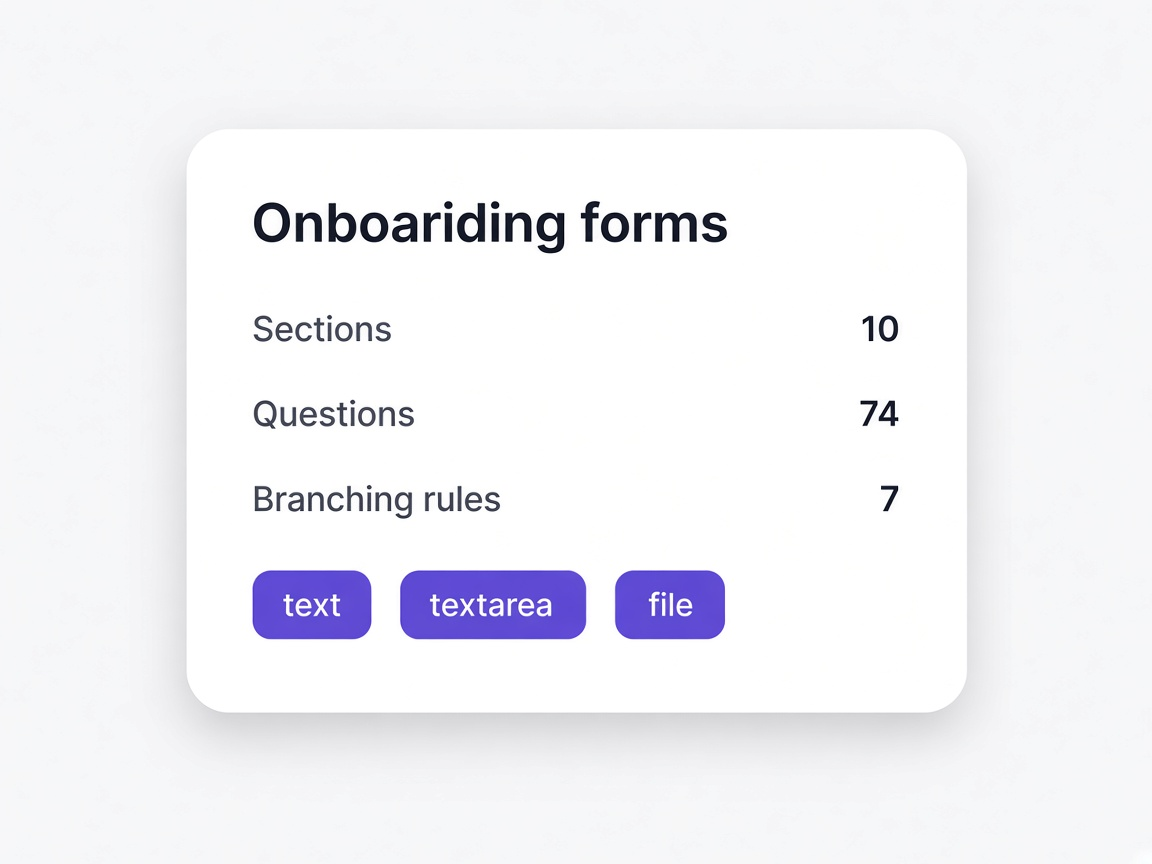
A supplier asks what a question means
Usually a sign the question is wrong. Change it once and every future invitation improves.
Learn more
A certificate keeps arriving late
Make it an upload question inside the form rather than a follow-up email.
Learn more
Legal adds a new attestation
Added as a section with a signature, applied to the supplier types that need it.
Learn more