A supplier list
that is actually current
Most vendor master data is a spreadsheet somebody inherited, with duplicates, missing tax identifiers and half-filled rows nobody trusts. The directory is what you get when the list is built by the onboarding rather than maintained beside it.
Because keeping it current is nobody's actual job
Vendor master data is maintained by whoever last had time, which means it degrades steadily and nobody can point to when it stopped being reliable.
The list maintains itself
Records are created by onboarding rather than typed in afterwards, so the fields are populated because a supplier answered them, not because somebody transcribed them.
Duplicates stop multiplying
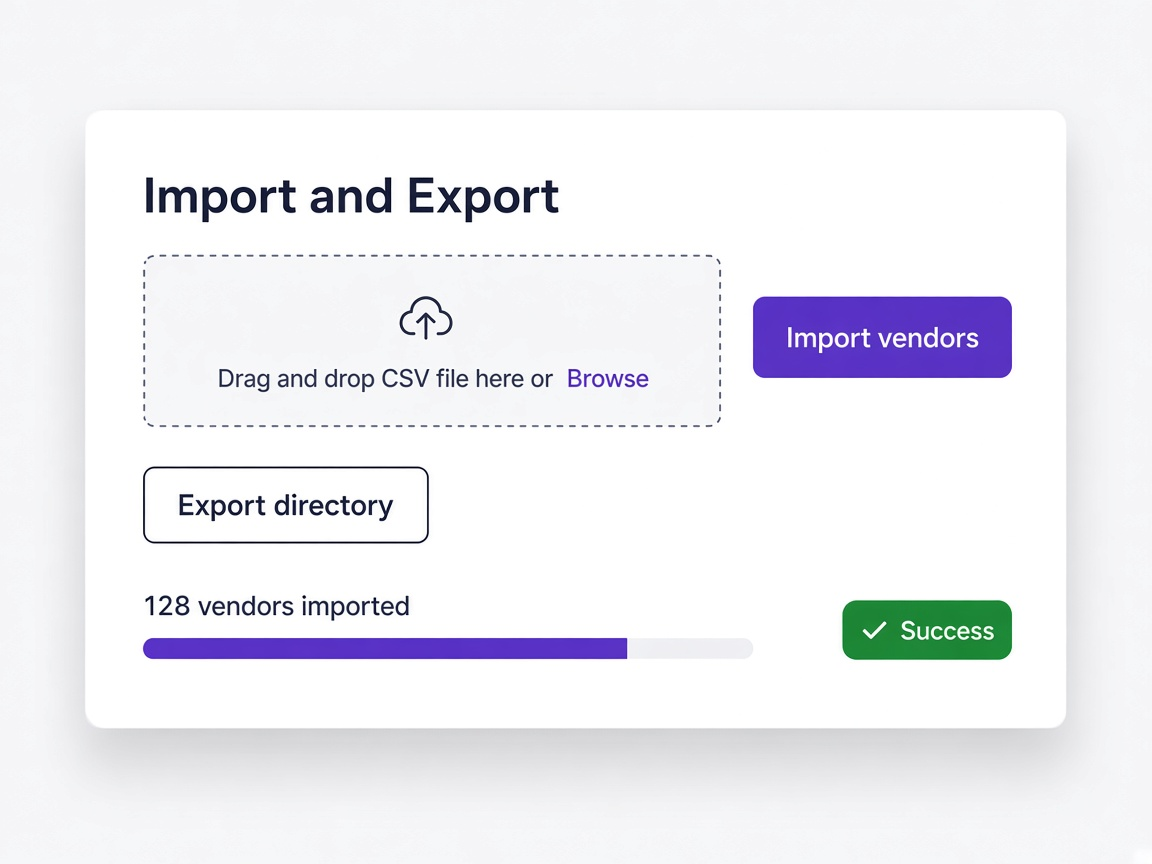
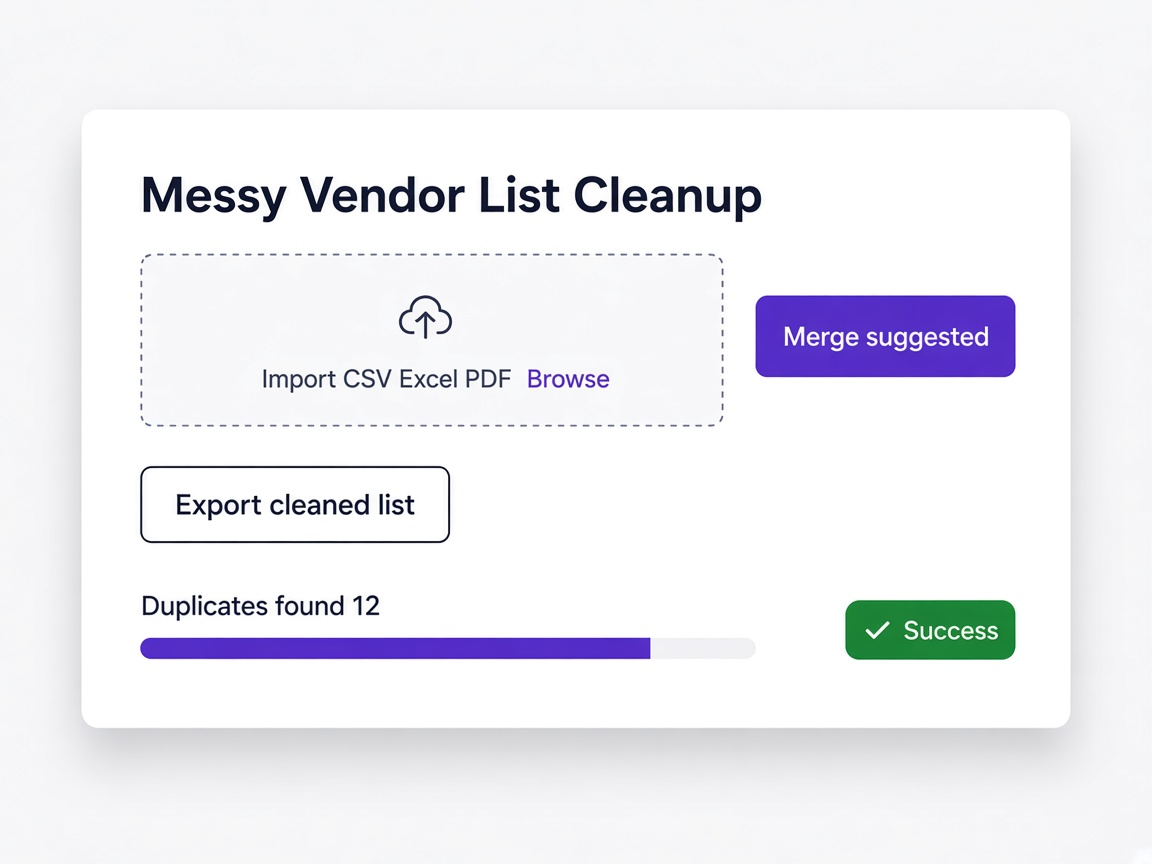
Suppliers you already hold are detected at import and skipped, so bringing in a legacy list does not double it.
You can answer questions from the row
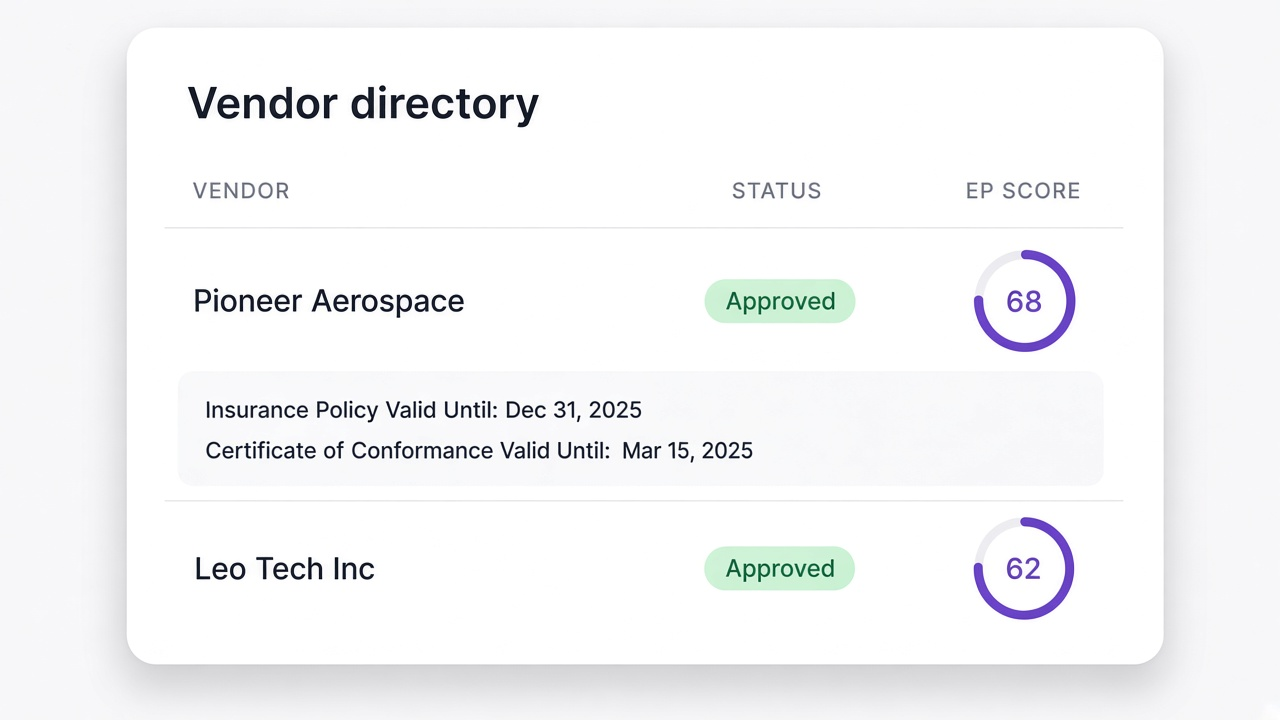
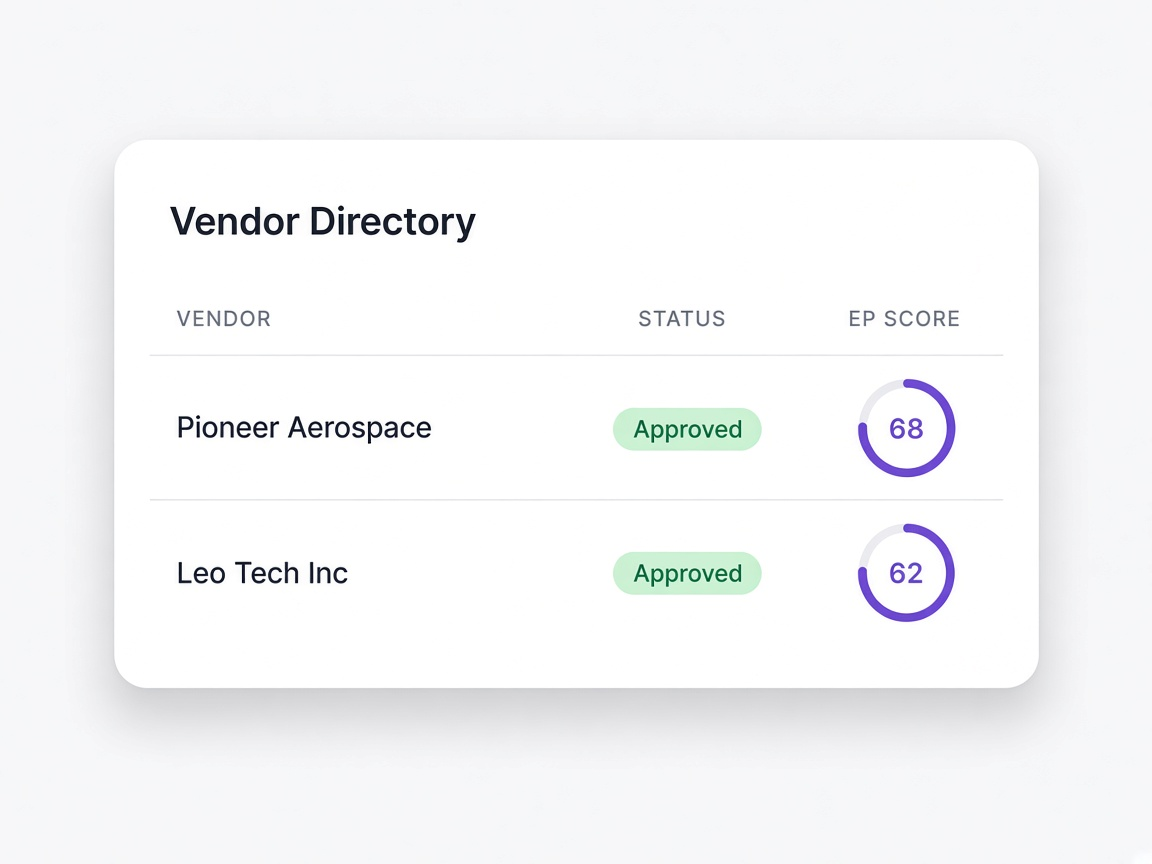
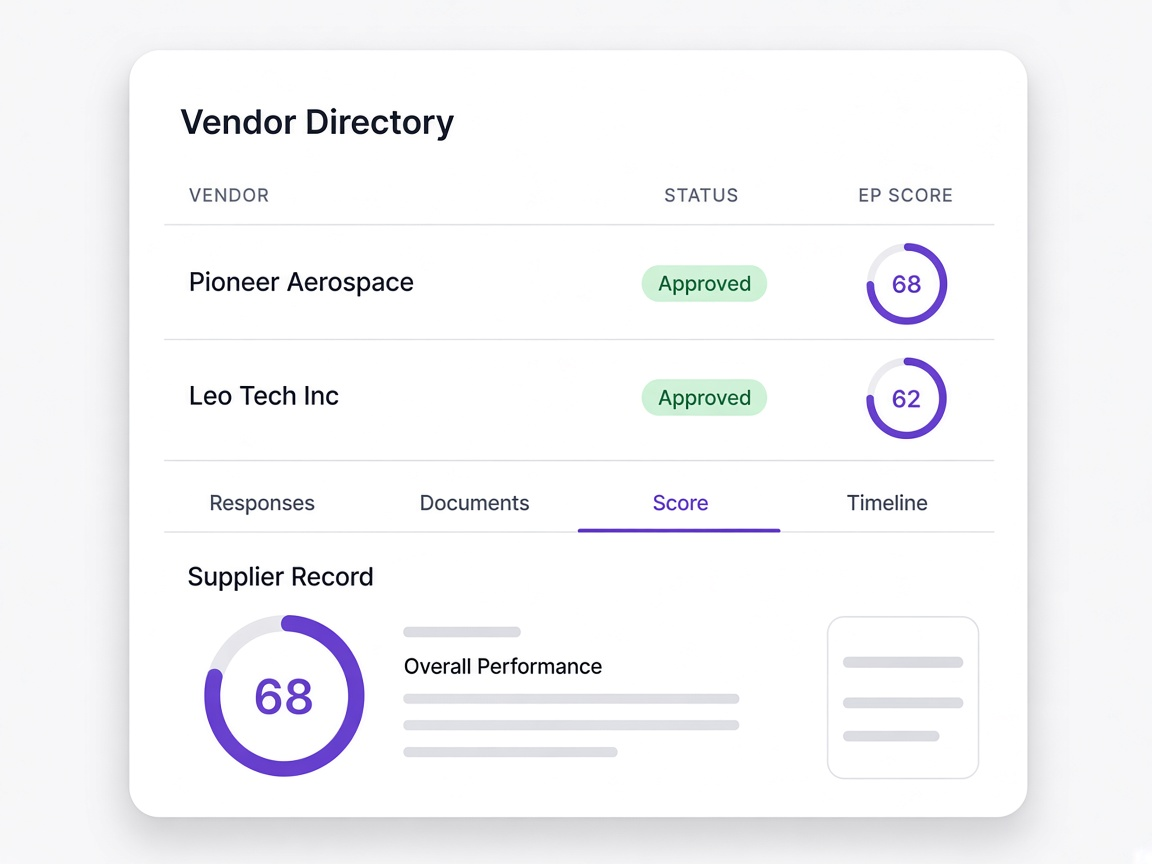
Status, score and validity sit on the list itself, and the full record is one click away, so most questions never require opening anything else.
The difference is where the data comes from
The problem with vendor master data is rarely the tool. It is that the data is entered by people rather than collected from suppliers.
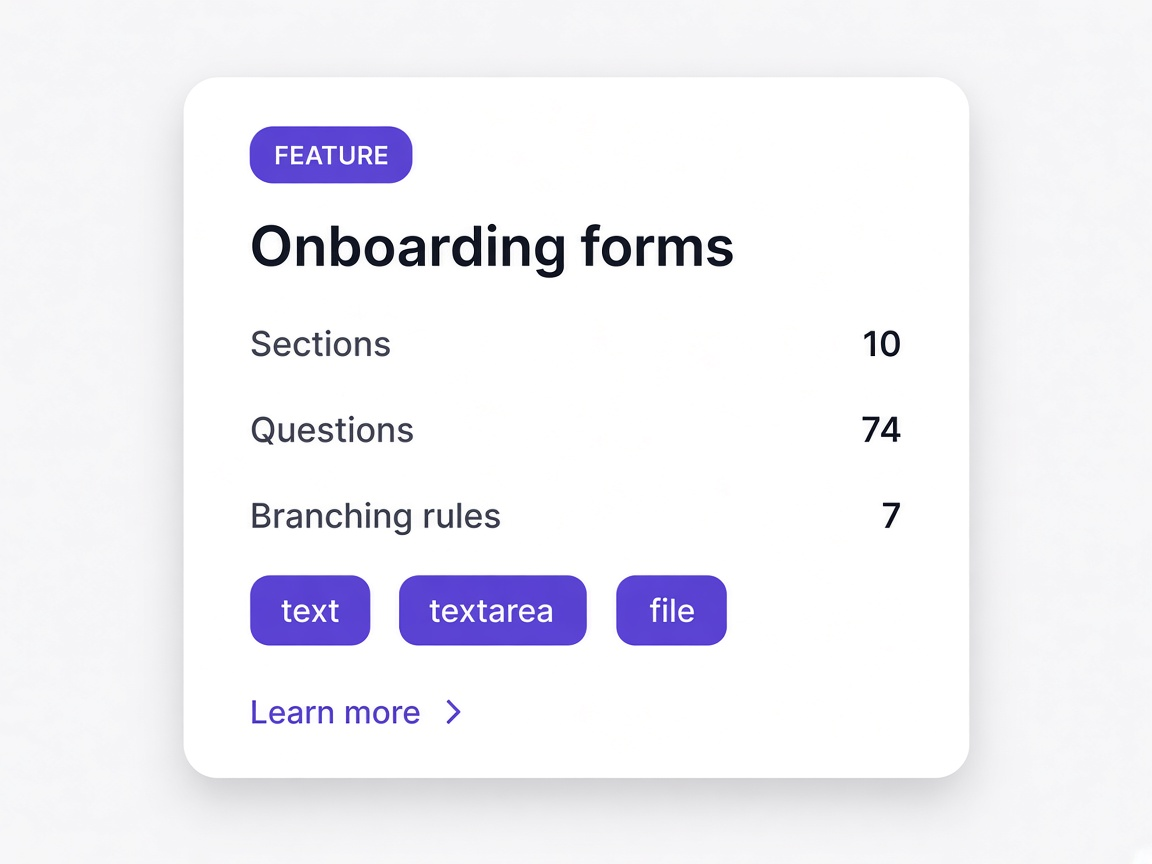
Typed in by staff
Somebody adds the supplier manually, often mid-task, filling in what they know and leaving the rest for later, which never arrives.

Created by the onboarding
The record exists because a supplier completed a questionnaire, so the fields are answers rather than transcriptions.
Discovered later
The same supplier appears twice under slightly different names and nobody notices until a payment or a report goes wrong.
Caught at import
Existing suppliers are matched during import and skipped rather than added a second time.
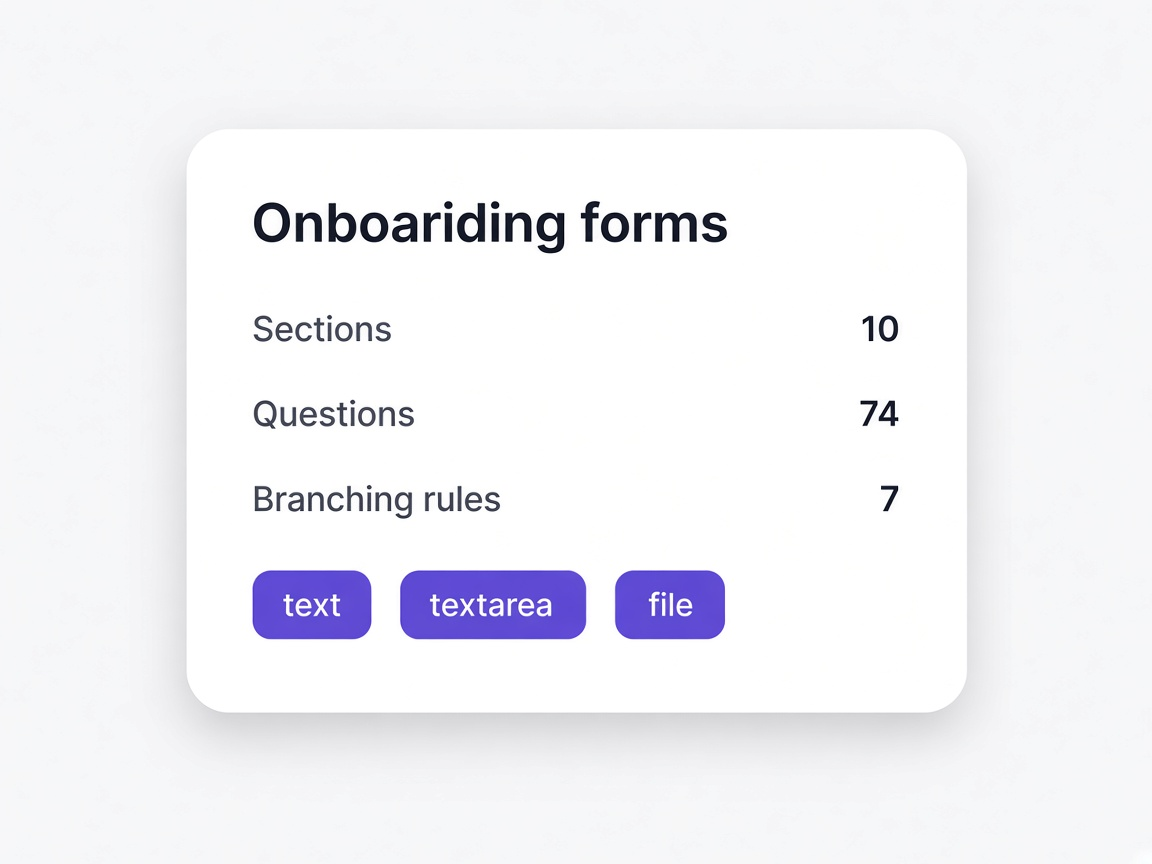
As current as the last cleanup
The list reflects whenever somebody last went through it, which is usually further back than anyone would like to admit.
Updated by activity
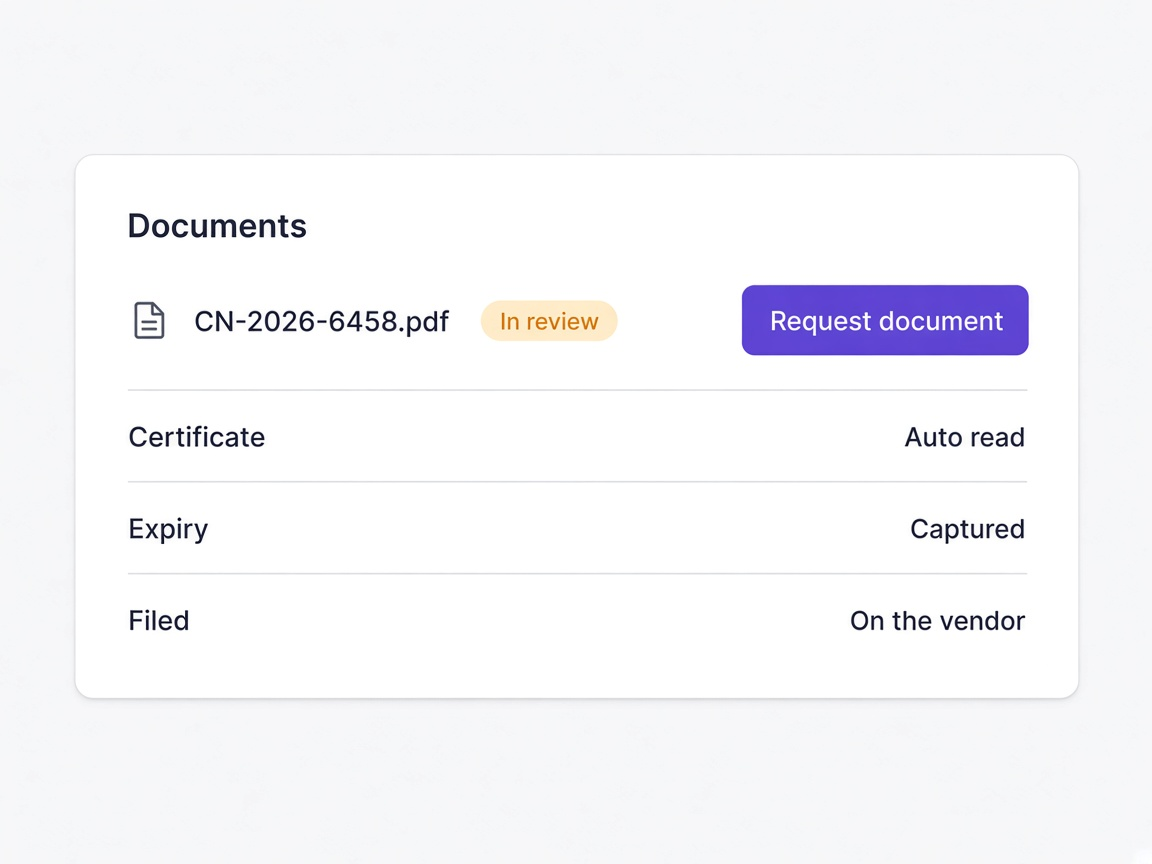
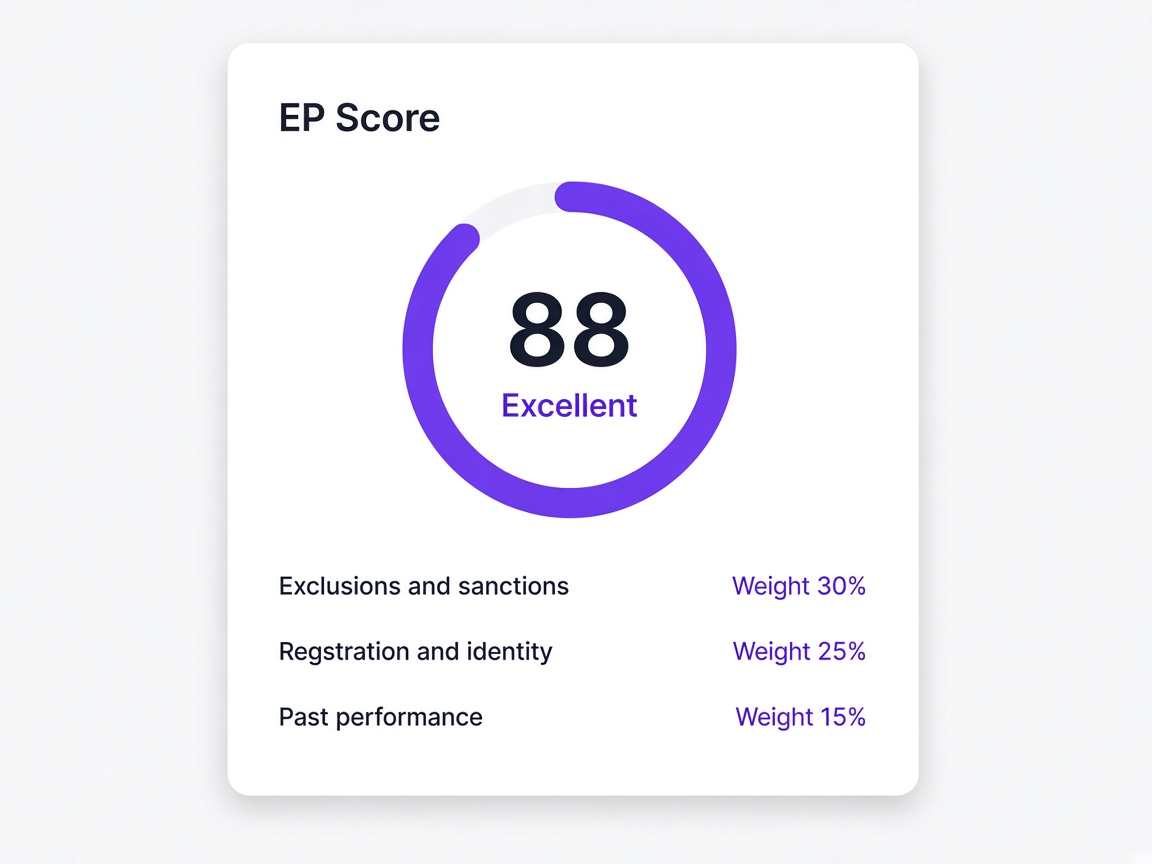
Scores refresh from public records, documents update on renewal, and status changes when somebody approves.
A row and nothing else
The spreadsheet holds a name and a few fields, and everything else about the supplier lives in email and shared drives.
A full record
Every row opens to responses, documents, score breakdown and a complete timeline.
Moments a procurement team will recognise
You inherit a legacy vendor list
Imported with mapping and duplicate detection so the directory starts clean rather than doubled.
Learn moreFinance asks about a supplier
Status, score and validity are on the row, and the full record is one click away.
Learn more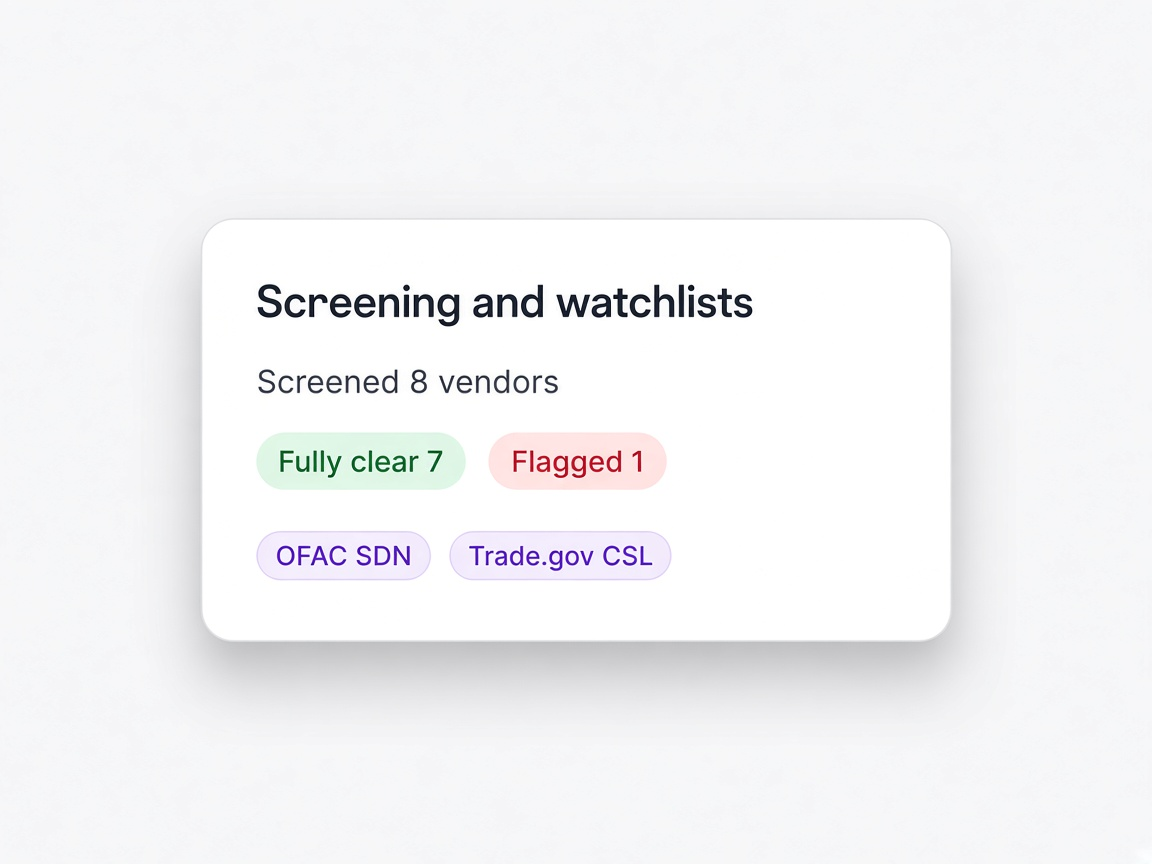
Re-qualification comes round
Validity dates are on the list, so it is planned rather than discovered.
Learn moreA score moves overnight
Visible in the directory with the reason attached, before anybody asks about it.
Learn more