
Vendor Onboarding by Industry
Every sector buys differently, and the paperwork is the difference
A hospital credentialing a clinical supplier and a builder mobilising a subcontractor are asking completely different questions. The questionnaire changes by sector. Screening, qualification scoring and the supplier directory underneath it do not.
Less than most teams expect
Procurement leaders usually arrive assuming they need something built for their industry. Almost always, what they need is a different set of questions on the same rails.
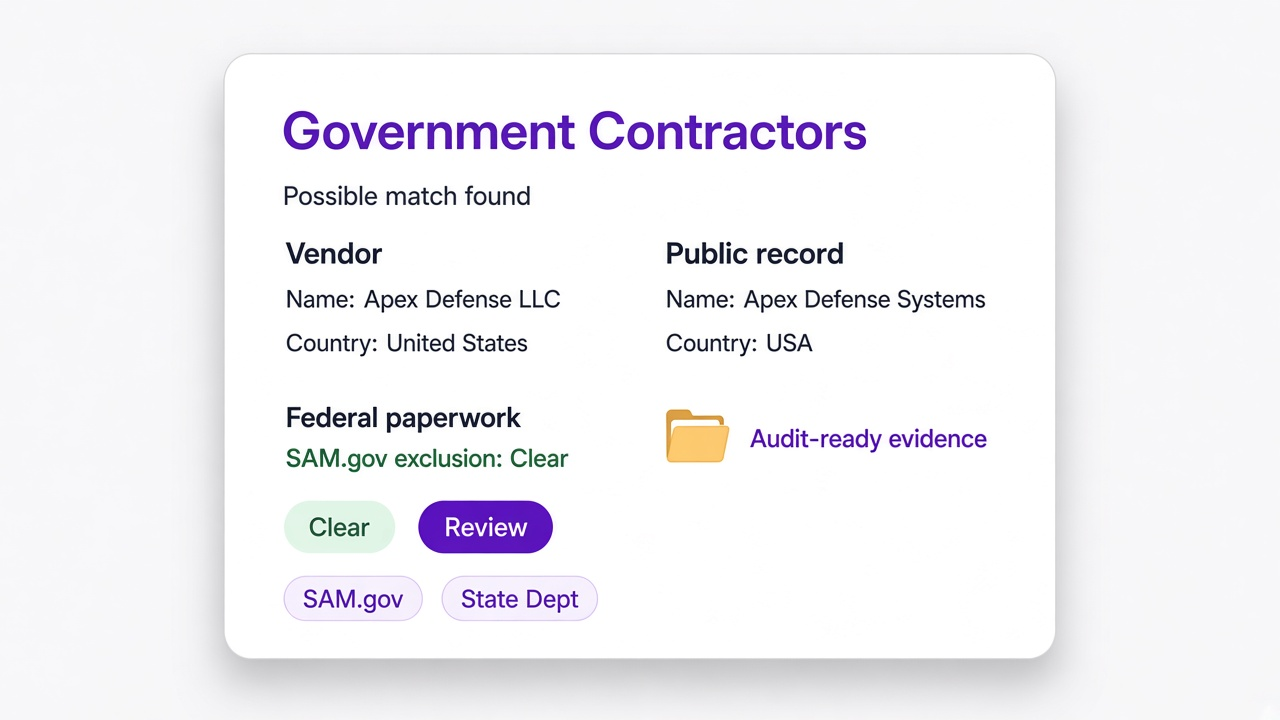
The questions you have to ask
Clinical credentials, site safety records, federal paperwork, tax documents. Which of these matter depends entirely on what you buy and who you buy it from.
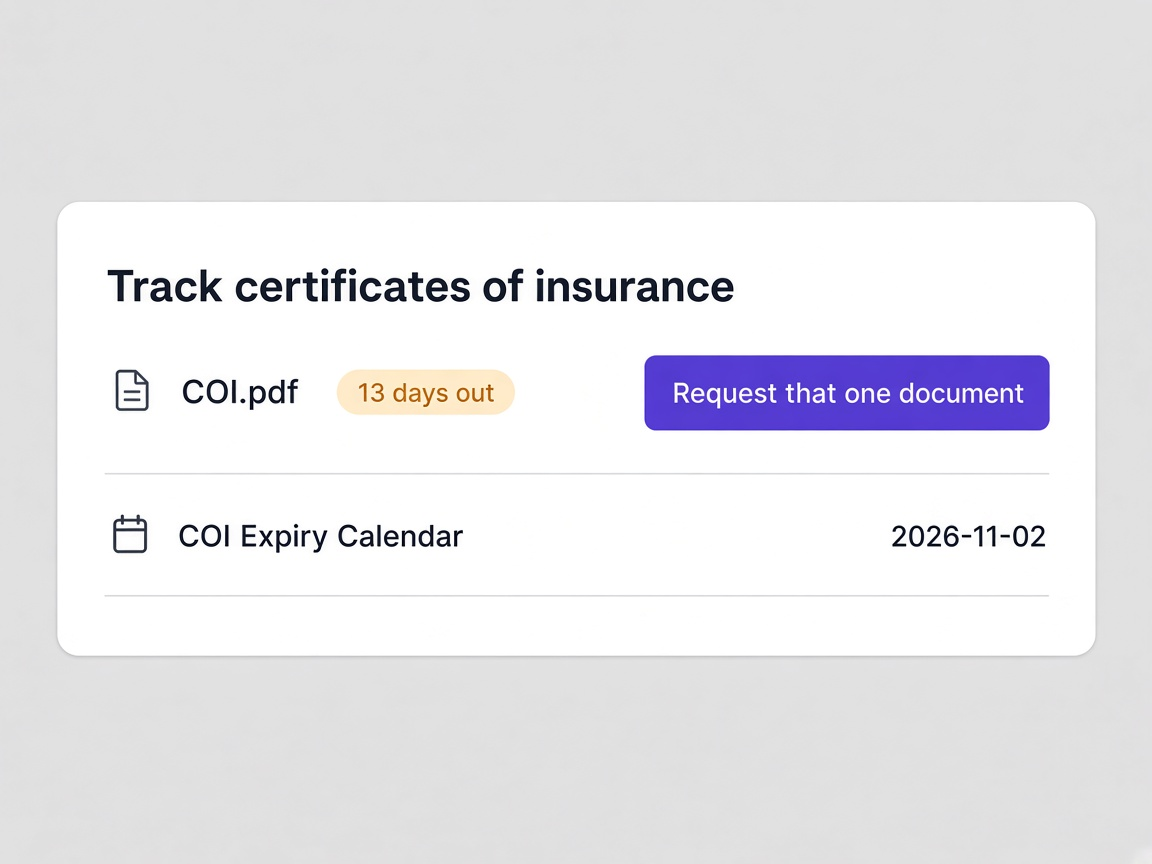
Which documents expire, and how quickly
Liability insurance renews annually, some qualification records far more often, and certain credentials on a cycle of their own.
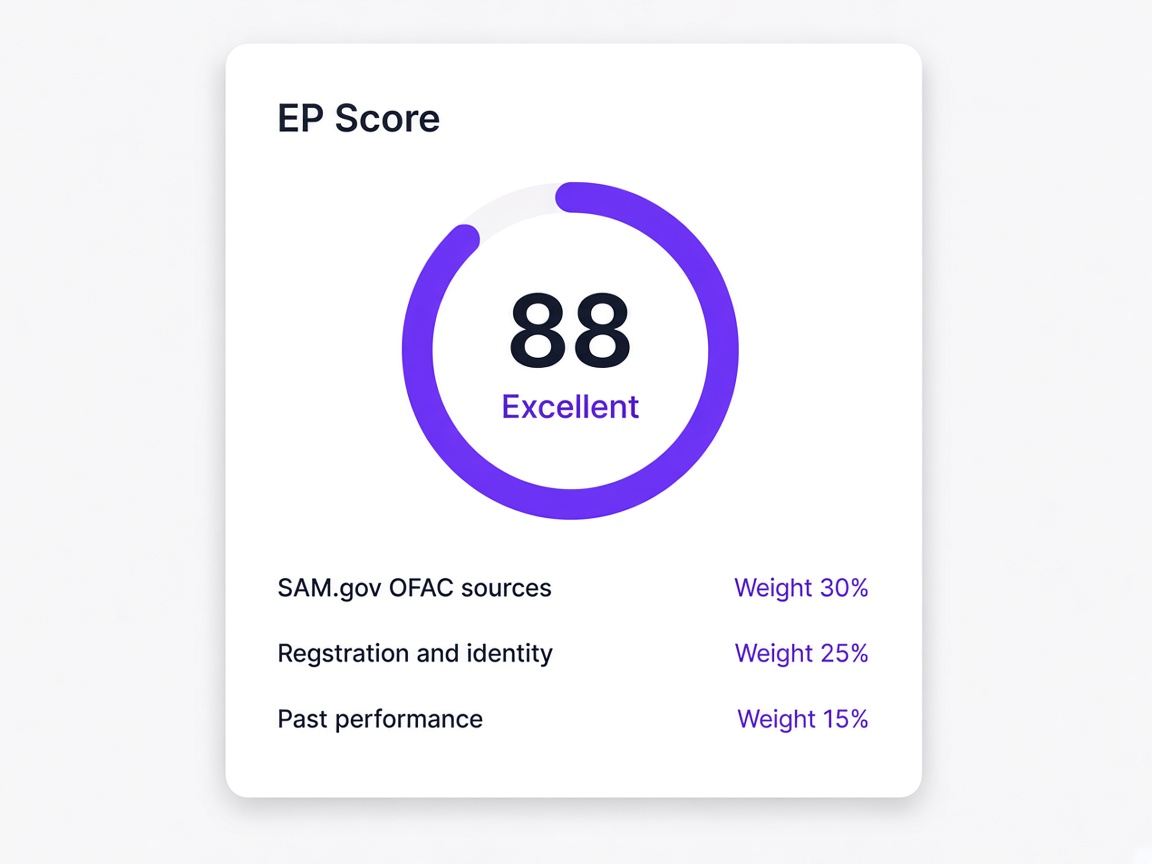
Everything behind the questionnaire
Screening runs against the same public lists, the EP Score is built from the same records, and the supplier directory behaves identically whatever you buy.
Where supplier onboarding gets specific
Written from the position of the team actually doing the qualifying.
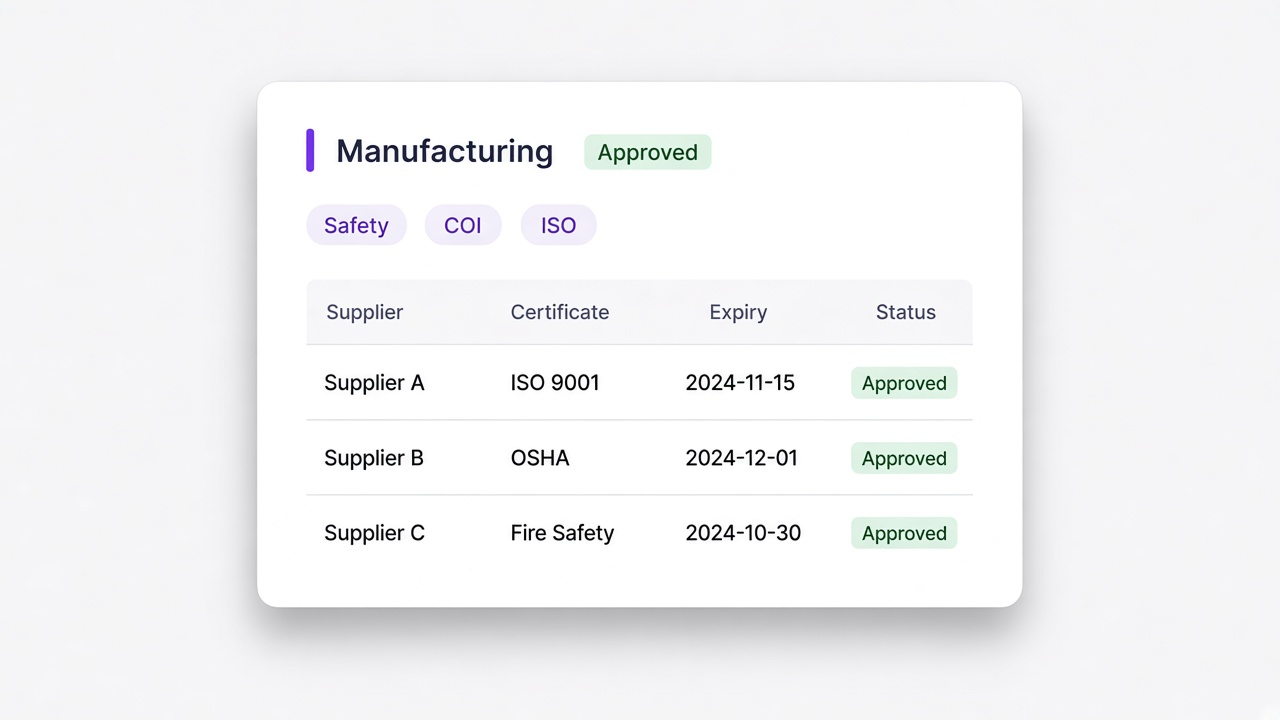
Manufacturing
Hundreds of suppliers, each with certificates that expire on their own schedule and nobody watching the dates.
Learn more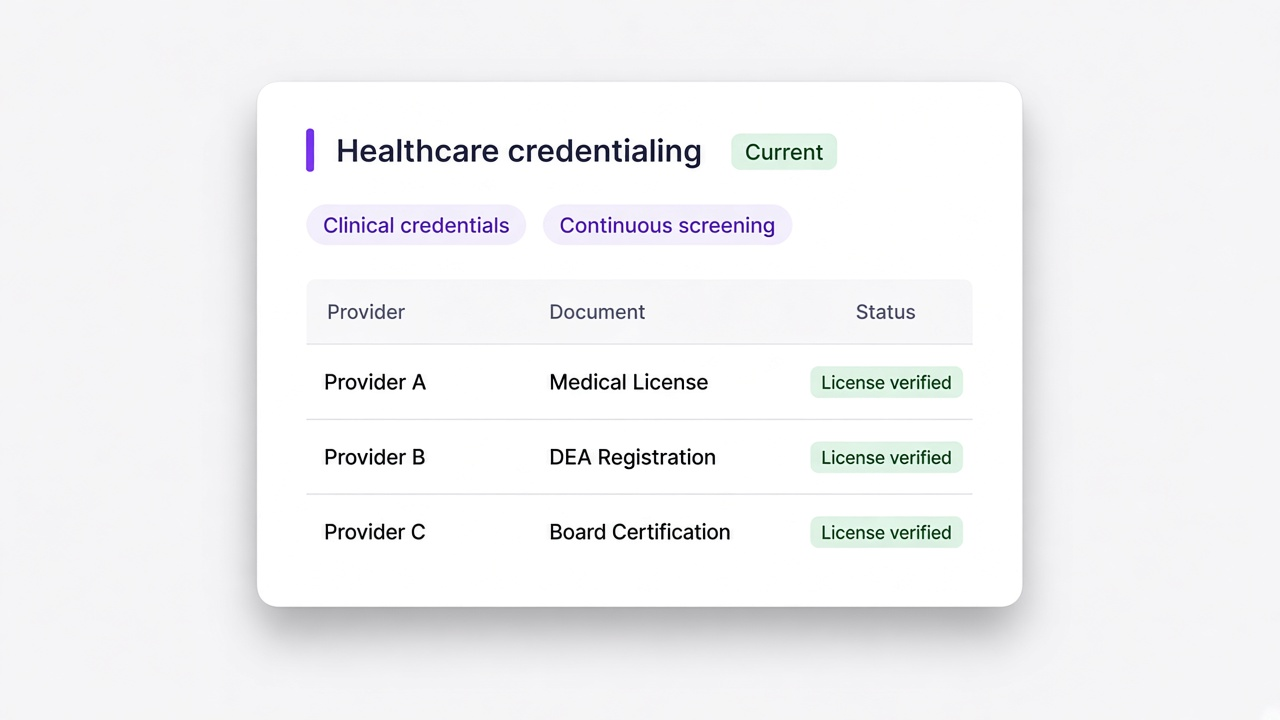
Healthcare and life sciences
Vendor credentialing where screening has to stay current rather than being right on the day somebody was approved.
Learn more
Construction
Subcontractors mobilising on site, where insurance and qualification records decide whether work can start at all.
Learn more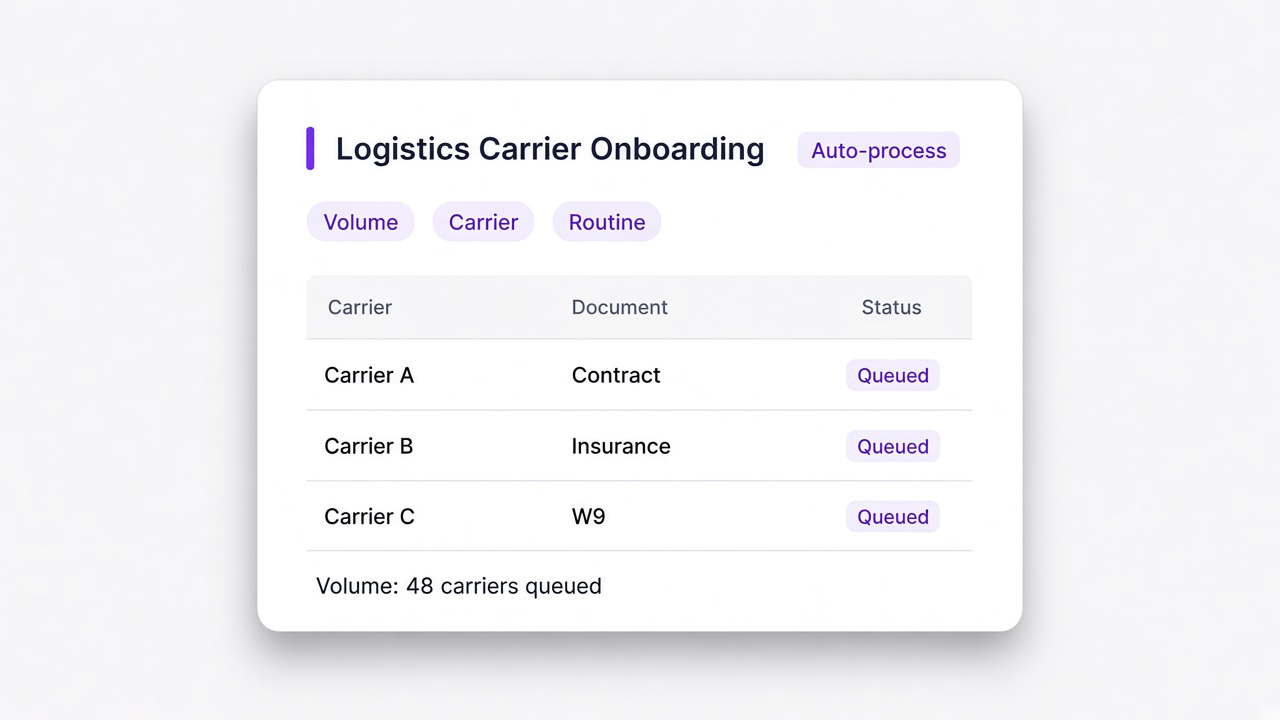
Logistics and transport
Carrier and vendor onboarding at volume, where the paperwork is routine and that is exactly why it slips.
Learn more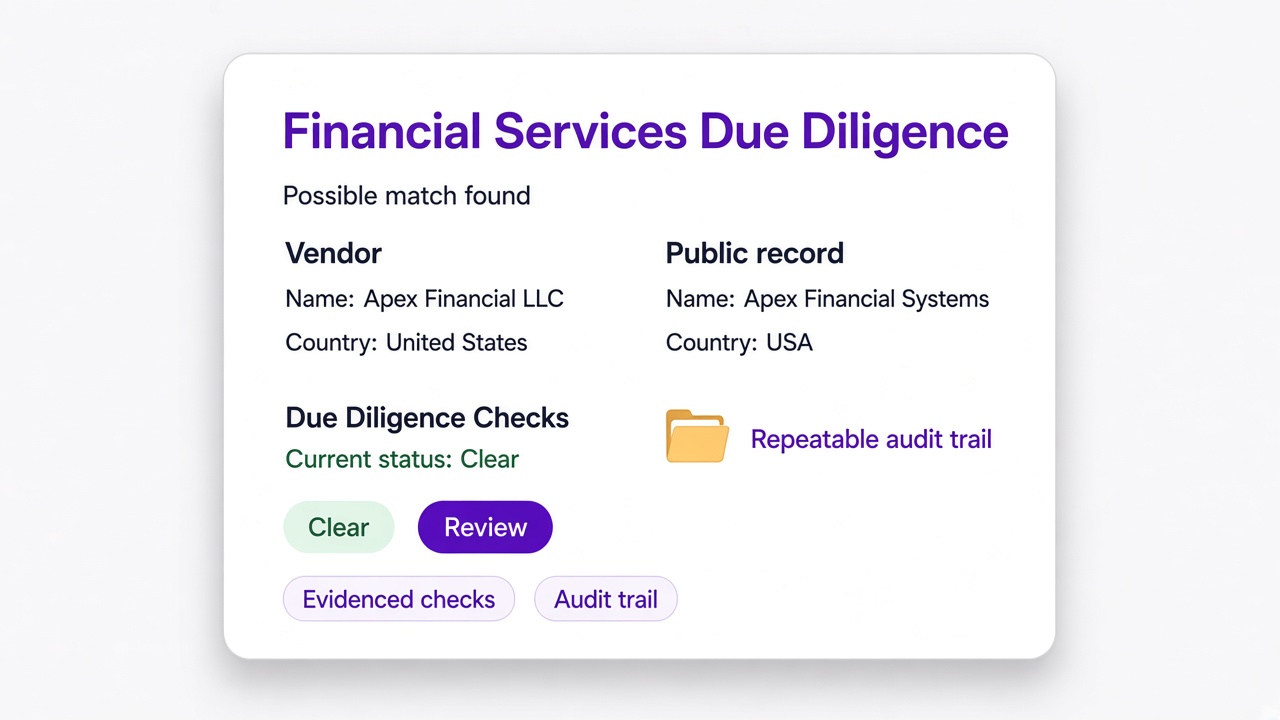
Financial services
Vendor due diligence where the checks have to be evidenced, repeatable and current across the whole third party population.
Learn more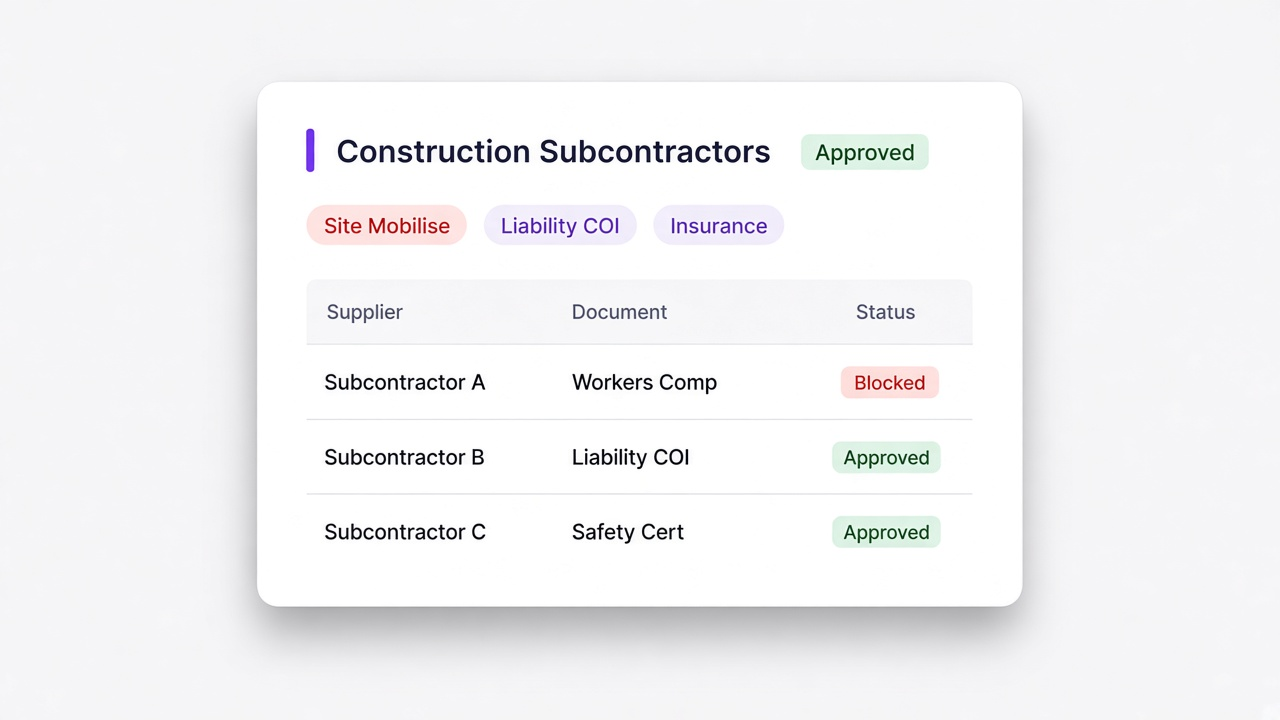
Government contractors
Subcontractor onboarding with federal paperwork, exclusion screening and a record somebody may ask to see.
Learn more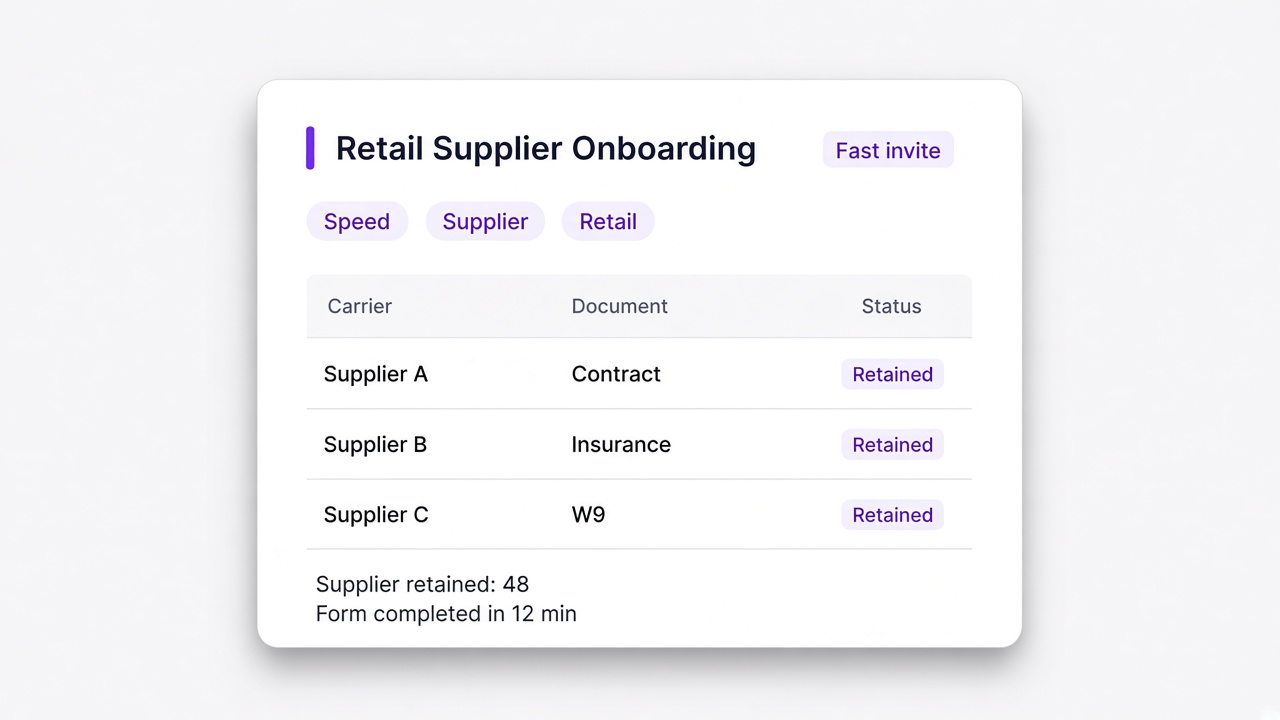
Retail and eCommerce
Supplier onboarding at speed, where a slow form costs you the supplier rather than just the time.
Learn more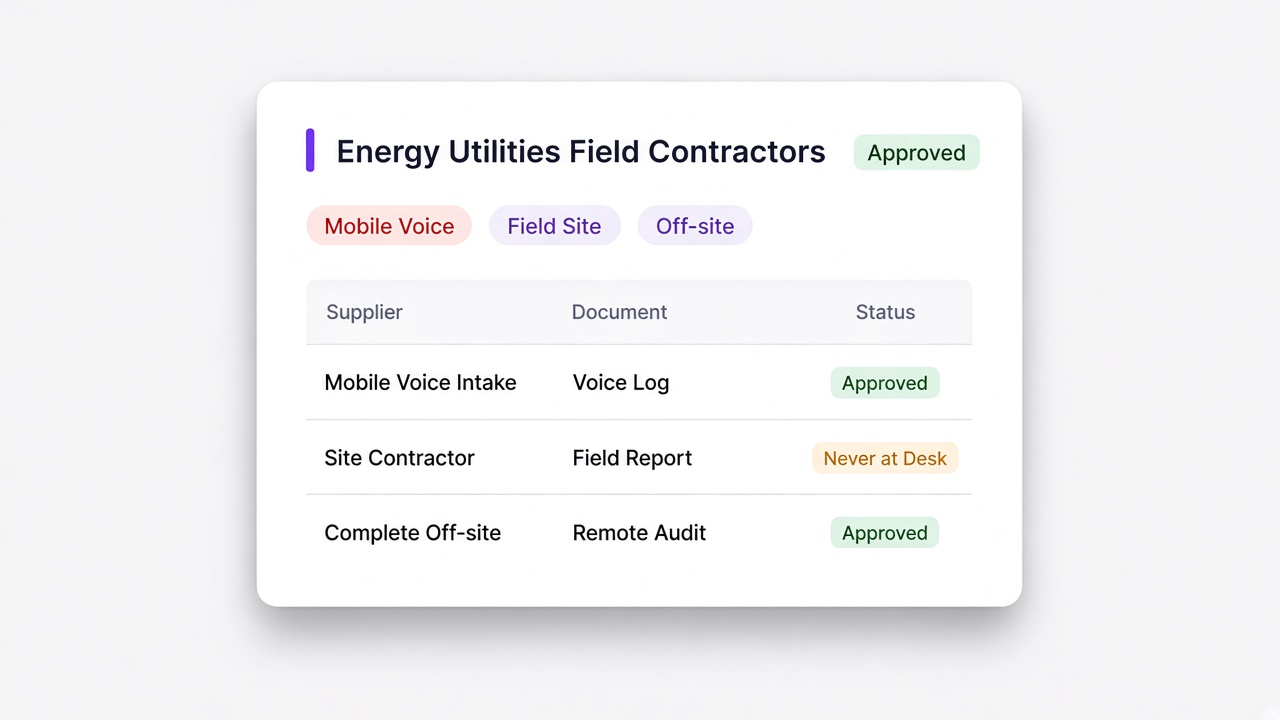
Energy and utilities
Contractor onboarding across sites, where the people doing the work are rarely near a desk.
Learn moreWhat procurement teams actually search for
Very few people go looking for vendor management software. They go looking for a way to stop chasing a certificate.
Tax forms become a question in the onboarding form with an upload attached, read on arrival and filed against the vendor. Requested as part of onboarding rather than a separate exchange.
- Read automatically instead of opened and retyped
- Filed on the vendor record where anybody can find it
Every document carries its own expiry date, so a certificate lapsing soon is visible now and the renewal asks for one item. Expiry captured at upload rather than typed into a spreadsheet.
- A runway showing what lapses first
- Renewal requests one document, not a full resubmission
Bring the list in from CSV, Excel, PDF or Word with field mapping and duplicate detection, so the directory starts clean. Field mapping handles column names that do not line up.
- Vendors you already hold are detected and skipped
- What arrives is a directory rather than a second copy of the mess
Exclusion, debarment, sanctions and watchlist screening that keeps running, with possible matches shown against your own vendor details. Re-screened on a cycle rather than once at onboarding.
- Both records shown side by side so you can compare them
- A false positive dismissed in one click, and the decision recorded
A look inside the sector templates
The clearest way to see the difference is to look at what each one collects. Every template ships ready to send and ready to change.
What a manufacturer collects
Production suppliers bring quality records and liability cover, and the volume means the same questions have to work for hundreds of them.
- Quality management and certification records
- General liability and workers compensation cover
- Tax identification and remittance details
- Capacity, lead times and site locations
What a health system collects
Credentialing is the whole job here. Documents expire on their own cycles and the record has to be current rather than correct on the day of approval.
- Professional licences and credential records
- Insurance cover with expiry captured on upload
- Exclusion and sanctions screening, run continuously
- Attestations signed as part of the questionnaire
What a contractor collects
Nothing starts on site until the paperwork is in. Insurance and qualification records are the gate, not an administrative afterthought.
- General liability and workers compensation, tracked to expiry
- Trade qualifications and safety records
- Site specific requirements per location
- Signed terms before mobilisation
What a prime collects
Federal subcontracting brings the longest questionnaires and the highest evidence expectations, because somebody may ask to see all of it.
- Entity registration and tax identification
- Exclusion and debarment screening against federal lists
- Representations, certifications and flow down acceptance
- Small business status and supporting documentation
The part people forget to ask about
Onboarding is only half of it. Six months later somebody will ask what you checked, when, and on what basis.
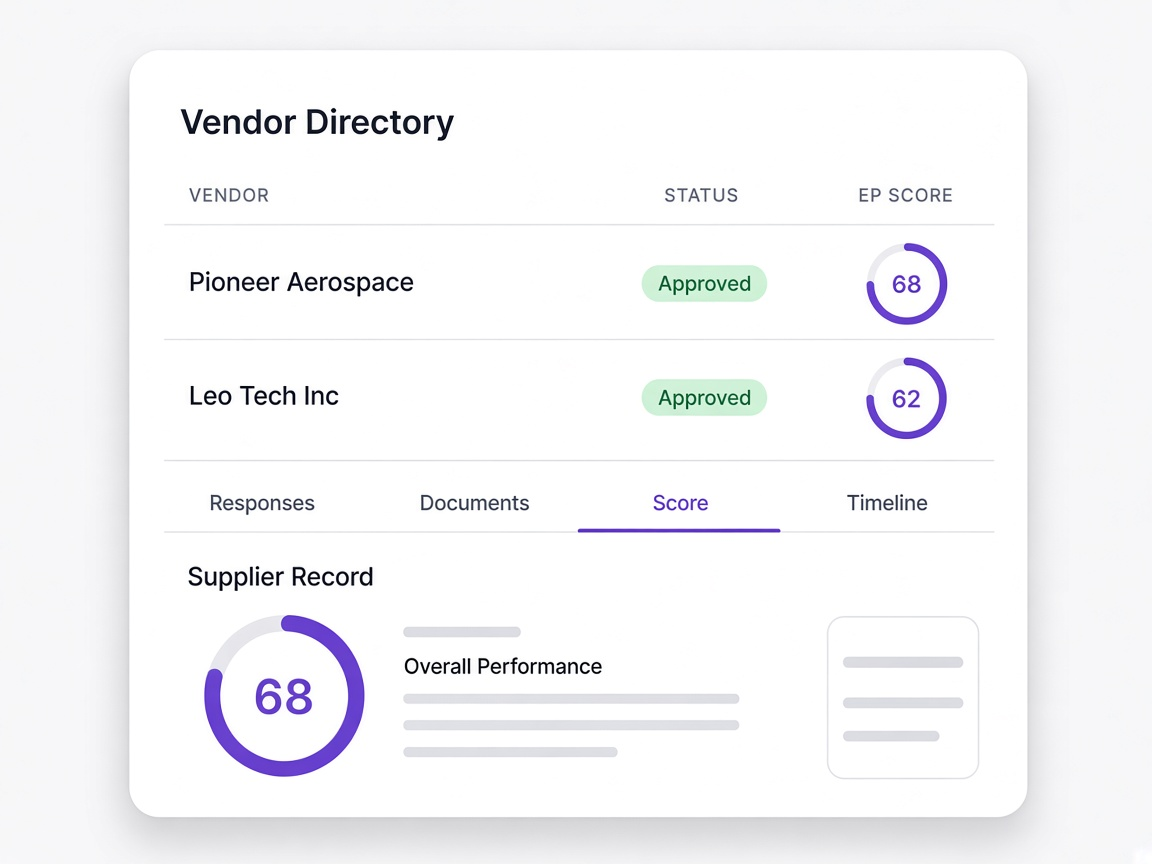
The supplier record itself
Responses, documents, score breakdown and a full timeline, in one place rather than four.
Learn more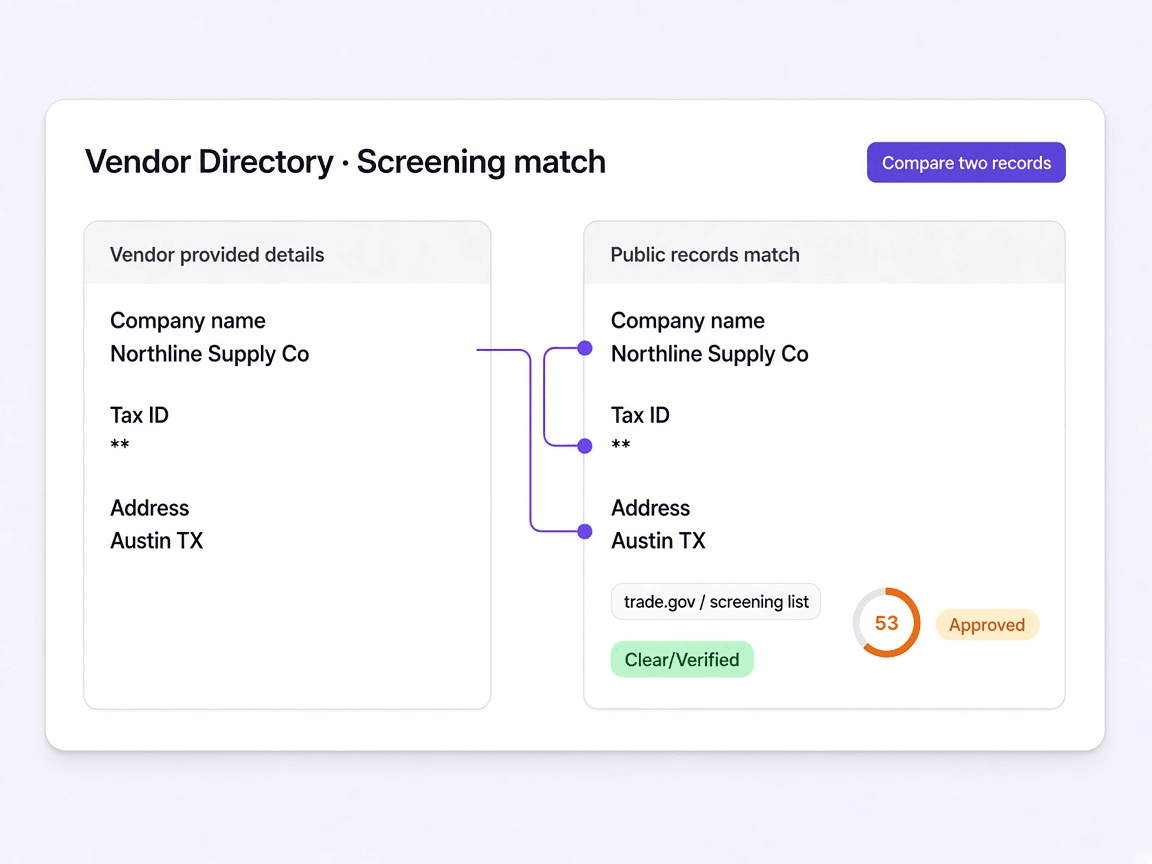
What screening returned, and when
Each check dated, with possible matches shown against your own supplier details rather than as a verdict.
Learn moreThe documents, with their dates
Every certificate filed against the supplier with the expiry captured at upload rather than typed in later.
Learn moreHow the score was reached
Each category opening to the public records behind it and the weight it carried at the time.
Learn more