Vendor Document Collection
The chasing is the job, so stop doing it by hand
Nobody struggles to understand which documents they need from a supplier. The work is asking, waiting, asking again, opening the file, typing the expiry somewhere, and then repeating all of it next year.
Not deciding, collecting
Document collection is the single most repetitive part of onboarding, and it is repetitive in a way that is entirely mechanical.
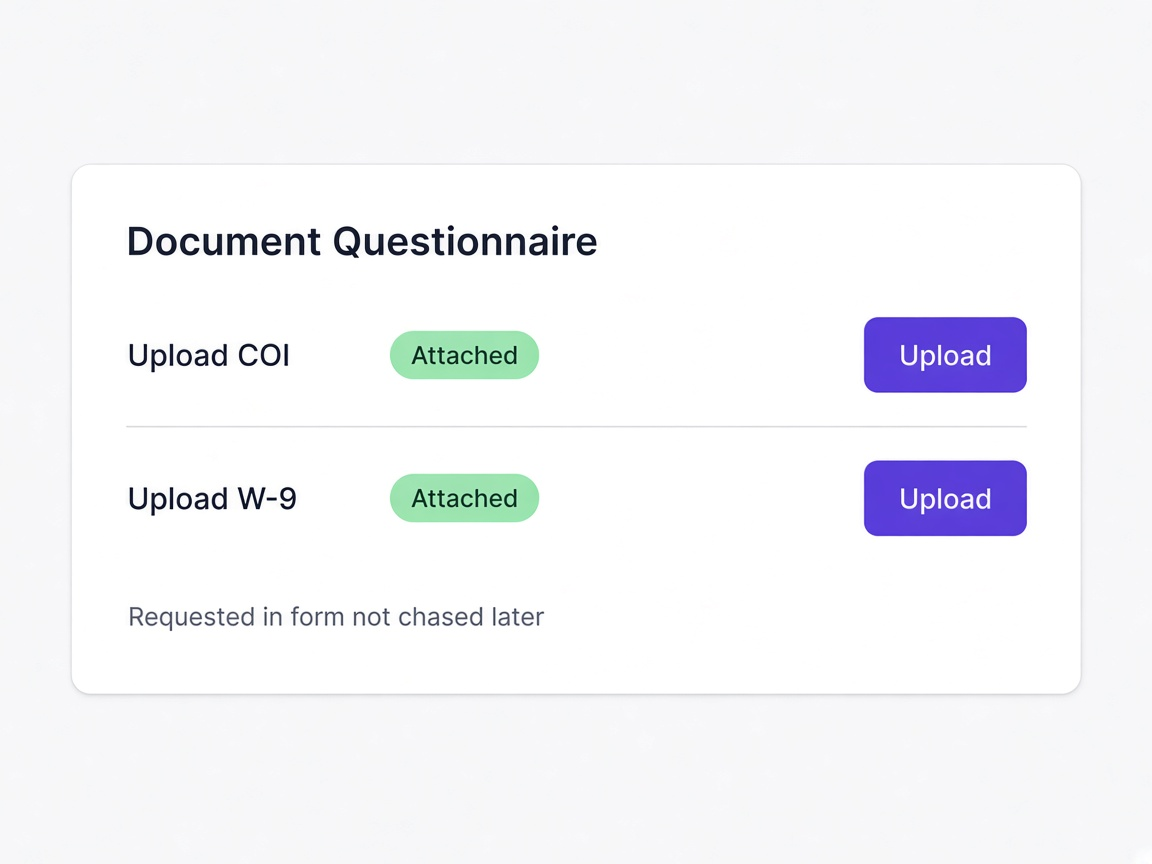
Documents arrive with the submission
Making uploads part of the questionnaire rather than a follow-up means the record is complete when it lands instead of a fortnight afterwards.
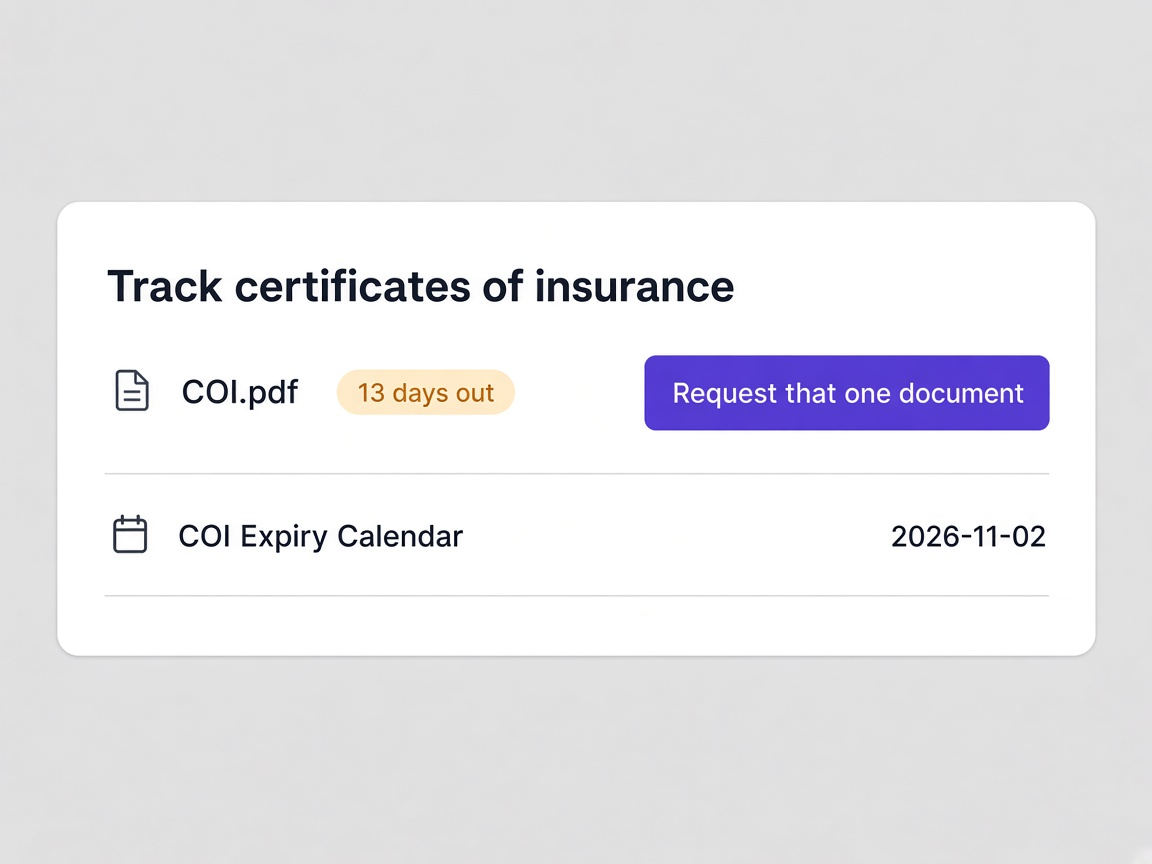
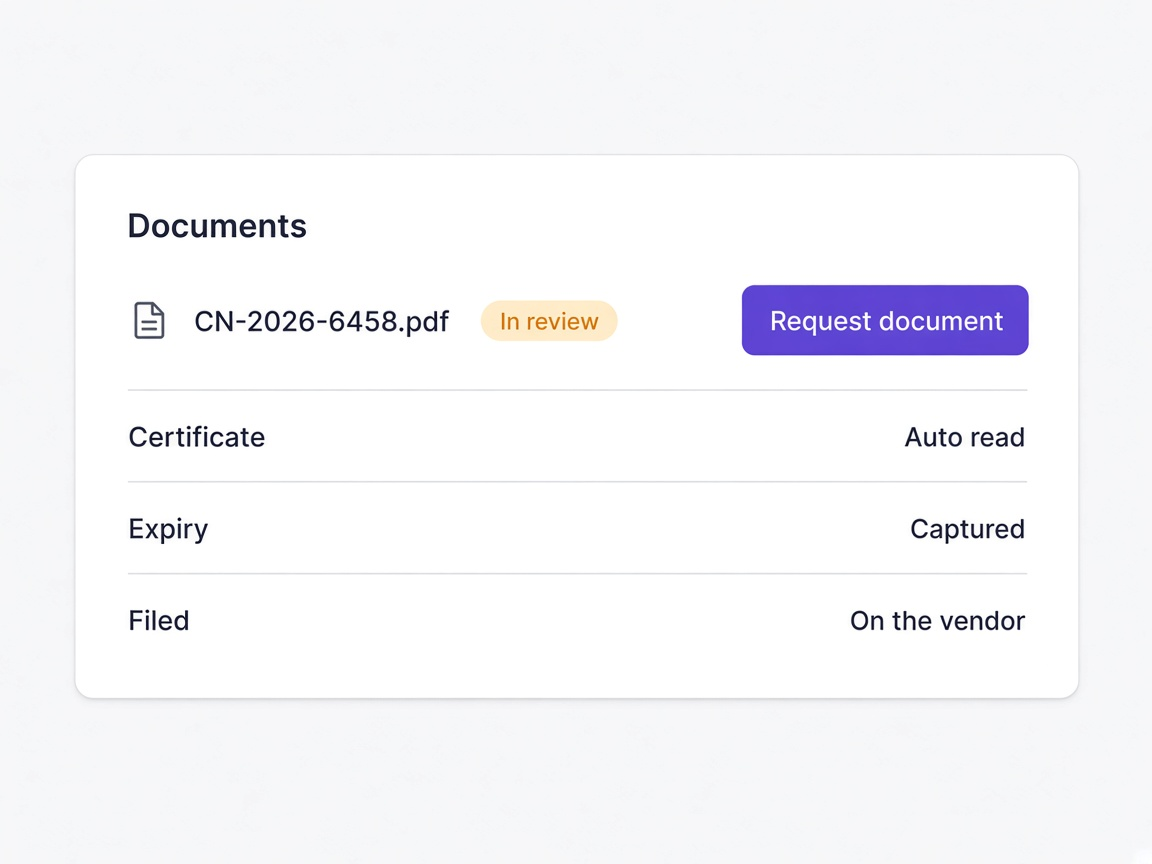
Expiry stops being a manual record
The date is captured when the document arrives rather than typed into a tracker by somebody who may or may not get to it.
Renewals ask for one thing
When only the expiring document is requested and everything unchanged carries forward, suppliers actually complete renewals.
And why it never quite gets fixed
Every team has a version of this process. Most of them are held together by one person's diligence.
A separate email
The questionnaire captures answers and somebody emails afterwards for the certificate, which starts a thread rather than finishing a task.
A question in the form
Uploads sit alongside the questions they relate to, so the document arrives as part of the submission.
Opened by a person
Somebody opens the PDF, finds the expiry, and types it into a spreadsheet or a field, which is both slow and where errors enter.
Read on arrival
The document is read as it lands, the expiry captured, and the file placed against the supplier record.
A shared drive
Certificates end up in folders organised by whoever created them, so finding one later depends on knowing that person's convention.
On the supplier record
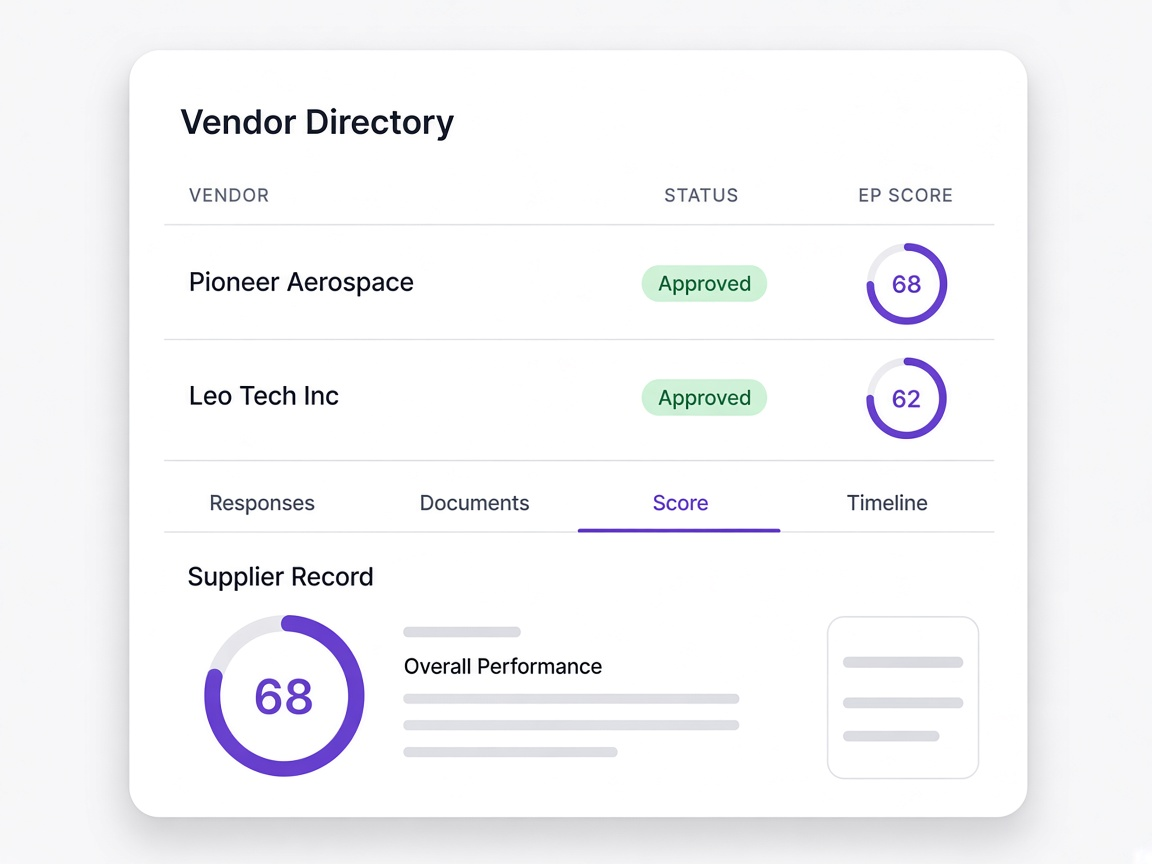
The document sits against the supplier it belongs to, alongside their answers, score and history.
The whole form again
Renewal often means resending the entire questionnaire, which suppliers resent and frequently do not complete.
Only what expired
One document is requested and everything unchanged carries forward from the existing record.
Moments a procurement team will recognise
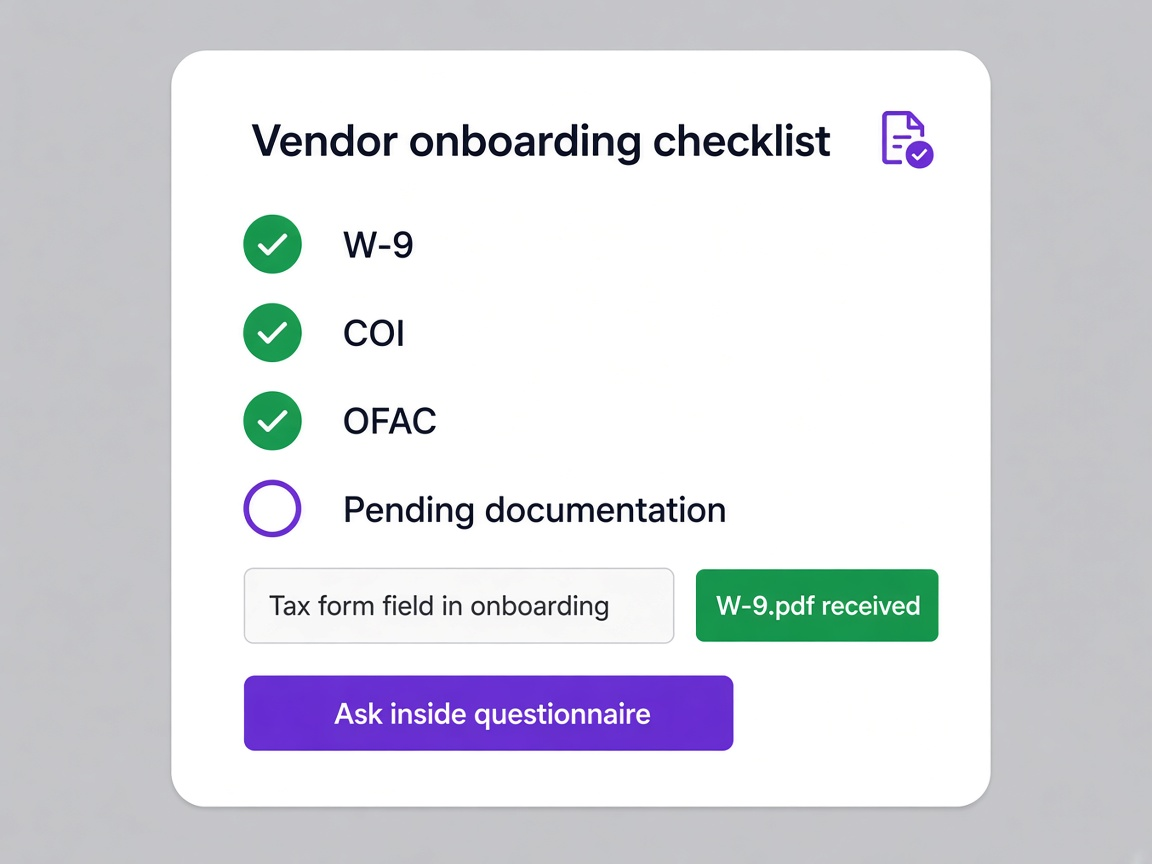
A W-9 is needed before payment
Asked for inside onboarding rather than chased separately once finance notices.
Learn moreAn insurance certificate expires next month
Visible on the runway now, with a request for that one document.
Learn more
A supplier ignores the renewal
Reminders escalate rather than the lapse being discovered when somebody needs the certificate.
Learn moreA certificate arrives in another language
Read on arrival with the expiry captured, rather than waiting for somebody who can read it.
Learn more