Vendor Approval Workflow
Automation you can see and undo
The useful question about an automated workspace is not what it does while you sleep. It is whether you can find out afterwards, understand why, and reverse it if it was wrong.
Nobody adopts automation they cannot audit
Teams do not resist automation because it is fast. They resist it because they cannot tell what it did, and that hesitation is entirely reasonable.
You can see everything that ran
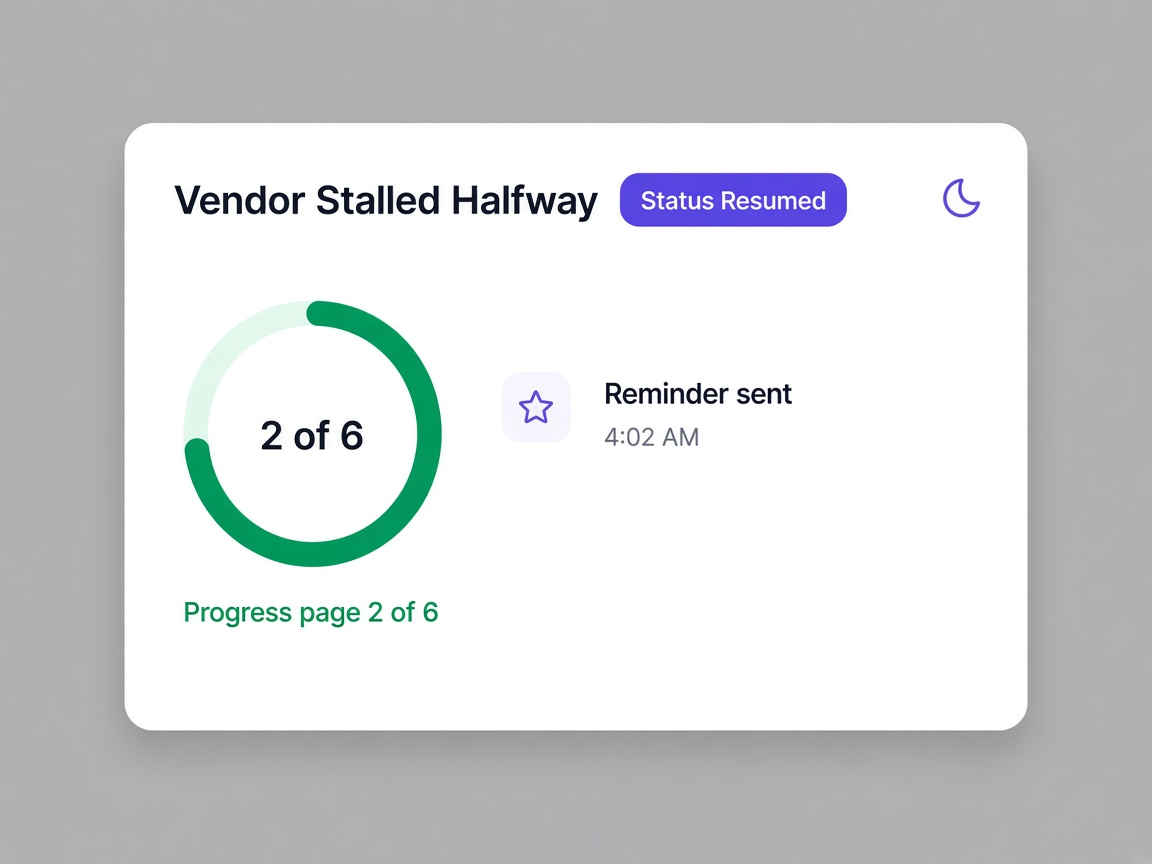
Overnight actions are listed with what happened and when, so the workspace working while nobody watched is a report rather than a mystery.
The judgement calls stay with people
Collecting, reading, screening and scoring happen automatically. Approving, dismissing a finding and blocking a supplier do not.
Decisions can be explained later
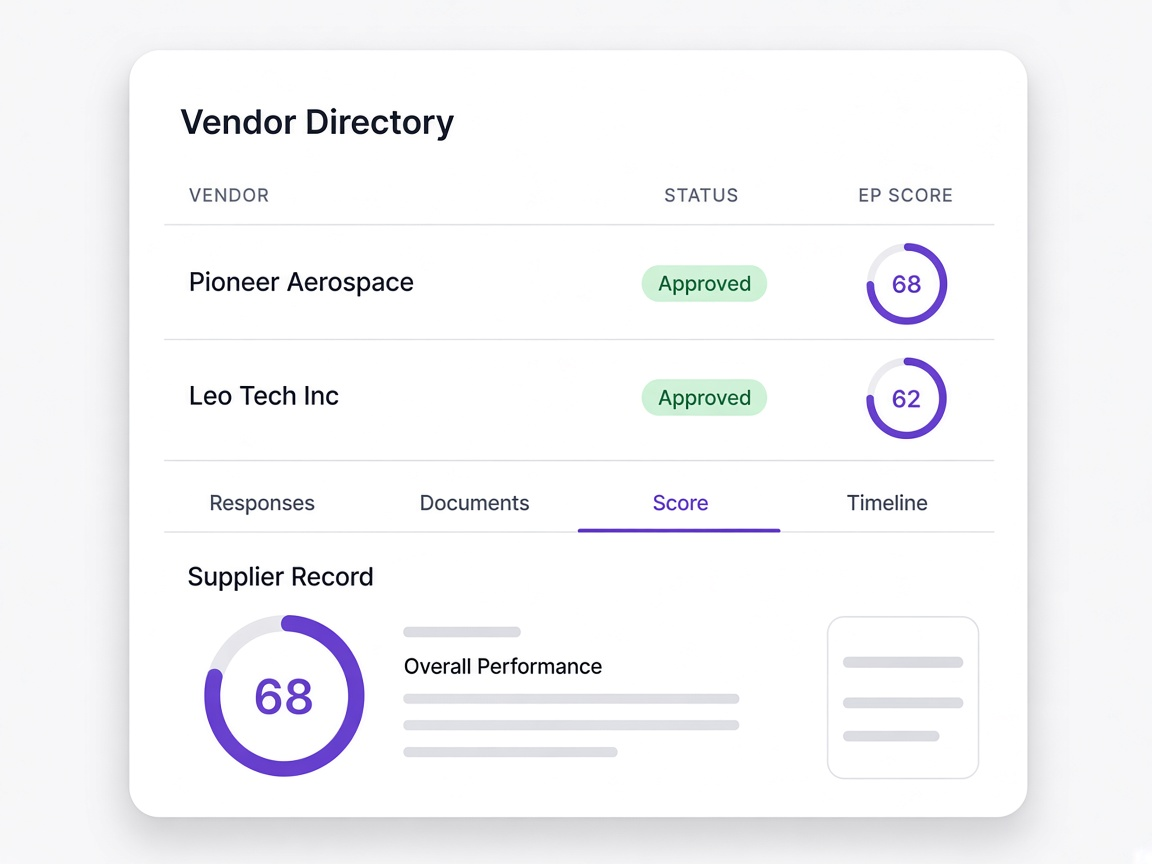
Every approval carries who made it, when, and what the record showed at the time, so a question six months on has an answer.
The difference is auditability
Most automation gets disabled not because it was wrong but because nobody could confirm it was right.
Invisible
Things happen in the background and the only evidence is the outcome, so verifying anything means reverse engineering it.
Listed with times
Each overnight action is recorded with what it did and when, so the morning starts with a summary rather than a guess.
The system approves
Automatic approval on a threshold is how an unsuitable supplier gets in and how nobody can say who let them.
A named person approves
The workspace prepares the decision and a person makes it, with their name against it.
Overwrite and move on
A mistake is corrected by changing the record, which leaves no trace that it was ever different.

Recorded as a change
Corrections appear as further entries rather than replacing what was there, so the sequence stays intact.
Everything, unsorted
A list containing every open item regardless of whether it needs a decision becomes something people stop opening.
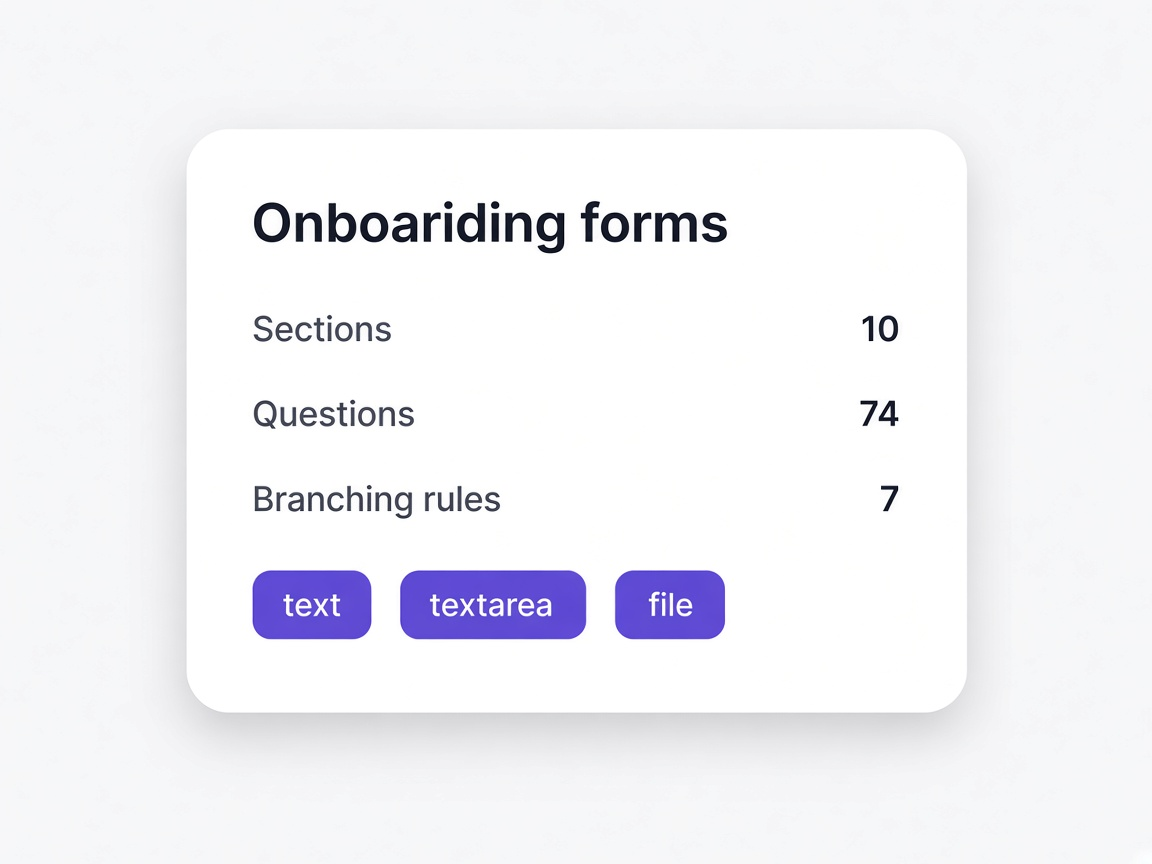
Only what needs a person
Items that need judgement, with everything else already handled and logged.
Moments a procurement team will recognise
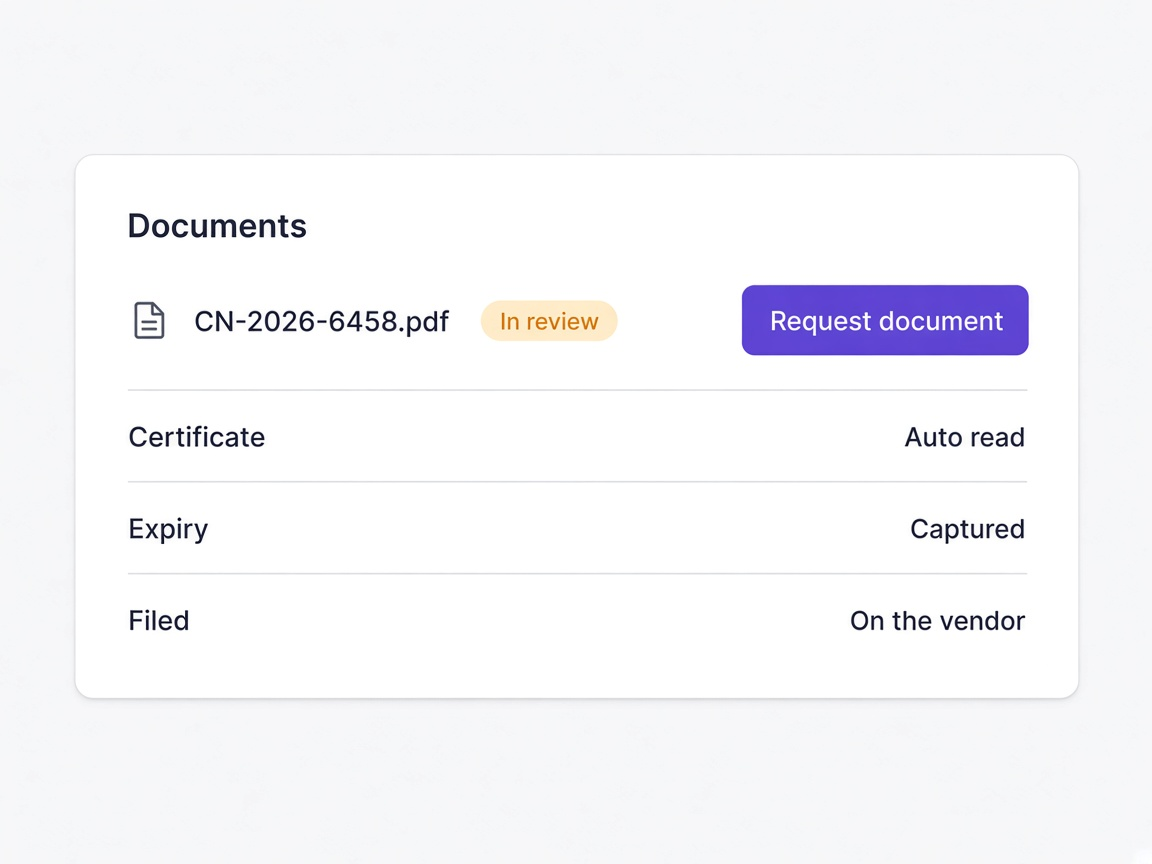
You arrive on Monday
A short queue of decisions rather than a list of things to chase.
Learn moreSomebody asks who approved a supplier
Named, dated, with what the record showed at the time.
Learn more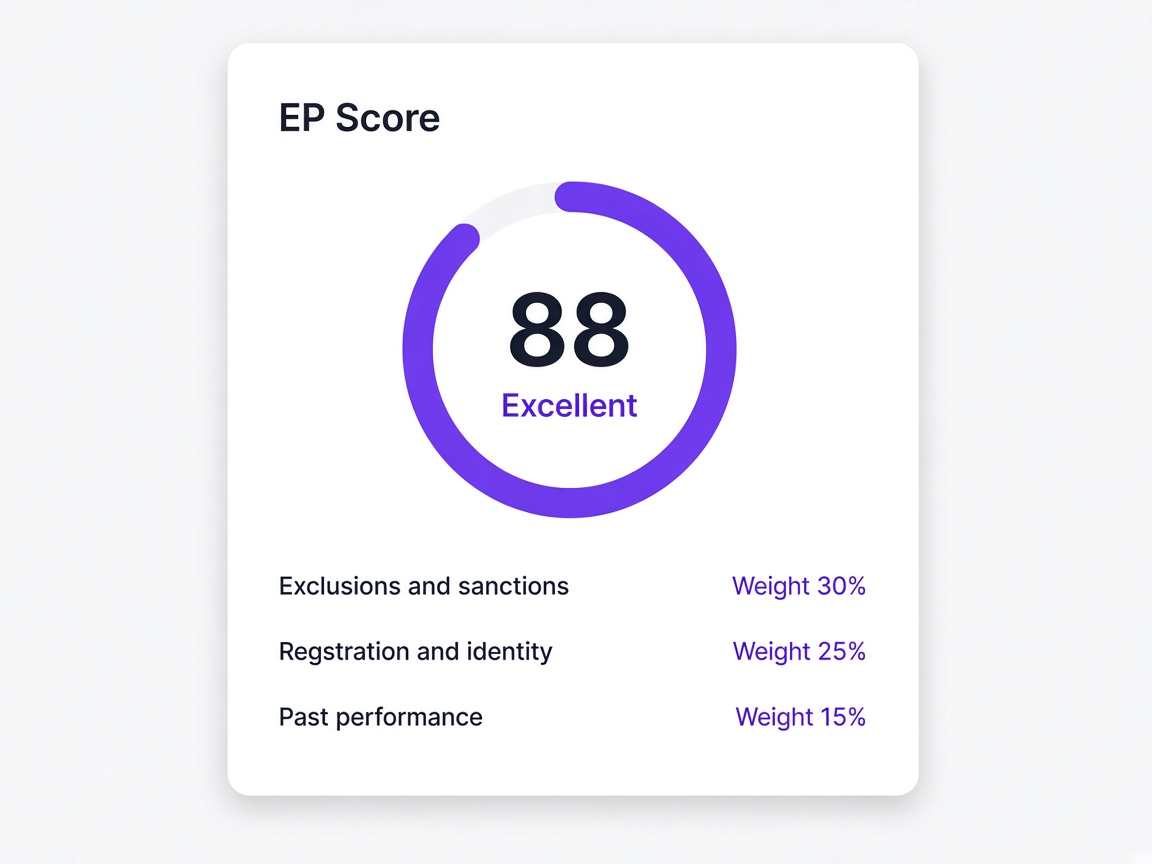
A colleague changes role
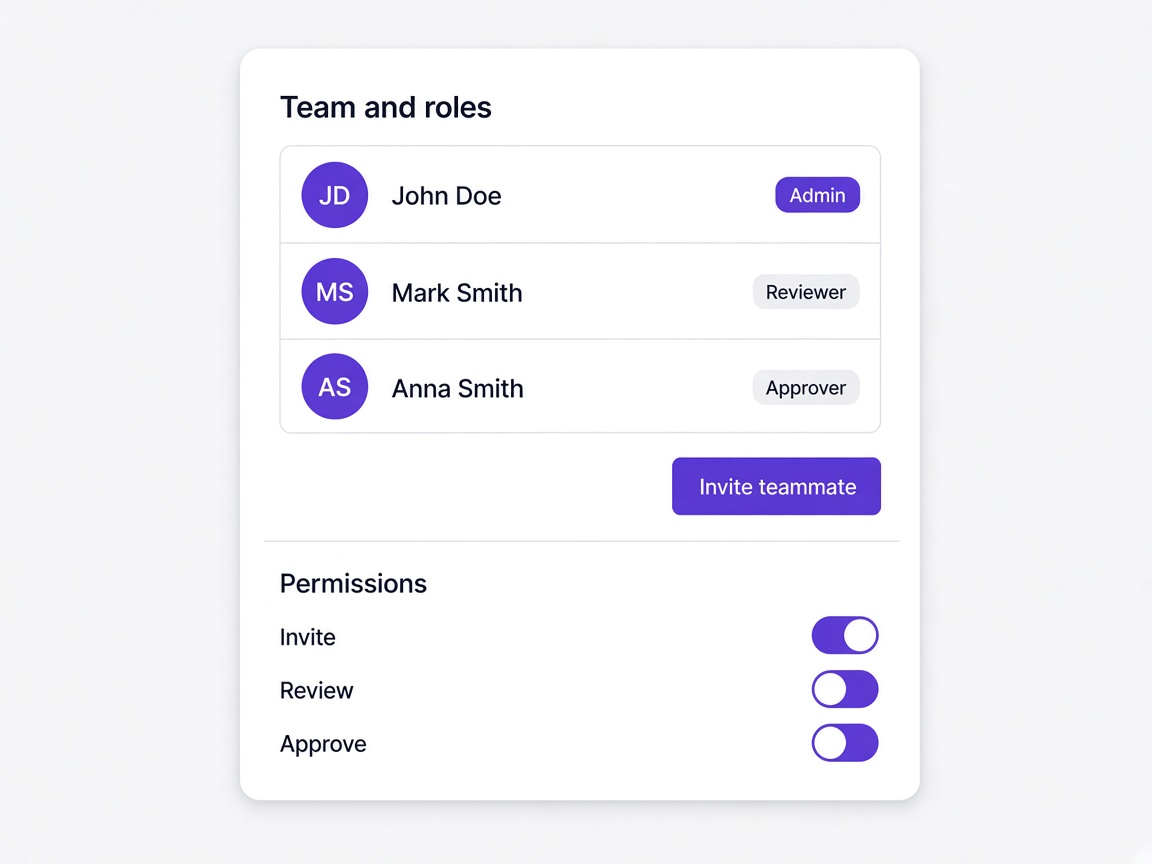
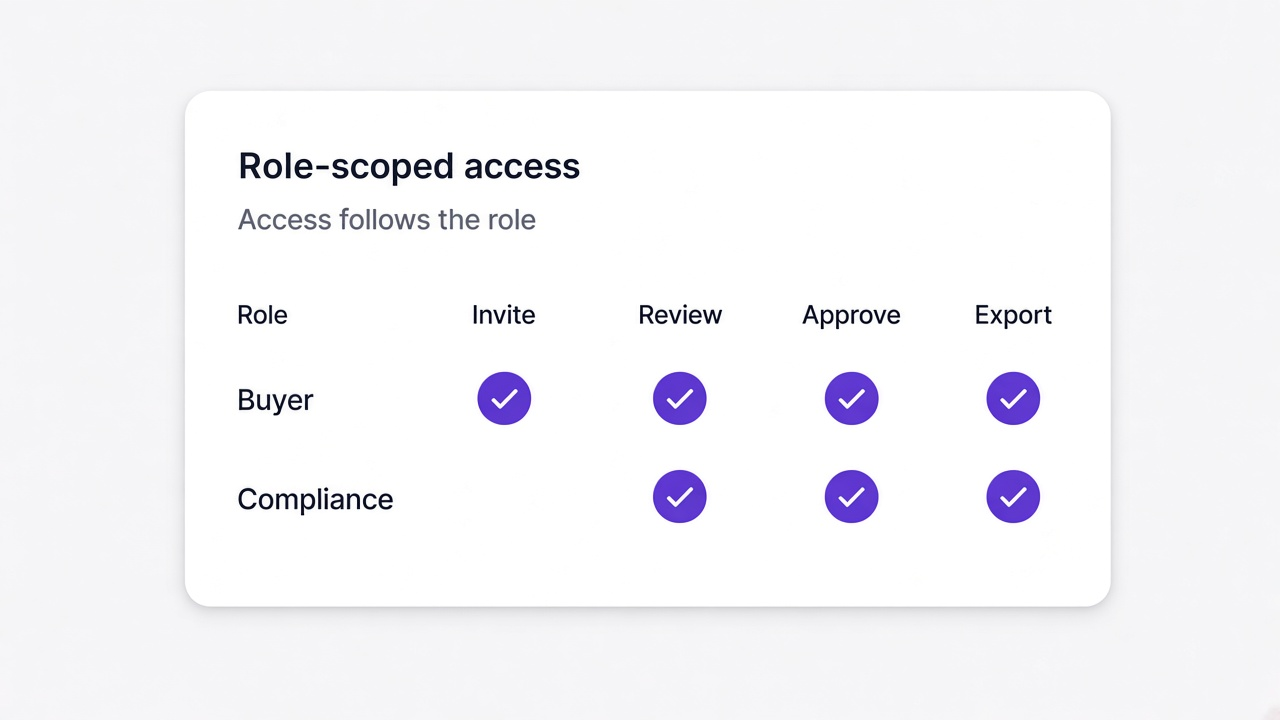
Access follows the role rather than accumulating on top of the old one.
Learn more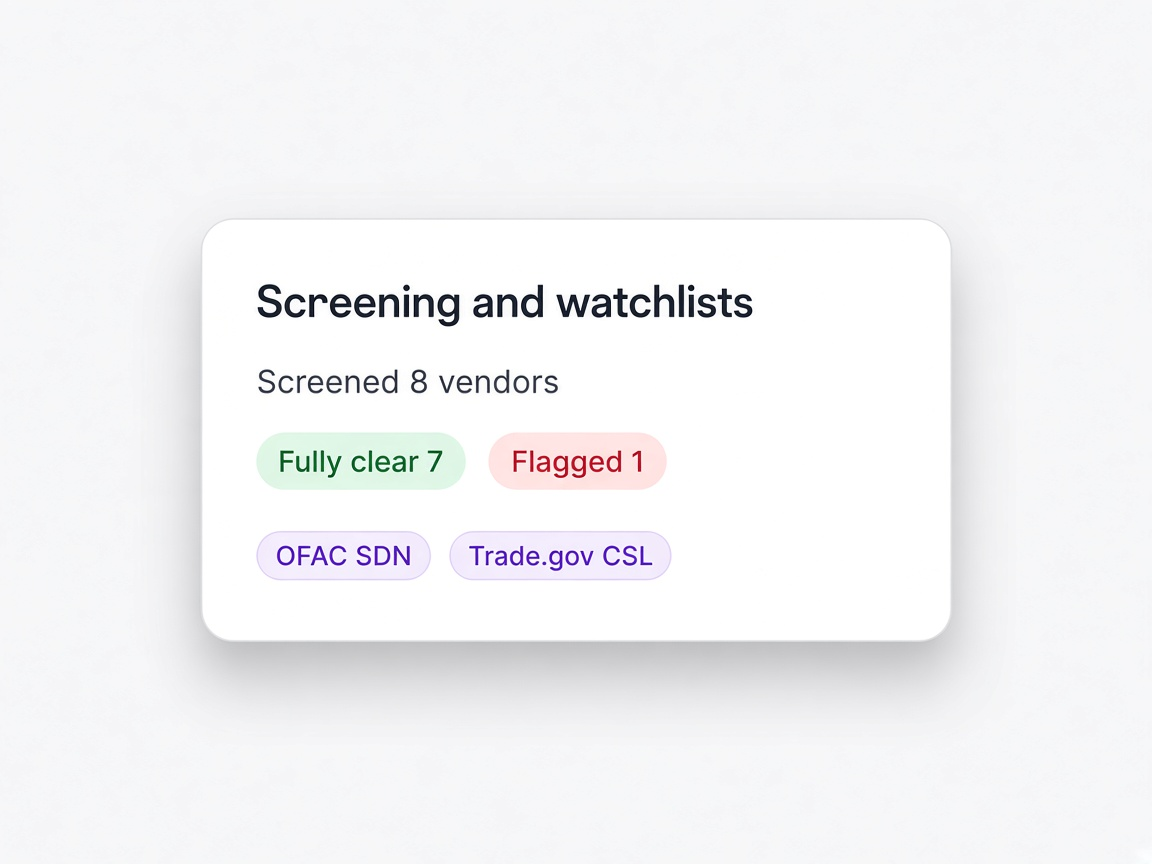
An automatic action looks wrong
Find it in the log, see what it did, and reverse it.
Learn more