Your supplier list should
move in and out freely
A workspace that is hard to get data into does not get adopted, and one that is hard to get data out of should not be. Both directions matter, and the second one matters most when you are deciding whether to start.
Getting in is adoption, getting out is trust
Teams evaluate import because it decides whether starting is painful. They should evaluate export because it decides whether leaving is possible.
You can start with the list you already have
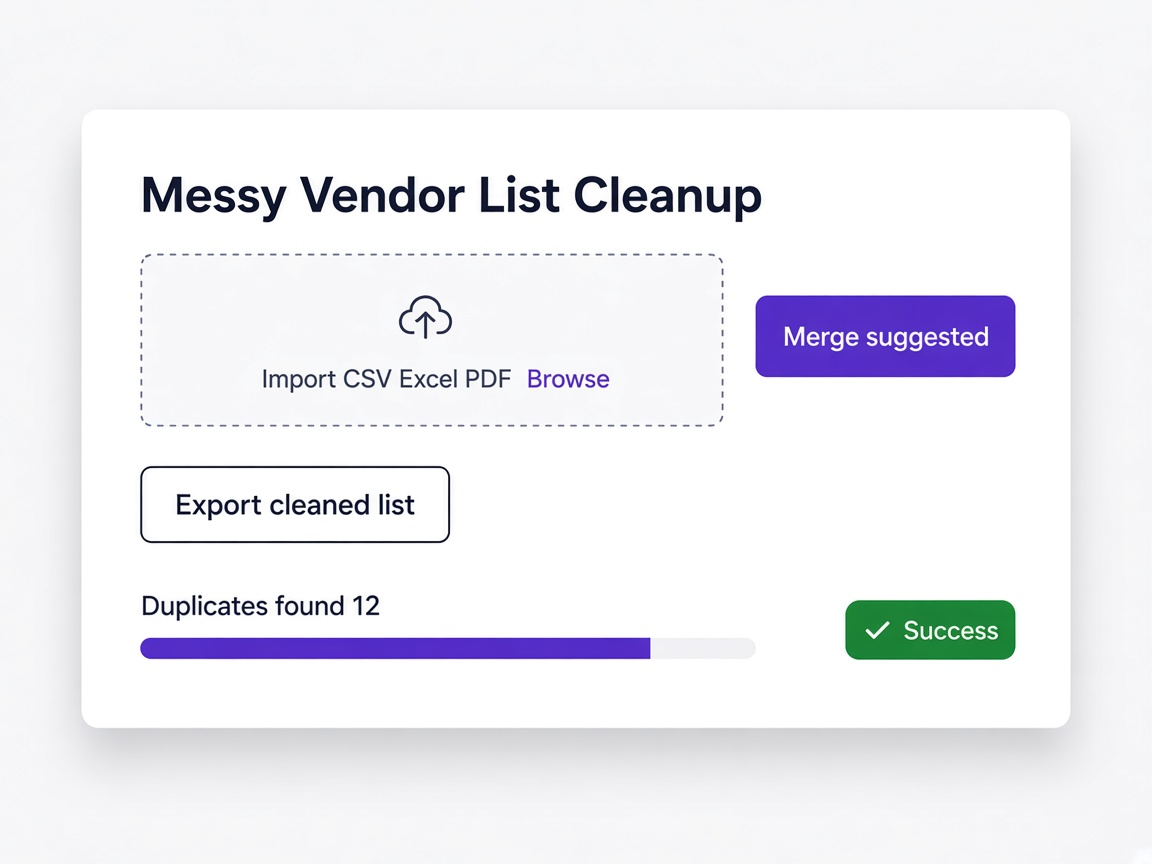
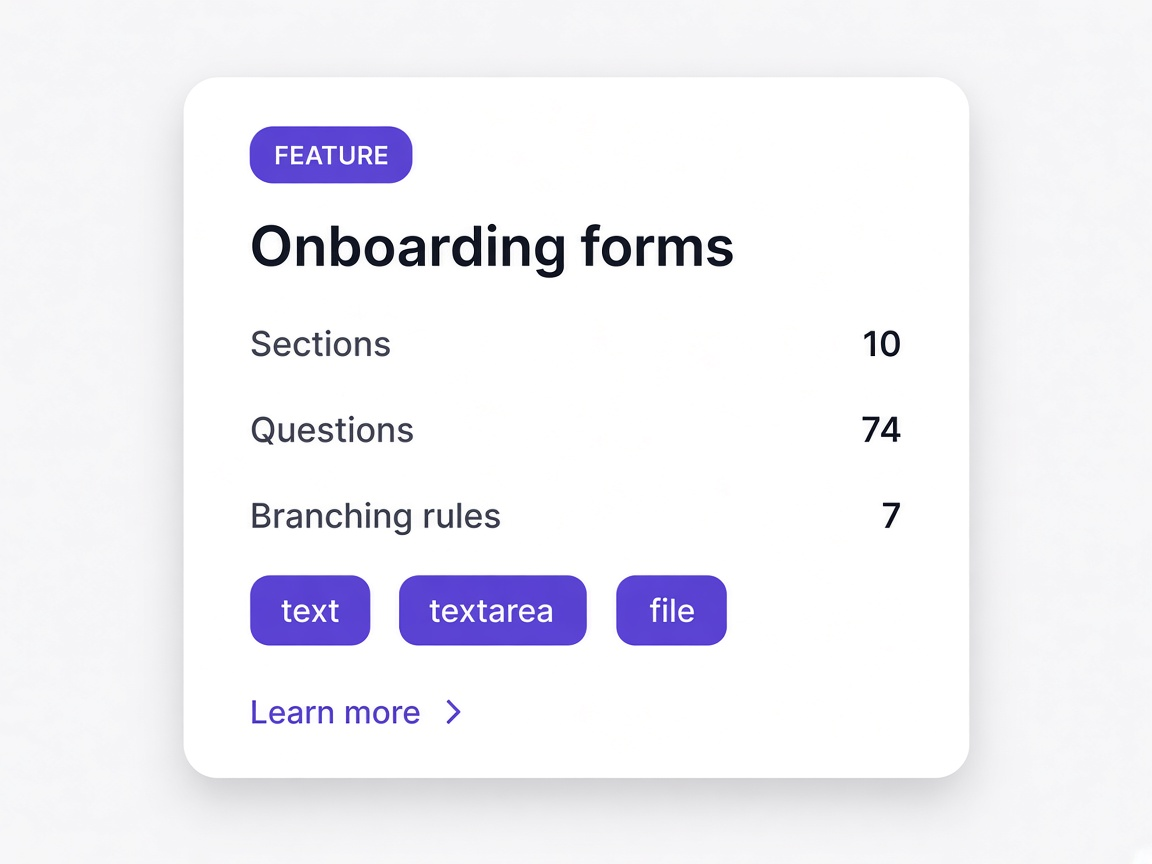
No reformatting into somebody else's template, no cleaning it up first. Bring the file as it stands and the mapping is suggested for you.
The list does not double
Suppliers already held are matched and skipped during import, which is the single most common way a vendor master gets worse rather than better.
Approved suppliers move onward
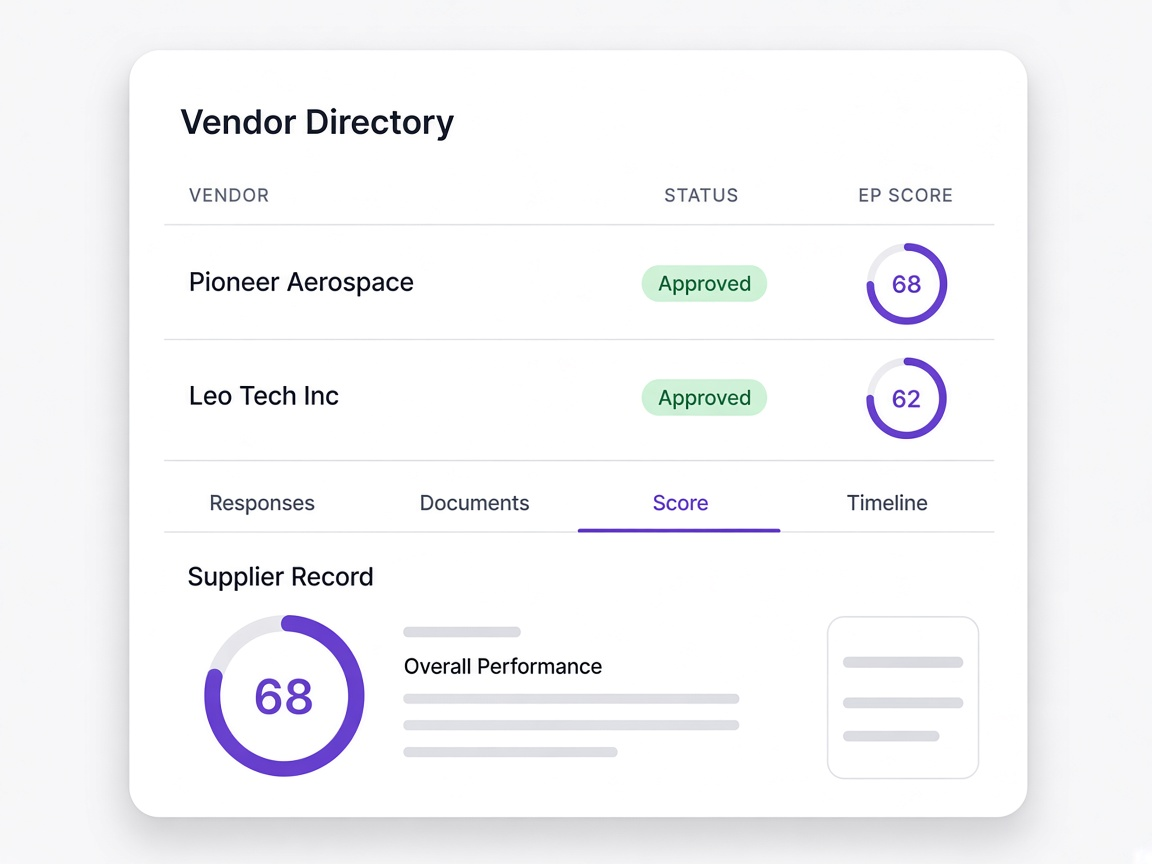
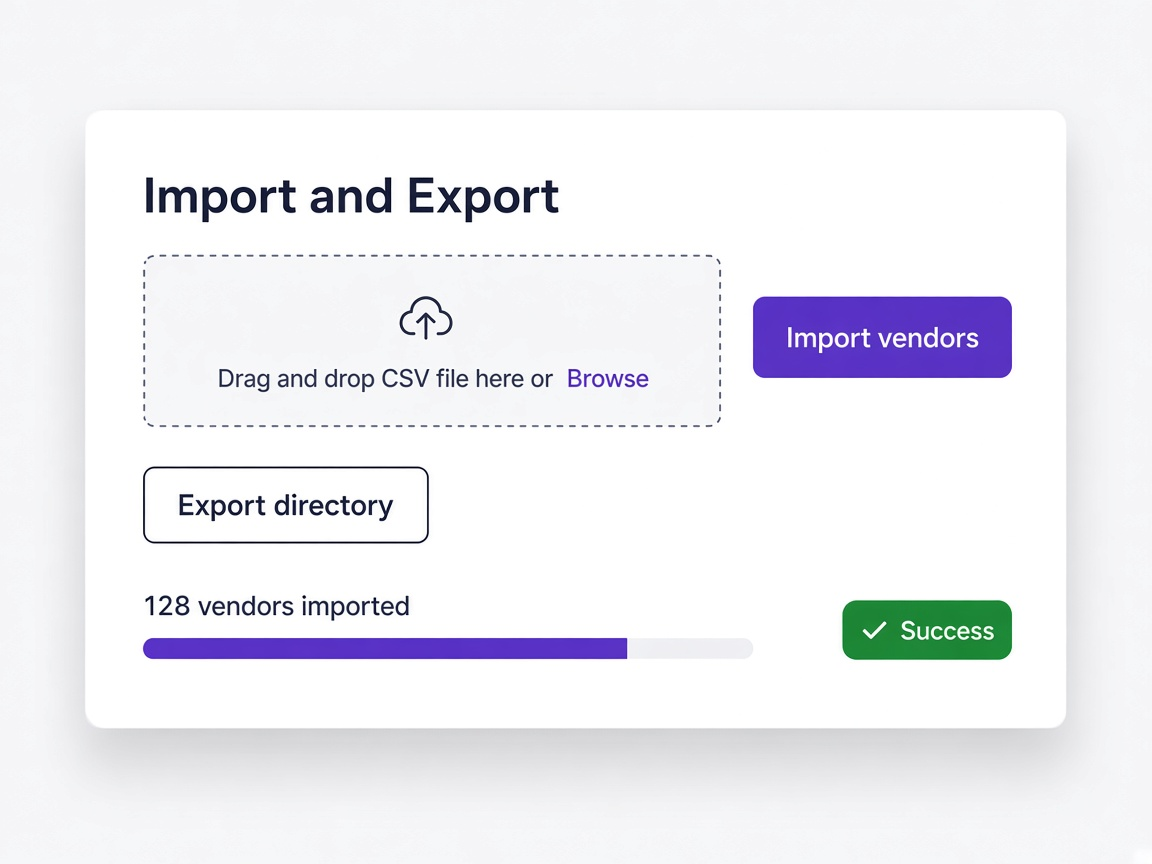
Once a supplier is qualified, the record can be exported with scores, categories and document links, or pushed onward to the systems that need it.
Moments a procurement team will recognise
You inherit a legacy supplier list
Imported as it stands, with duplicates caught before anything is committed.
Learn more
The list is a PDF, not a spreadsheet
Read anyway, rather than retyped into a template first.
Learn more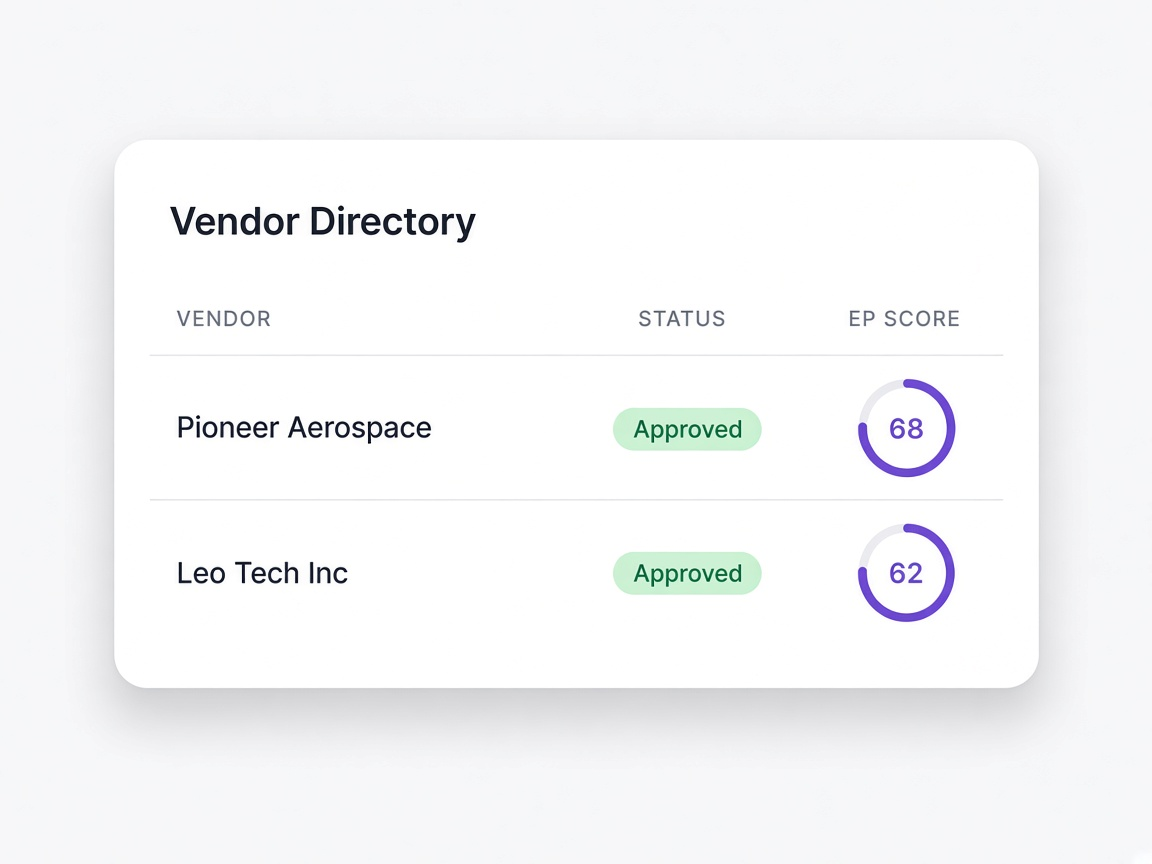
A supplier is approved
Exported onward with their score and documents rather than retyped into another system.
Learn more
Somebody asks about lock-in
A fair question, and the answer is that the directory exports in full.
Learn moreAnd where the friction actually is
Import is the part everyone asks about. Export is the part worth asking about.
Reformat to their template
The tool accepts one shape of CSV, so somebody spends a morning reshaping columns before anything can be tried at all.
Bring it as it is
CSV, Excel, PDF, Word or an image, with mapping suggested rather than demanded.
Exact match or nothing
A column called categorie instead of category fails the import, and somebody has to work out which of forty columns caused it.
Matched intelligently
Close column names are matched and shown to you for confirmation before anything is imported.
Imported anyway
The file contains suppliers you already hold and they arrive as second records, which is how a master file quietly doubles.
Detected and skipped
Existing suppliers are matched during import and skipped, with the count shown before you commit.
Awkward by design
Export is limited, partial, or a support request, which is a commercial decision dressed as a technical limitation.
Straightforward
The directory exports with scores, categories and document links included, by file or onward via API.