
Cleaning Up Vendor Master Data
Import it once, properly
Most vendor master data is inherited rather than built. Duplicates, missing tax identifiers and half-filled rows accumulate quietly, and every cleanup project ends with a list that starts degrading again immediately.
The list degrades because of how rows are created
A cleanup fixes the symptoms. Unless the way records are created changes, the same problems reappear within a year.
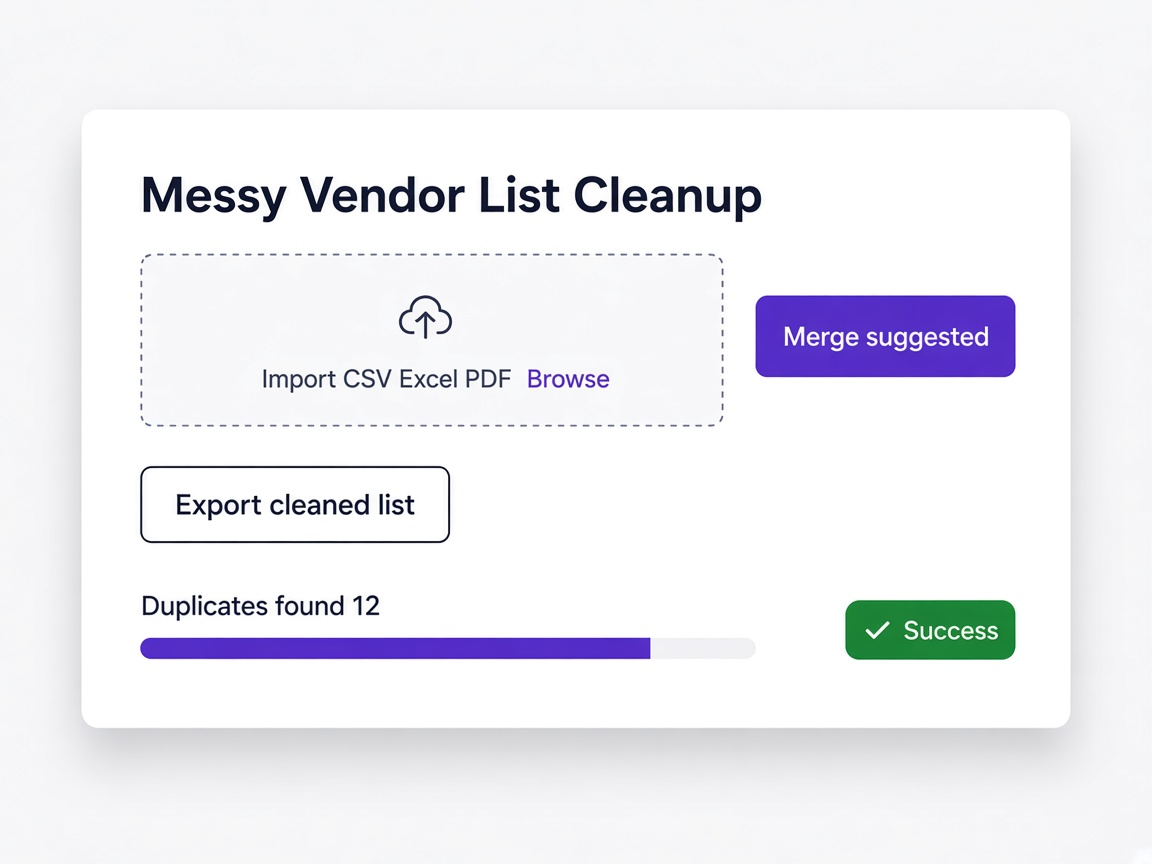
The import does not double the mess
Vendors you already hold are detected and skipped, with the count shown before anything is committed, so a legacy import does not create a second copy of every record.
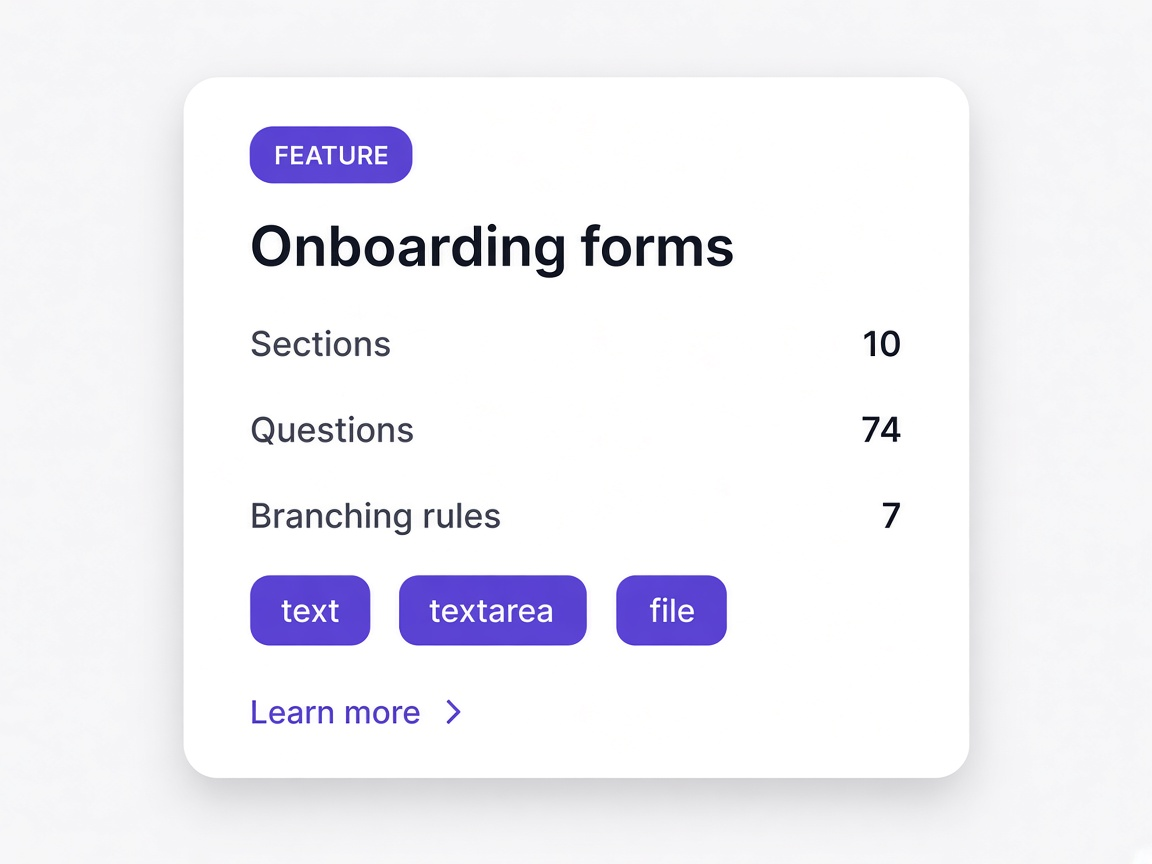
Gaps are filled by the vendor
Missing tax identifiers and contact details are requested from the vendor through a short questionnaire rather than guessed at or typed in by your team.
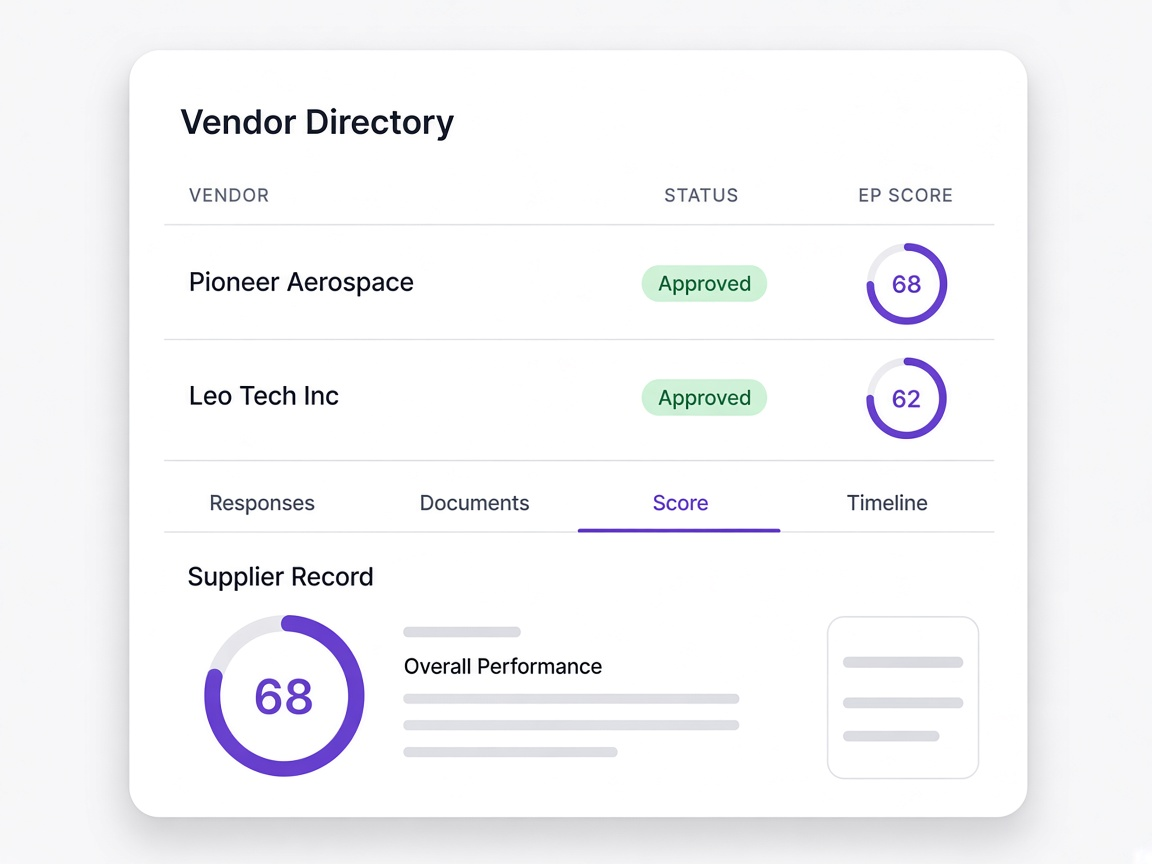
It stays clean afterwards
New vendors arrive through onboarding rather than being typed in mid-task, which is what stops the degradation restarting.
Moments a procurement or finance team will recognise
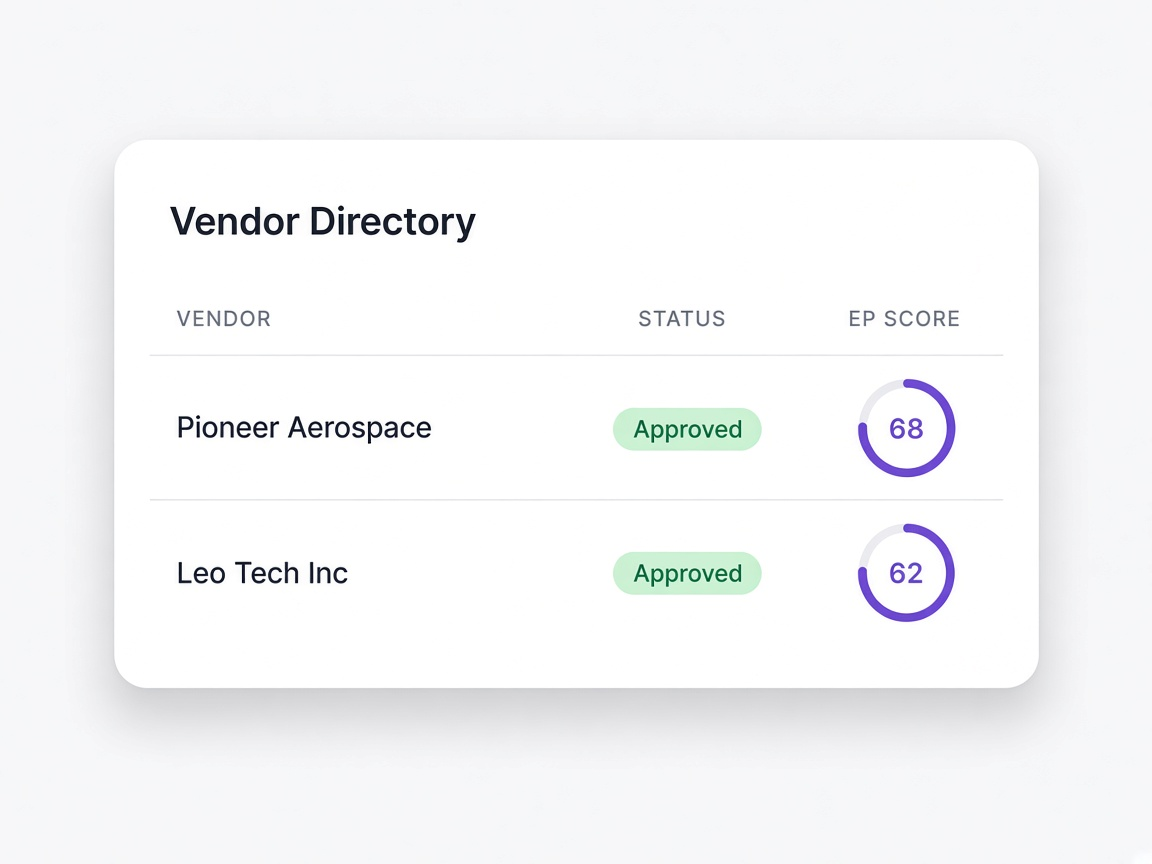
You inherit a legacy vendor list
Imported as it stands with duplicates caught before anything is committed.
Learn moreThe list is a PDF, not a spreadsheet
Read anyway rather than retyped into a template first.
Learn moreTax identifiers are missing
Requested from the vendor through a short questionnaire rather than researched.
Learn moreThe last cleanup did not stick
Because rows were still being created by hand afterwards.
Learn moreA cleanup project against a change in how records are made
The distinction matters, because only one of these is still true a year later.

Reformat to a template
The tool accepts one shape of file, so somebody spends days reshaping columns before the real work starts.
Bring the file as it is
CSV, Excel, PDF, Word or an image, with mapping suggested rather than demanded.
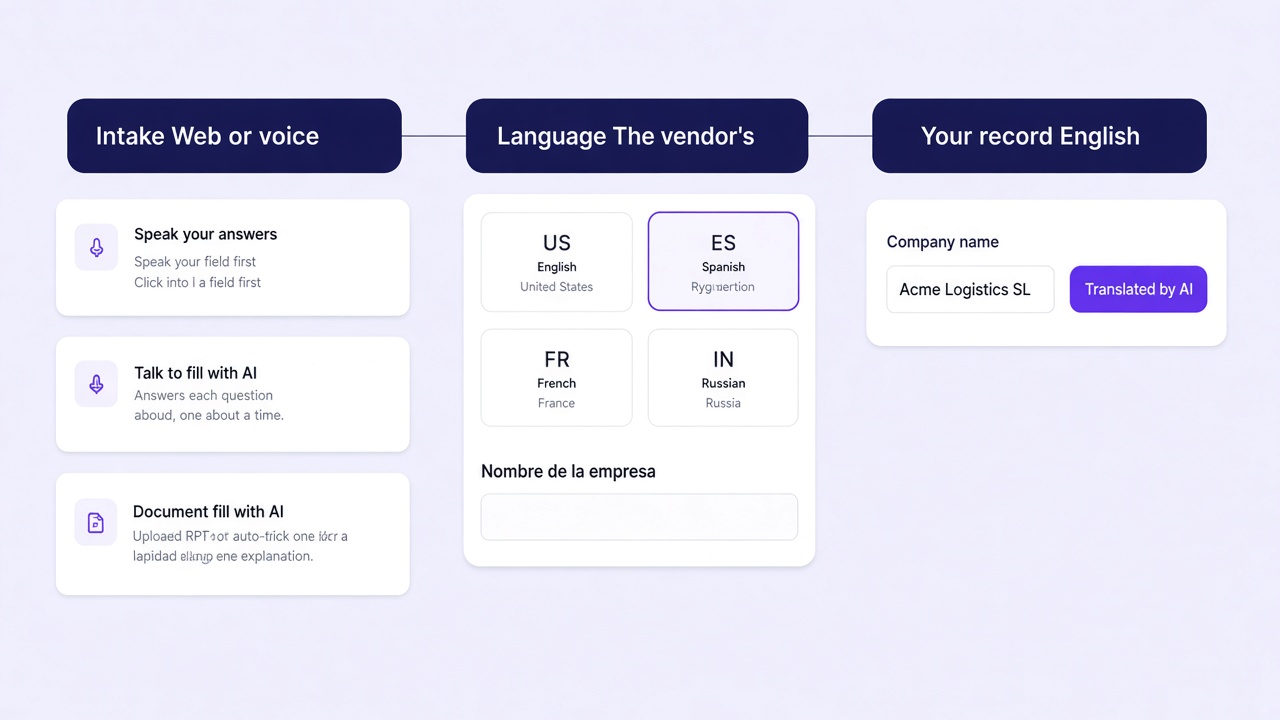
Found afterwards
The import completes and the duplicates are discovered later, usually during a payment run or a report.
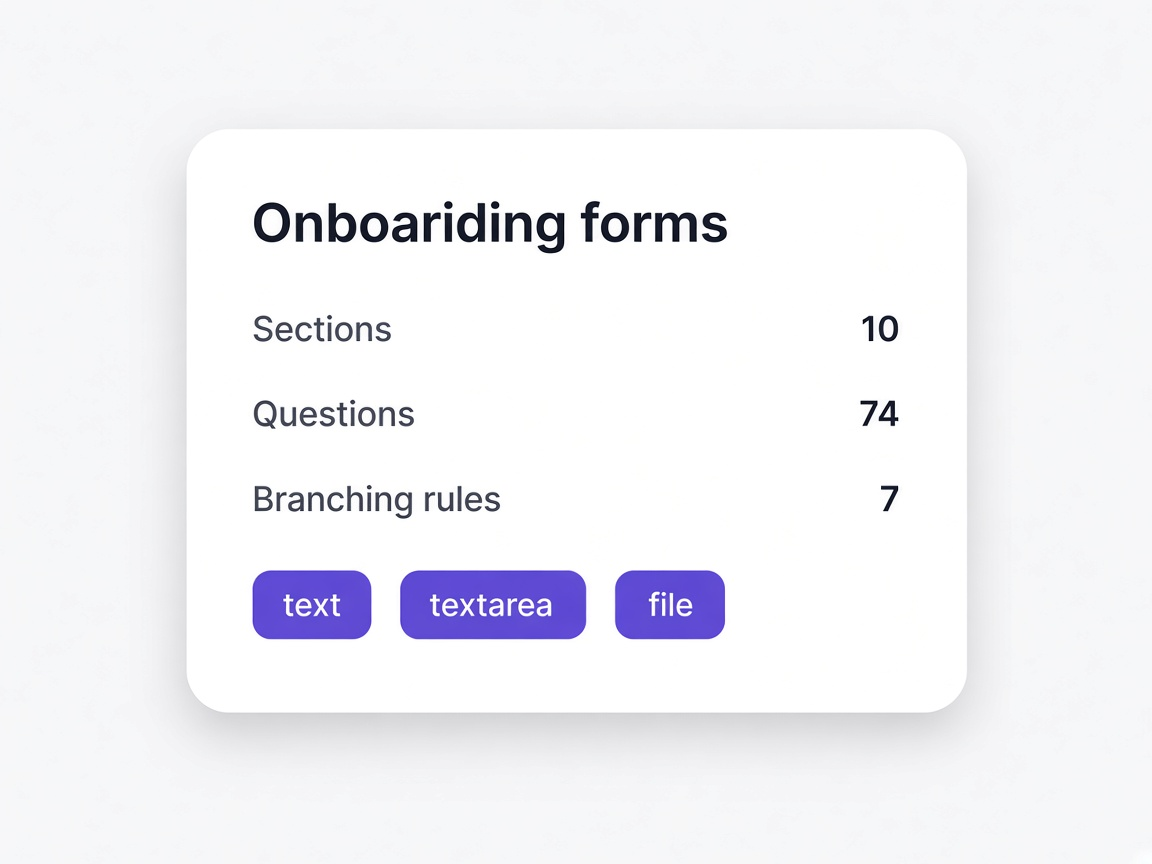
Caught before committing
Existing vendors are matched during import and skipped, with the count shown first.
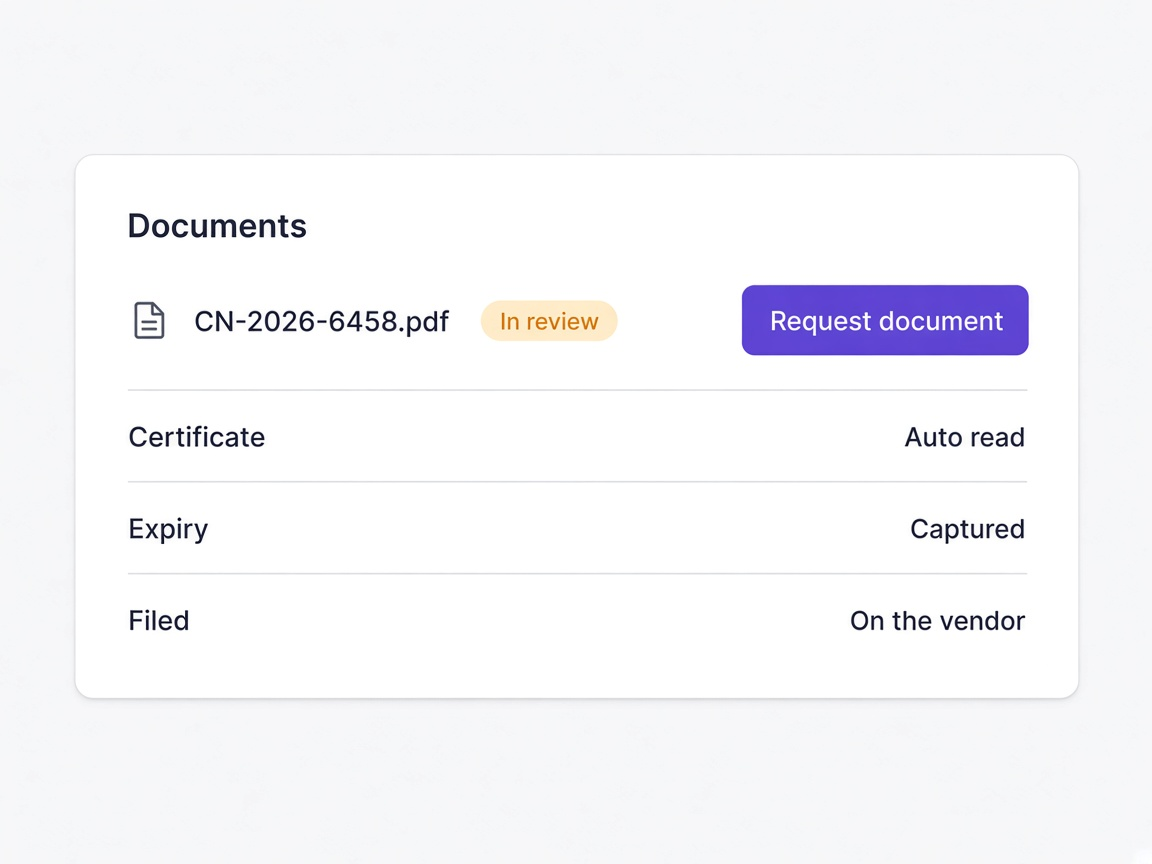
Filled in by staff
Somebody researches tax identifiers and contact details, which is slow and produces guesses that look like facts.
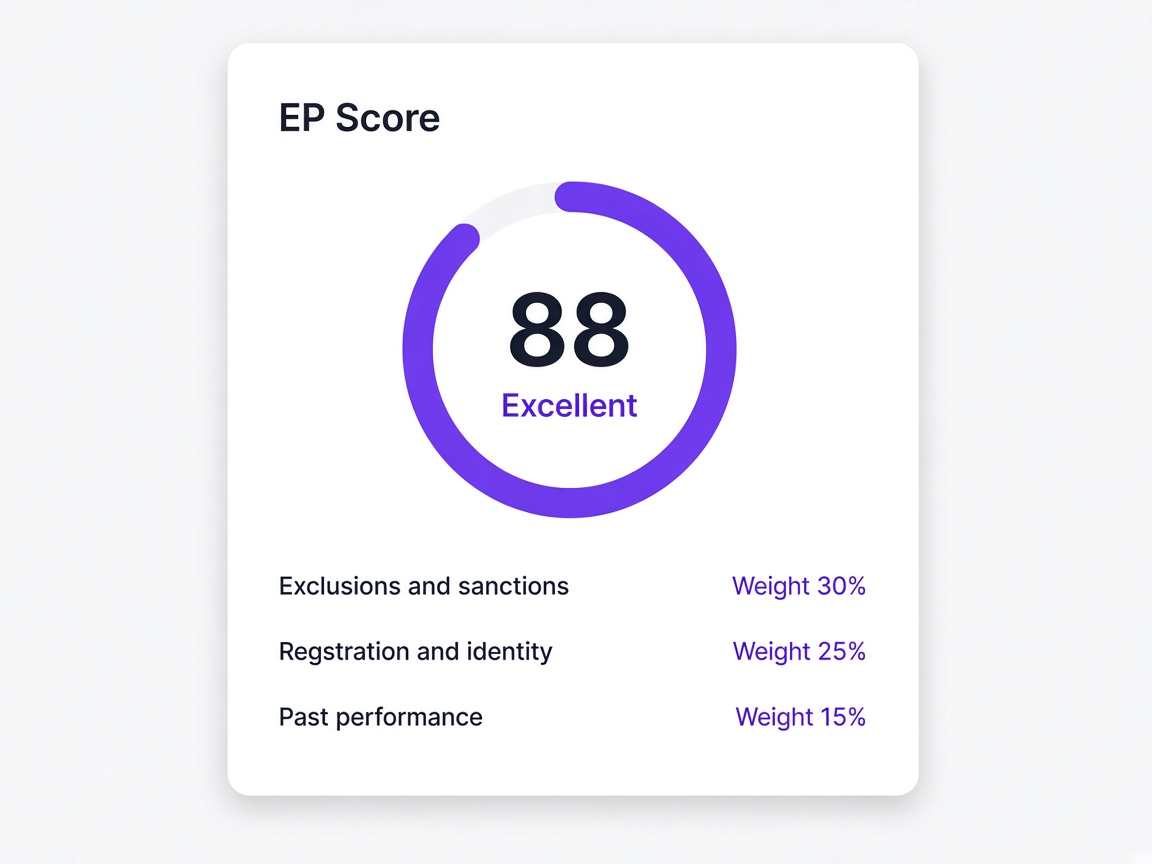
Requested from the vendor
A short questionnaire asks the vendor for what is missing, so the field is answered by the party who knows.
Until the next cleanup
Rows continue to be created by hand mid-task, so the list starts degrading the day the project ends.
By how records are created
New vendors arrive through onboarding, with fields answered rather than typed and duplicates prevented at entry.